Developers
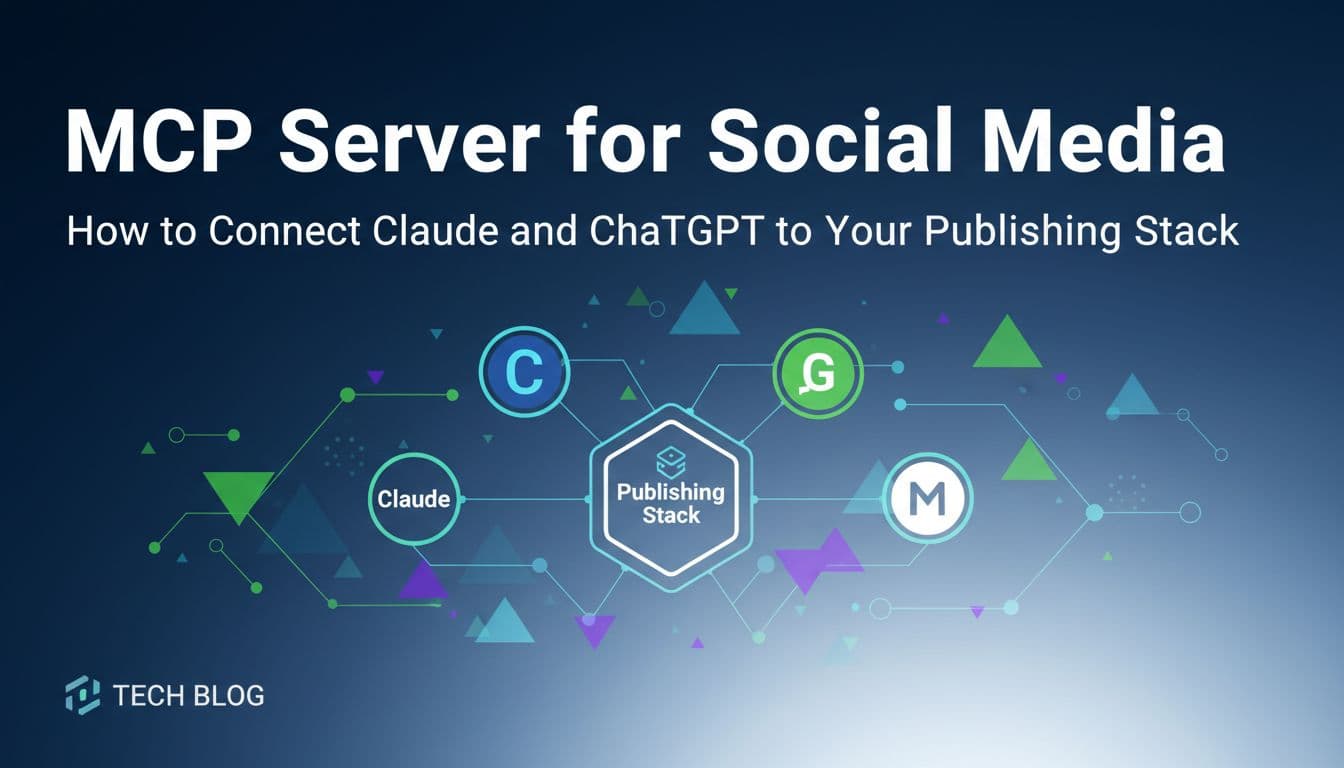
MCP Server for Social Media: How to Connect Claude and ChatGPT to Your Publishing Stack
Most people use Claude or ChatGPT to write social media content, then manually copy it into a scheduler. That extra step costs more time than it seems. Model Context Protocol (MCP) servers eliminate that gap entirely. Instead of switching tabs and pasting content, your AI assistant can draft, schedule, and publish posts directly from your chat interface. Only about seven platforms in the world currently support MCP for social media, making this one of the rarest and most valuable capabilities available to marketing teams right now. This article breaks down what MCP servers actually do, why they matter for social media automation, and how solopreneurs, agencies, and developers can use them to build hands-off publishing workflows. If you already use AI tools for content creation, this is the infrastructure upgrade that makes those tools actually work end-to-end.

By Wilzer Jean-Baptiste
Published 13 min read
You open Claude, write a LinkedIn post, copy it, open your scheduler, paste it, pick a date, add hashtags, and hit publish. Then you do the same thing for Instagram. Then for X. By the time you're done, you've spent 20 minutes on distribution for content that took 5 minutes to write. That's backwards. Model Context Protocol, or MCP, is the fix. It's a standard that lets AI assistants like Claude and ChatGPT connect directly to external tools, including social media platforms, so they can take action instead of just generating text. The workflow shifts from "AI writes, human distributes" to "AI handles the whole thing." That's not a small upgrade. It's a structural change in how content teams operate.
What MCP Servers Actually Do (And Why They're Different)
The Problem With Copy-Paste Workflows
Every time you use an AI assistant to create content, you hit the same wall. The AI does its job, produces something useful, and then the work stops. Getting that content into the world still requires you to manually move it from the chat window into whatever tool actually publishes it. That's context switching, and it adds up fast.
Think about a week where you're posting to three platforms, five days a week. That's 15 individual copy-paste-schedule actions. Each one takes two to five minutes when you factor in reformatting for each platform, picking the right time, adding hashtags, and double-checking everything. You're spending one to two hours a week on pure distribution overhead. MCP servers eliminate that entirely by letting your AI assistant reach directly into your publishing stack and do the work itself.
The difference isn't just convenience. When your AI can act instead of just suggest, the whole workflow changes. You stop being the bridge between the AI and the tool. The AI becomes the operator, and you become the approver.
How MCP Connects AI Assistants to Social Platforms
MCP, which stands for Model Context Protocol, is an open standard that defines how AI assistants communicate with external tools and services. Think of it like a universal plug. Before MCP, every integration between an AI tool and an external service had to be custom-built from scratch. After MCP, any compatible AI assistant can connect to any compatible service using the same protocol.
For social media, this means Claude or ChatGPT can authenticate with your publishing platform, read your content calendar, draft posts in your brand voice, pick optimal posting times, and schedule everything without you touching a single button. The AI doesn't just output text into a chat window. It takes real actions in real tools. That's the leap from AI as a writing assistant to AI as an autonomous agent. The chat interface becomes a control panel, and the MCP server becomes the bridge that makes commands actually execute.
Why This Matters More Than a Standard API
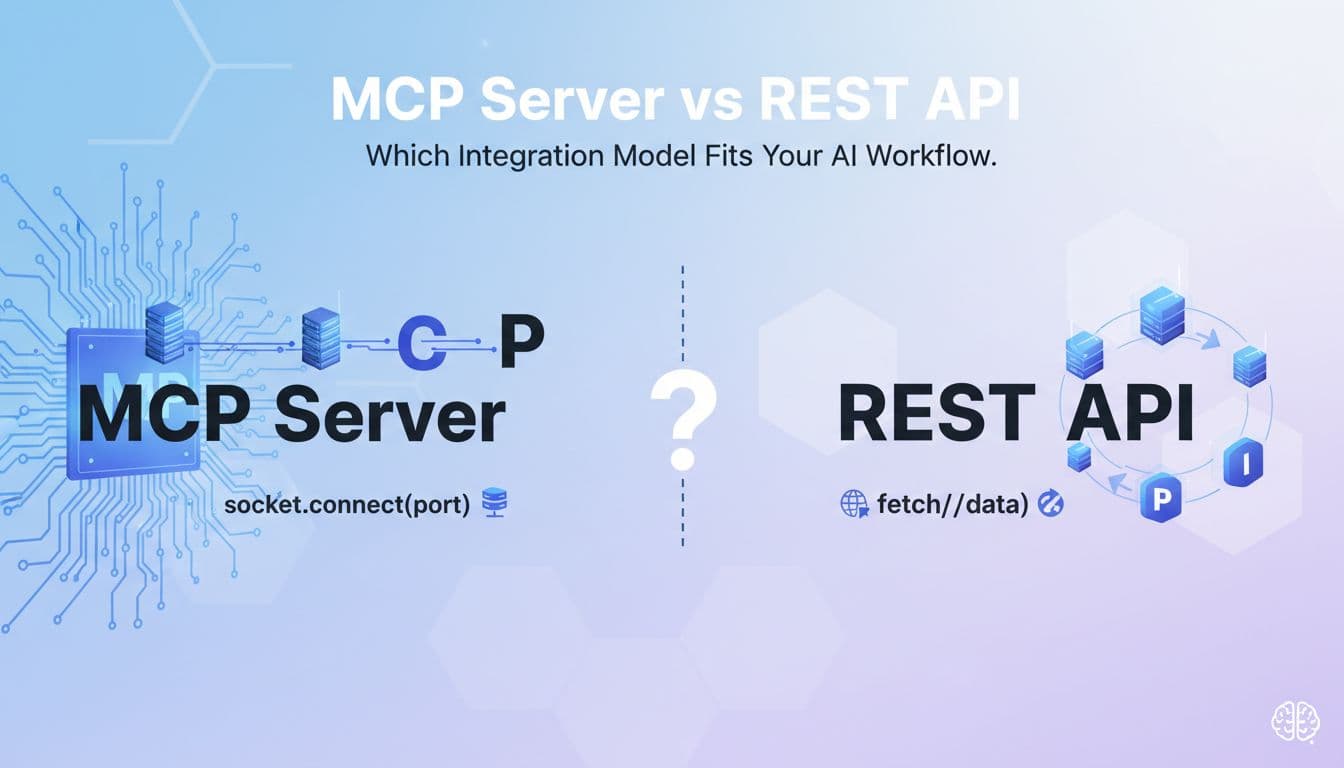
APIs have existed for years, and plenty of tools offer them. So why does MCP matter separately? The key difference is that MCP is designed specifically for AI agents to use, not just for developer scripts. A standard REST API requires a developer to write code that calls specific endpoints in a specific sequence. An MCP server exposes those same capabilities in a way that an AI assistant can discover, understand, and use on its own, based on natural language instructions.
When you tell Claude to schedule your next three Instagram posts based on your brand calendar, it doesn't need a pre-written script to do that. It queries the MCP server, understands what actions are available, and executes the right sequence. That's a fundamentally different model. It means non-technical users can build sophisticated publishing workflows just by having a conversation with their AI assistant, no code required.
The Rarity Factor: Why Only ~7 Platforms Support This
MCP for Social Media Is Genuinely Rare
Here's something most people don't realize. As of 2026, only about seven platforms in the world support MCP for social media publishing. That's not a lot. The broader MCP ecosystem is growing fast across categories like databases, project management, and code tools, but social media has been slower to adopt it. Most traditional schedulers were built before agentic AI was a real consideration, and retrofitting that kind of architecture isn't trivial.
This scarcity matters strategically. Teams that adopt MCP-compatible platforms now aren't just getting a feature. They're getting a structural advantage over competitors who are still stuck in copy-paste workflows. When your team can publish 15 posts in the time it takes a competitor to manually schedule three, that compounds over weeks and months. The output gap becomes significant.
Aidelly is one of the few platforms that has built native MCP server support, which means you can connect Claude, ChatGPT, or any other compatible AI assistant directly to your social media publishing stack without workarounds or third-party glue tools. That's a meaningful differentiator in a market where most tools still treat AI as a content suggestion feature rather than an autonomous publishing agent.
What Traditional Schedulers Get Wrong About AI
Most social media schedulers added AI as a feature layer on top of an existing product. They gave you an AI writing button inside their interface. That sounds useful, but it keeps AI in a supporting role. You still have to be inside the scheduler to use the AI. You still have to manually trigger it, review each output, and approve every post one at a time. The scheduler is still the center of the workflow, and AI is just a faster way to fill in the content field.
MCP flips that model. With MCP, your AI assistant becomes the center of the workflow. You work inside Claude or ChatGPT, where you're already comfortable, and the scheduler becomes a background service that the AI calls when it needs to publish something. The tool serves the agent, not the other way around. For teams that already live inside AI chat interfaces for research, writing, and planning, this is a much more natural way to work.
The Structural Advantage for Early Adopters
Early adoption of infrastructure-level tools tends to create durable advantages. When email marketing automation first became accessible to small businesses, the teams that adopted it early built larger lists, better sequences, and stronger customer relationships before their competitors caught up. MCP for social media is at a similar inflection point right now.
Teams using MCP-compatible platforms today are learning how to build agentic workflows, how to write effective prompts that direct AI publishing agents, and how to structure brand voice guidelines that an AI can actually follow consistently. That operational knowledge compounds. By the time MCP support becomes standard across most schedulers, early adopters will have months of refined workflows, tested prompts, and optimized publishing patterns that late movers will have to build from scratch. The technology gap closes, but the operational gap stays open.
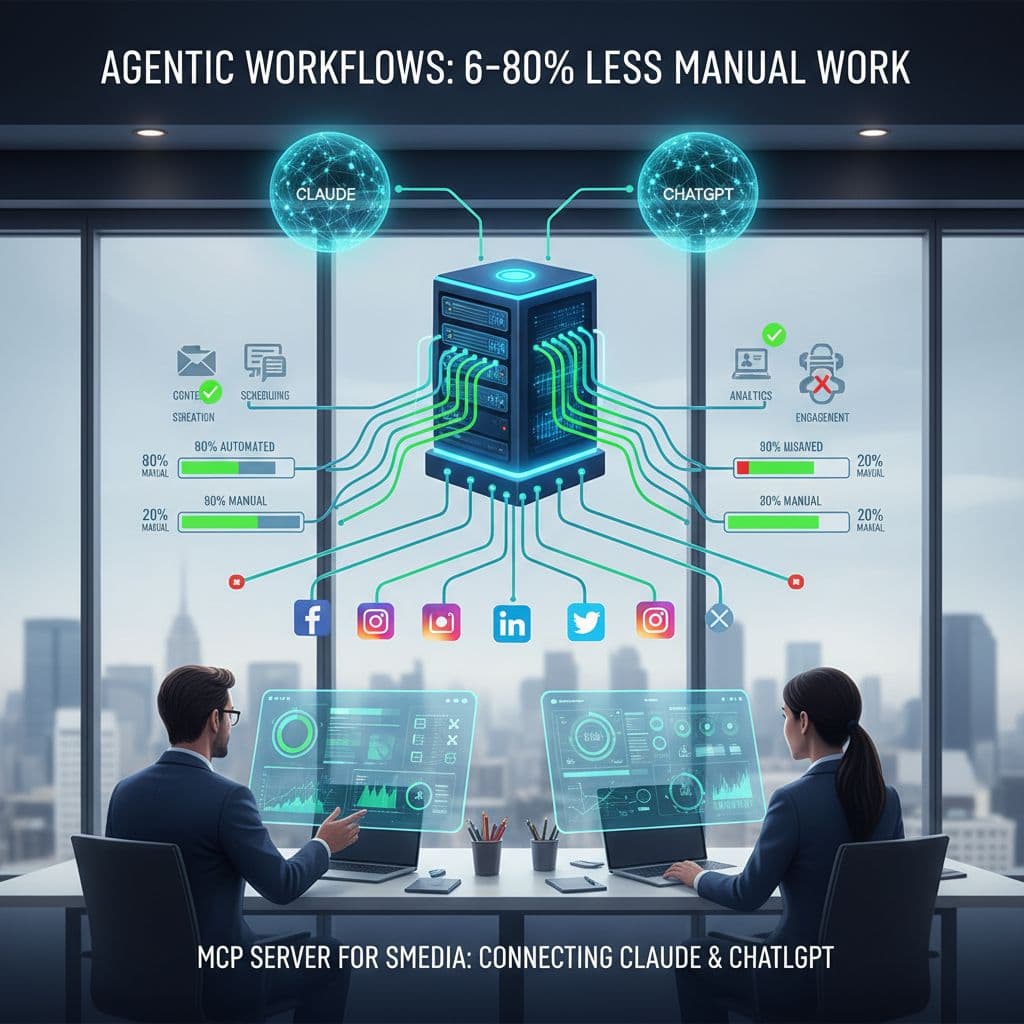
Agentic Workflows: What 60-80% Less Manual Work Actually Looks Like
From Content Creator to Content Approver
The phrase "reduce manual work by 60-80%" sounds like marketing copy until you map out what a fully agentic social media workflow actually replaces. Let's be specific. In a traditional workflow, a solopreneur managing three social platforms might spend 30 minutes writing content, 20 minutes reformatting it for each platform, 15 minutes finding or resizing images, 10 minutes scheduling each post individually, and another 10 minutes reviewing analytics to decide what to post next. That's 85 minutes of work per content cycle, and most of it isn't creative. It's operational.
An agentic workflow powered by MCP compresses most of that into a single prompt. You tell your AI assistant what you want to communicate this week, point it at your brand voice guidelines and content calendar, and it drafts platform-specific versions of each post, schedules them at optimal times based on your historical performance data, and queues them for your review. You spend 10 minutes approving instead of 85 minutes producing. The 60-80% reduction is real, and it shows up immediately.
How Brand Voice Awareness Changes the Output
The reason most AI-generated social content feels generic is that the AI has no context about who you are. It knows what a LinkedIn post looks like in general, but it doesn't know that your brand uses dry humor, avoids corporate language, always leads with a customer story, and never uses exclamation points. Without that context, every output needs heavy editing before it's usable.
Agentic workflows built on platforms like Aidelly solve this by storing your brand voice guidelines, past high-performing posts, and content preferences as persistent context that the AI references every time it drafts something. The result is content that actually sounds like you from the first draft. Combined with MCP, this means your AI assistant isn't just scheduling posts. It's scheduling posts that match your voice, fit your platform-specific tone, and align with your content calendar, all without you rewriting everything from scratch.
Real Workflow Scenarios That Show the ROI
A marketing agency managing eight client accounts might use an MCP-connected Claude project to run a weekly content generation session. The agent pulls each client's brand guidelines, reviews what performed well last week using cross-platform analytics, drafts a week of posts for each account, and drops everything into an approval queue. Account managers review and approve in batches instead of creating from scratch. The agency handles more clients with the same team size.
A coach with a personal brand uses a simple prompt every Monday morning: "Draft this week's content based on my upcoming workshop and last week's top posts." Claude handles the drafting and scheduling across Instagram, LinkedIn, and X. The coach spends 15 minutes approving posts instead of two hours writing and scheduling them. A developer building a content-heavy product uses Cursor with an MCP connection to publish release notes, feature announcements, and community updates directly from their development environment without switching tools at all. Each scenario is different, but the core shift is the same: the AI does the operational work, and the human does the judgment work.
How to Integrate MCP Into Your Existing AI Workflow
Connecting MCP to Claude, Cursor, and Custom Scripts
One of the most practical things about MCP is that it fits into tools you're already using. You don't have to rebuild your workflow around a new interface or learn a new platform from scratch. If you use Claude for content work, you add the MCP server as a connected tool inside your Claude project. If you use Cursor for development, you configure the MCP server in your workspace settings. If you have custom Python or Node scripts that handle content generation, you call the MCP server endpoints directly from those scripts.
The setup process for Aidelly's MCP server is straightforward. You generate an API key inside your Aidelly account, add the server configuration to your AI tool of choice, and authenticate. From that point forward, your AI assistant can see your connected social accounts, read your content calendar, and publish posts on command. The technical lift is low. Most teams are up and running in under an hour, and the workflow benefits start immediately.
For teams with more complex needs, the MCP server works alongside Aidelly's REST API, so you can mix agentic AI actions with programmatic publishing from custom scripts. A developer might use the REST API to auto-publish product updates triggered by a deployment pipeline, while the marketing team uses Claude via MCP to handle editorial content. Both workflows run through the same platform, which means analytics and scheduling are unified.
Building a Claude Project Around Social Publishing
Claude Projects let you store persistent instructions, brand guidelines, and context that Claude references across every conversation in that project. Paired with an MCP server connection, this becomes a powerful setup for autonomous social media management. You create a project specifically for your social media work, upload your brand voice document, add your content pillars, include examples of your best-performing posts, and connect the MCP server. Every time you open that project and give Claude a publishing task, it already knows your voice, your platforms, your audience, and your goals.
You can go further by adding your content calendar as a reference document and instructing Claude to align new posts with upcoming campaigns or product launches. The agent drafts content that fits the bigger picture, not just the immediate prompt. Over time, as you approve and reject drafts, you can refine the instructions to get outputs that need less editing. The system gets more accurate the more you use it, which is the compounding benefit of building a dedicated AI workspace for this work.
Why One Integration Works Across Every Compatible AI Tool
Here's the part that makes MCP especially valuable as a long-term investment. Because MCP is an open protocol standard, not a proprietary integration, one MCP server connection works across every AI assistant that supports the protocol. You connect Aidelly's MCP server once, and it works with Claude today, ChatGPT tomorrow, and whatever new AI assistant becomes your team's preferred tool next year. You don't rebuild the integration each time you adopt a new AI tool. The connection is to the protocol, not to a specific AI product.
This matters because the AI assistant landscape is moving fast. New models with better reasoning, lower costs, or specialized capabilities launch regularly. Teams that have built their workflows on proprietary AI integrations have to rebuild every time they switch tools. Teams that have built on MCP just point their new AI assistant at the same server and keep going. The infrastructure investment stays stable even as the AI layer evolves. For developers and technical teams especially, this is a significant architectural advantage. Build once, benefit across the entire future of compatible AI tools.
It also means that as more AI assistants adopt MCP support, your publishing workflows become accessible from more places without additional setup. A team member who prefers a different AI tool than the rest of the team can still connect to the same MCP server and publish to the same social accounts. The workflow is tool-agnostic, which reduces friction and increases adoption across the team.
MCP servers aren't a future concept. They're available now, and the teams adopting them are already working faster and publishing more consistently than teams stuck in manual copy-paste cycles. The combination of an open protocol standard, agentic AI capabilities, and a platform built to support both means the gap between early adopters and everyone else is growing every week. Choosing the right social media platform is no longer just about scheduling features or analytics dashboards. It's about whether your tools can actually work with the AI assistants your team already uses every day. Aidelly's MCP server support, agentic workflows, and brand voice management make it one of the few platforms built for how content teams actually work in 2026, not how they worked five years ago.
MCP servers give you the infrastructure to connect AI assistants directly to your publishing stack, but you still need a platform that turns those connections into autonomous workflows. Aidelly's agentic workflows take MCP integration further by letting your AI agents handle the entire process end-to-end: drafting posts in your brand voice, scheduling across platforms, and analyzing performance—all without manual handoffs. If you're ready to shift from manual scheduling to truly autonomous publishing, explore how Aidelly works.
Compare social scheduling tools
Evaluating software for your content workflow? Use our buyer guides and comparisons to compare scheduling, approvals, analytics, and AI workflow fit.