What YouTube content can Aidelly post?
Aidelly currently supports YouTube Shorts (short-form vertical video). Long-form video uploads and livestreams are not supported.
Connect your YouTube channel to Aidelly and publish Shorts automatically from an AI agent or the dashboard. Set captions, hashtags, and publish times, then let Aidelly handle the upload and delivery.
Supports YouTube Shorts only. Long-form video uploads are not currently available.
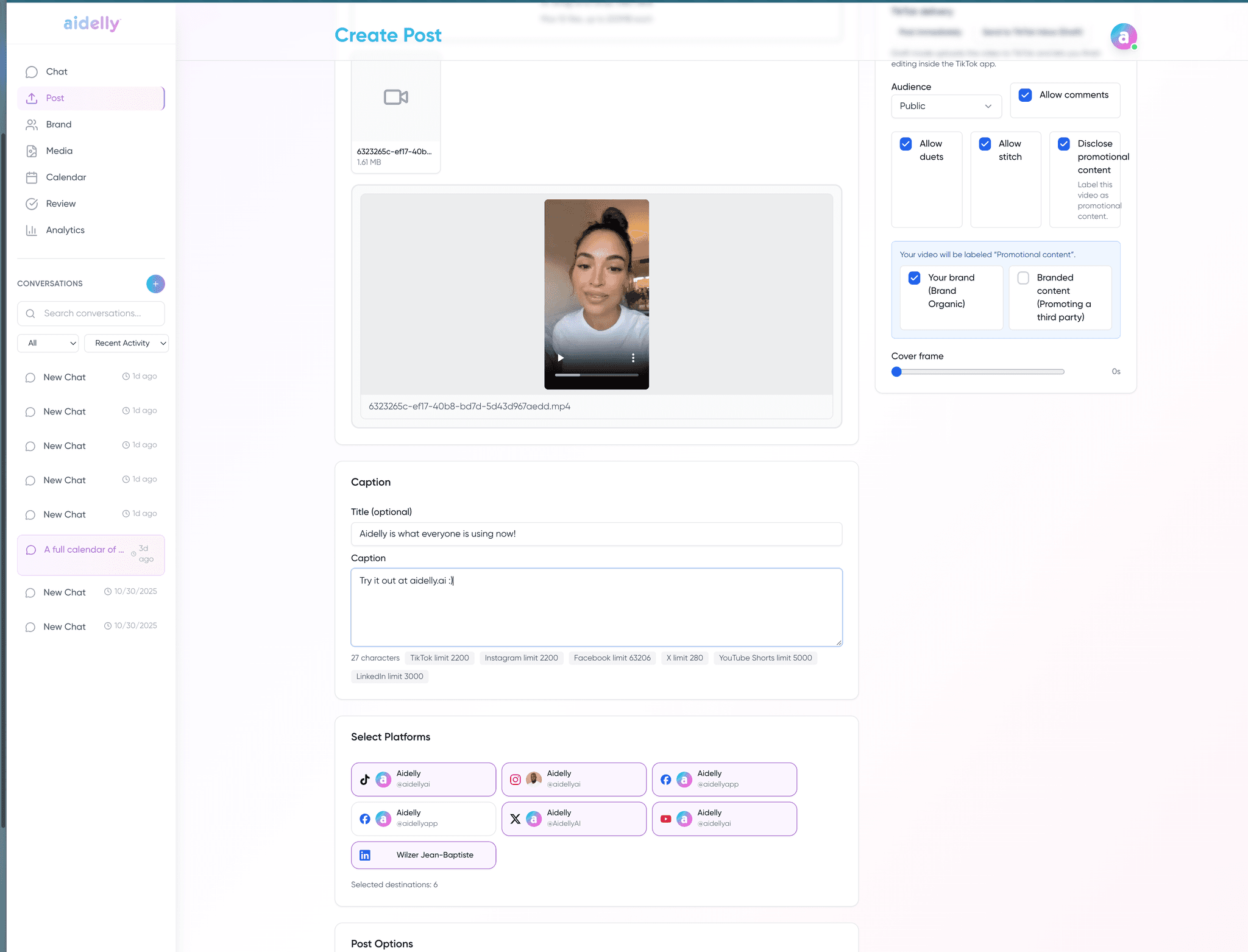
Upload short-form vertical videos as YouTube Shorts with captions, hashtags, and full metadata directly from Aidelly.
Queue Shorts to publish at any future date and time. Aidelly stores the video and flips it live at the exact moment you specify.
Connect Claude, n8n, or any MCP/REST client to publish YouTube Shorts programmatically no manual uploading required.
Pull views, likes, comments, and shares per Short surfaced in the Aidelly dashboard or via your agent for reporting.
Connect your YouTube channel
Go to Settings → Connected Accounts and click Connect YouTube. Authorize Aidelly via your Google account.
Provide your Short and caption
Upload a vertical video (9:16, under 60 seconds) or provide a URL, then write your caption and hashtags via the dashboard or by telling your AI agent.
Schedule or publish immediately
Pass schedule_at to publish at a specific time, or go live immediately. Aidelly handles the upload and confirms when it's live.
Monitor and engage
Track views, likes, and comments in the Aidelly dashboard. Reply to comments without opening YouTube.
Any AI agent can post YouTube Shorts by calling the Aidelly REST API with youtube in the platforms array:
curl -X POST https://app.aidelly.ai/api/public/v1/posts \
  -H "Authorization: Bearer YOUR_API_KEY" \
  -H "Content-Type: application/json" \
  -d '{
  "content": "Quick tip for today 🎯 #shorts #productivity",
  "platforms": ["youtube"],
  "media_urls": ["https://example.com/short.mp4"],
  "schedule_at": "2025-06-01T10:00:00Z"
}'Long-form video uploads and livestreams are not currently supported.
Aidelly currently supports YouTube Shorts (short-form vertical video). Long-form video uploads and livestreams are not supported.
Yes. Pass schedule_at in ISO 8601 format when creating a post. Aidelly will upload the Short in a scheduled state and publish it at the specified time.
Yes. Any agent with access to Aidelly via MCP or REST API can upload a video file URL and Aidelly will publish it as a YouTube Short immediately or on a schedule.
Yes. Connect multiple YouTube channels and route Shorts to any of them from the dashboard or API.
Yes. Fetch and reply to comments on your Shorts from the Aidelly dashboard or via API without logging in to YouTube.
YouTube Shorts are vertical videos (9:16 aspect ratio), typically under 60 seconds. MP4 is the recommended format. Aidelly accepts a publicly accessible video URL and handles the upload.
Draft once and YouTube gets its own preview, its own limits and its own schedule.