The Aidelly Blog
Run social for every client, with agents doing the busywork.
Plain-English guides on AI agents, approvals, publishing and reporting for agencies and the people who run them.
235 articles and counting
Featured articles
Latest posts
 Ecommerce
How Ecommerce Brands Can Automate UGC Campaigns Across Instagram and TikTok
Your customers are already creating content about your products. Someone posted an unboxing video on TikTok. Another left a glowing review with photos on Instagram. A third tagged your store in a Reel showing exactly how they styled your product. That content is sitting there, and most ecommerce brands are either ignoring it or reposting it manually one piece at a time. Neither approach scales. This guide walks through a real weekly UGC system, from collecting submissions to editing for each platform, scheduling around your sales calendar, keeping captions on-brand, and tracking what actually drives sales. You will see where automation saves the most time and where a human still needs to be in the loop. By the end, you will have a process you can start building this week.
10 min read
 Developers
Social Media Scheduling for SaaS Companies: How to Automate Demand Gen Without a Full Team
Most SaaS companies are running social media with one or two people who are also doing five other things. The content calendar slips. Posts go out late or not at all. And when something does get published, it's usually a product update that nobody outside the company cares about. There's a better way to run this. Agentic social media tools can turn your existing blog posts, case studies, and product docs into a scheduled demand gen engine that runs without a dedicated content team. This guide walks through exactly how lean SaaS marketing teams can use AI-powered scheduling, smart repurposing, platform-specific timing, approval workflows, and pipeline-focused analytics to build a social presence that actually moves the needle on demo requests and trial starts, not just follower counts.
10 min read
 Agencies
Automated social media reporting tools for marketing teams
Evaluate social reporting tools by metric definitions, client separation, branding, validation, and the decisions your reports need to support.
5 min read
 Agencies
The best AI social media management tools for agencies (2026)
Compare 13 AI social media management tools for agencies by drafting, approvals, client branding, reporting, and agent integrations.
9 min read
 Agencies
Best white-label social media management software for small agencies in 2026
Choose white-label social media software by client experience, branding surfaces, approvals, workspace limits, and the cost of delivering your agency service.
5 min read
 Agencies
Best social media management platforms for multiple clients in 2026
Choose a multi-client social platform using an agency pilot that tests workspace separation, approvals, publishing, reporting, and portfolio costs.
5 min read
 Marketers
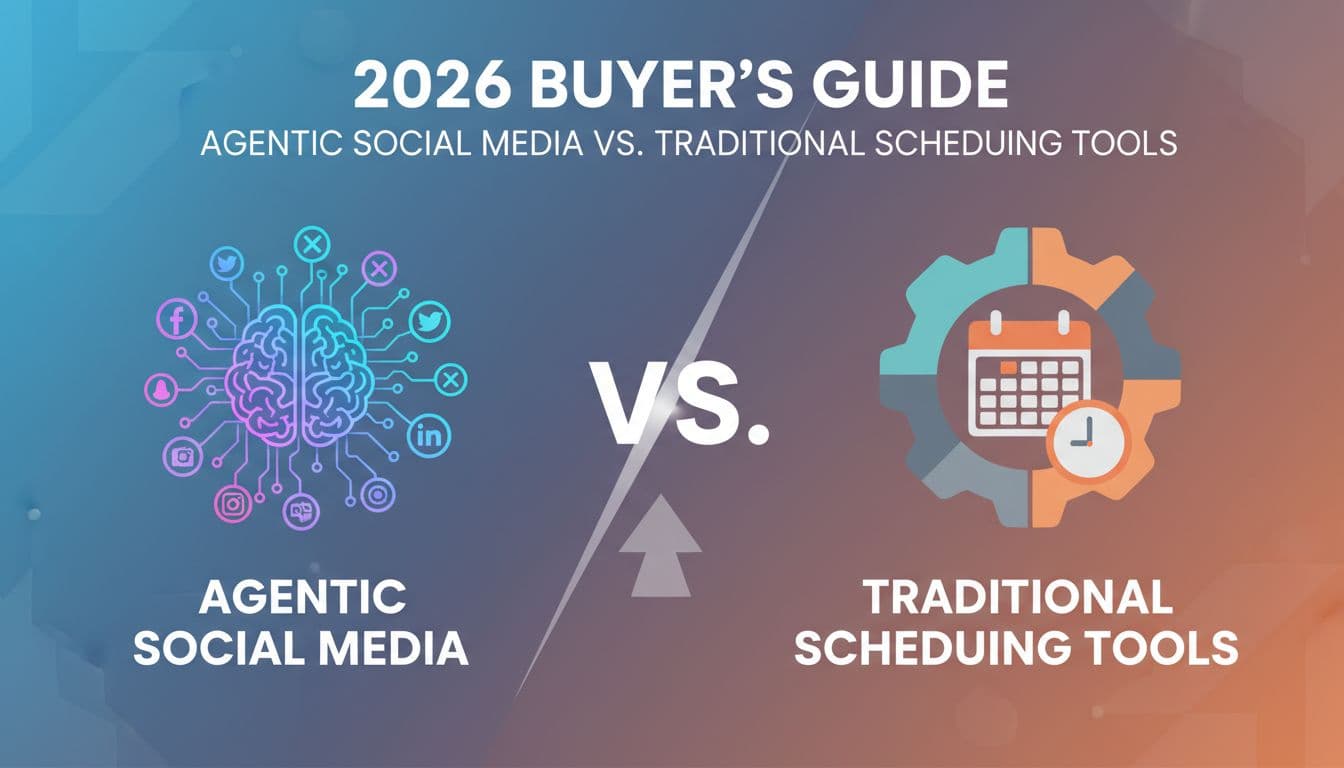
Agentic Social Media vs. Traditional Scheduling Tools: A 2026 Buyer's Guide
Most social media tools still work the same way they did five years ago. You write the caption, pick the time, upload the image, and hit schedule. Repeat that across six platforms, three times a week, for every client or brand you manage. The hours add up fast. In 2026, a new category of tool has changed what's possible. Agentic social media platforms don't just schedule posts. They research, write, optimize, publish, and analyze content with minimal human input. But not every business needs the same level of automation. This guide breaks social media tools into three clear autonomy tiers, explains what each tier actually costs you in time and money, and gives you a practical framework for picking the right one. Whether you're a solopreneur posting twice a week or an agency managing 40 brands, there's a right answer here.
12 min read
 Creators
Social Media Automation for Coaches: How to Sell Without Posting Every Day
Most coaches burn out trying to post every day and still wonder why their calendar isn't full. The problem isn't effort. It's the system. Social media automation for coaches isn't about setting it and forgetting it. It's about building a client acquisition machine that runs in the background while you're in sessions, on walks, or actually resting. This guide breaks down exactly how solo coaches and small coaching practices can use agentic AI and smart content strategy to stay visible, build trust, and book discovery calls without spending hours each week staring at a blank caption box. You'll learn how often to post, how to batch your content, how to structure your messaging to convert followers into clients, and how to use analytics to focus on what actually fills your pipeline.
10 min read
 Developers
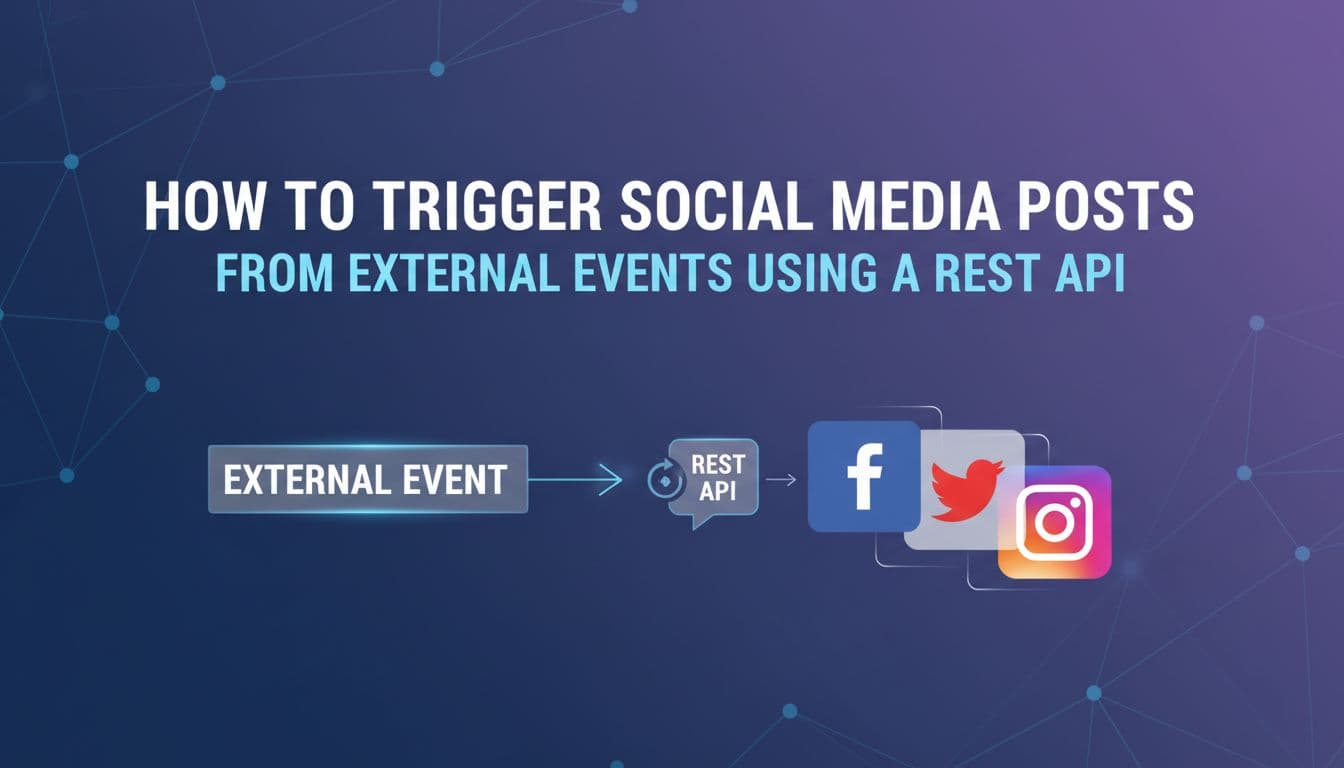
How to Trigger Social Media Posts From External Events Using a REST API
Most social media automation stops at scheduling. You pick a time, write a post, hit publish. But the real opportunity is connecting your social channels to the things that actually happen in your business — a new order, a published blog post, a CRM deal closing, a product going back in stock. When those events automatically become published content across Instagram, LinkedIn, X, and TikTok, you stop manually translating business activity into social posts. This guide is for developers, technical founders, and marketing ops teams who want to build that pipeline. We'll cover webhooks vs. API calls, how to structure a reliable event-driven workflow, platform-specific content formatting, error handling, auto-scheduling, brand voice enforcement, and how AI agents can now run the entire flow without human handoffs. By the end, you'll have a clear architecture for turning any real-world event into published social content.
13 min read
 Creators
Evergreen vs. Trending: How to Build a Balanced Automated Posting Strategy
Most social media managers are stuck in one of two traps. They either batch a month of evergreen content and go quiet when something big happens, or they spend every week chasing trends and never build a content library that compounds over time. Neither approach works on its own. The real answer is a system that handles both, automatically. This guide breaks down how to split your content between evergreen and trending posts, which platforms reward which type, and how agentic AI can run the whole operation without you manually babysitting every post. If you want a content calendar that stays consistent and stays relevant, without burning out your team, this is the strategy you need.
13 min read
 Ecommerce
How to Set Up a Content Approval System That Clients Approve in Under 24 Hours
Client approval shouldn't be the reason your content calendar falls apart. But for most agencies and marketing teams, it is. Posts sit in someone's inbox for three days. A client replies with a vague 'can we change the vibe?' comment on the wrong version. The scheduler stays empty while the team waits. It doesn't have to work this way. A well-built content approval system turns a chaotic back-and-forth into a clean, predictable process — one where clients review in context, approve on their phones, and posts go live without anyone manually copying them into a scheduler. This guide walks through ten steps to build a 24-hour approval workflow that actually holds. Whether you're running a boutique social media agency or managing content for a growing brand, these steps will help you stop chasing approvals and start shipping content on time.
10 min read
 Developers
What a Social Media MCP Server Actually Does and Why Developers Should Care
Most AI assistants can write a social media post. Very few can actually publish one. That gap, between drafting and doing, is exactly what a social media MCP server closes. The Model Context Protocol gives AI agents a standard way to connect to real tools and take real actions. When a social media scheduler exposes an MCP server, your AI assistant stops being a fancy text generator and starts being an agent that can check your content calendar, pull brand assets, pick the best time to post, and hit publish, all without you writing a custom integration. This article breaks down what that actually looks like in practice, why developers should care about it now, and how platforms like Aidelly are already making it possible to build end-to-end agentic publishing pipelines with almost no glue code.
10 min read
Ready to never miss a post again?
Tell Aidelly what to post. It drafts, schedules, and publishes across 11 platforms while you focus on your business.


Trusted by business owners