Home/Bluesky
Bluesky Integration

Schedule Bluesky posts from any AI agent.

Connect your Bluesky account to Aidelly and publish posts with images, links, and rich text from the dashboard or from any AI agent via MCP or REST API. Schedule content in advance and post to Bluesky alongside all your other social platforms.

Everything you need for Bluesky

Text Posts with Rich Text

Publish posts with automatic link detection, @mention resolution, and #hashtag formatting. Bluesky rich text facets are handled for you.

Smart Scheduling

Schedule posts for peak engagement times. Queue days of Bluesky content in advance and let Aidelly handle the delivery.

Image Posts

Attach up to 4 images per post with alt text for accessibility. Images are uploaded via the AT Protocol blob upload endpoint.

Multi-Platform Publishing

Post to Bluesky alongside Instagram, X, LinkedIn, Facebook, YouTube, and TikTok from a single dashboard or API call.

How to post to Bluesky with Aidelly

1

Connect your Bluesky account

Go to Settings > Connected Accounts and click Connect Bluesky. Enter your handle and app password. Create an app password in Bluesky under Settings > Privacy and Security > App Passwords.

2

Compose your post

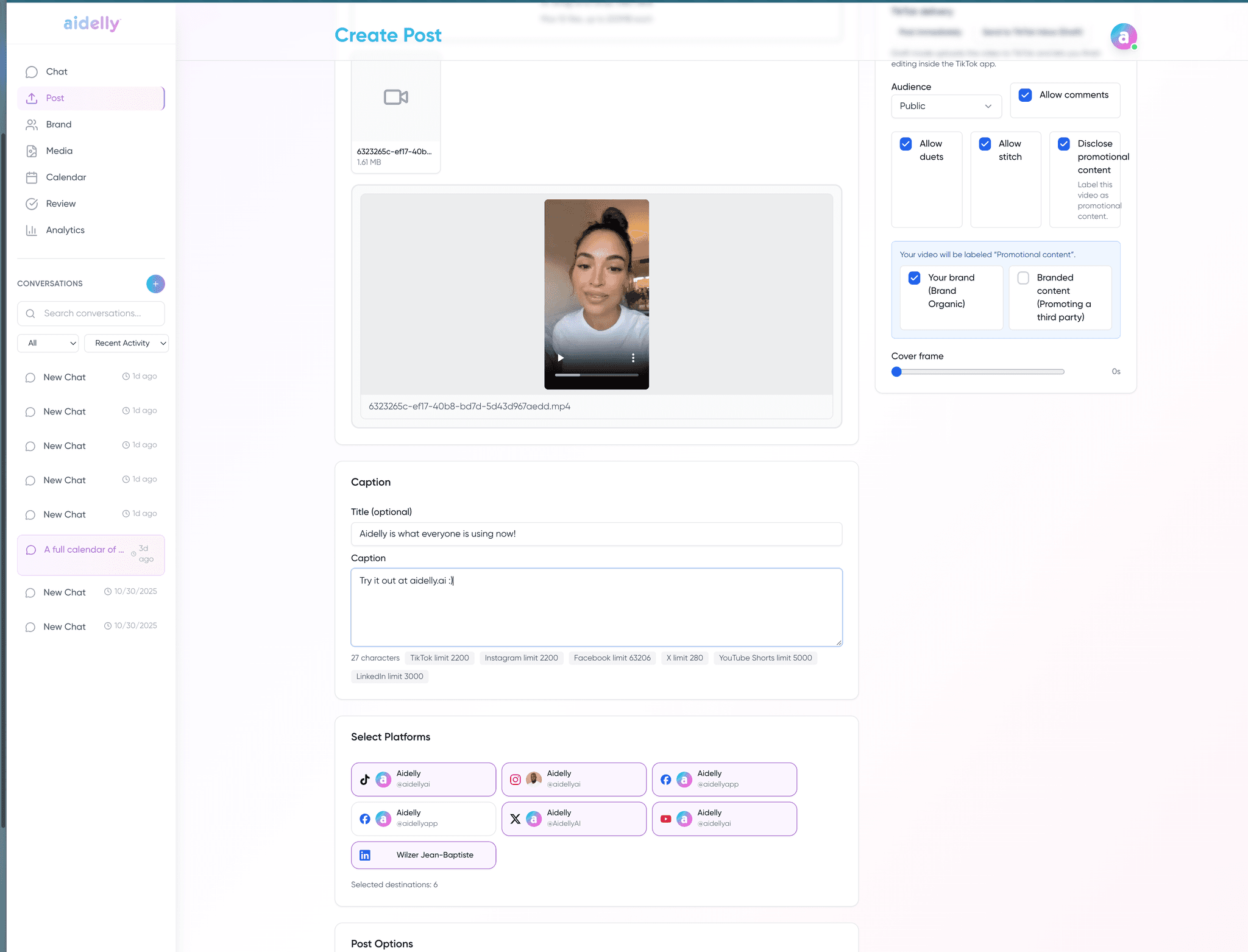
Write your post with text, images, links, and hashtags. Use the dashboard or instruct your AI agent directly. Aidelly formats rich text automatically.

3

Schedule or publish immediately

Set a schedule_at timestamp to post later, or publish right away. Aidelly confirms delivery and logs the result.

4

Post everywhere at once

Publish the same content to Bluesky, X, Instagram, LinkedIn, and more in a single action. Each platform gets properly formatted content.

Post to Bluesky via API

Any AI agent can post to Bluesky by calling the Aidelly API with bluesky in the platforms array:

curl -X POST https://api.aidelly.ai/v1/posts \
  -H "Authorization: Bearer YOUR_API_KEY" \
  -H "Content-Type: application/json" \
  -d '{
  "content": "Just shipped a new feature! Check it out at example.com",
  "platforms": ["bluesky"],
  "schedule_at": "2026-04-01T09:00:00Z"
  }'

Supported content types

Text posts (300 chars)
Image posts (up to 4)
Link embeds
Rich text (mentions, hashtags)
Alt text for images
Scheduled posts

Bluesky scheduling common questions

What types of Bluesky posts can Aidelly publish?

Aidelly supports text posts (up to 300 characters), image posts (up to 4 images with alt text), and posts with link embeds. Rich text features like @mentions, #hashtags, and inline links are automatically formatted using Bluesky facets.
How do I connect my Bluesky account?

Go to Settings > Connected Accounts and click Connect Bluesky. Enter your Bluesky handle and an app password. You can create an app password in Bluesky under Settings > Privacy and Security > App Passwords.

Can I schedule posts for Bluesky at a specific time?

Yes. Set a schedule_at timestamp when creating a post. Aidelly will hold it and publish at the exact time you specify.

Can an AI agent post to Bluesky automatically?

Yes. Any agent with access to Aidelly via MCP or REST API can create and schedule Bluesky posts immediately or on a schedule without any human interaction.

What is the character limit for Bluesky?

Bluesky posts have a 300-grapheme limit. Graphemes are user-perceived characters, so most emoji count as 1 grapheme. This is different from byte or UTF-16 code unit counting.

Does Aidelly support Bluesky link previews?

Yes. When you include a link in your post, Aidelly automatically fetches the page metadata and attaches it as an external embed with title, description, and thumbnail.