What types of Instagram content can Aidelly post?
Aidelly supports single-image posts, multi-image carousels, video posts, Reels, and Stories (image or video). Stories can be published alone or alongside a feed post.
Connect your Instagram account to Aidelly and publish photos, videos, Reels, and carousels from an AI agent or the dashboard. Schedule weeks of content in advance, reply to comments, and track performance all in one place.
Requires an Instagram Business or Creator account. No Facebook Page link needed.
Post single images, multi-image carousels, short videos, and Reels directly to your Instagram feed all from one place.
Schedule posts for any future date and time. Aidelly queues them, publishes at the right moment, and confirms delivery.
Reply to Instagram comments and triage DMs without opening the app. Works from the Aidelly dashboard or via AI agent.
Fetch views, likes, comments, shares, and reach per post surfaced in your agent or exported for reporting.
Connect your Instagram account
In the Aidelly dashboard, go to Settings → Connected Accounts and click Connect Instagram. You'll authorize via Facebook (required by Instagram's API).
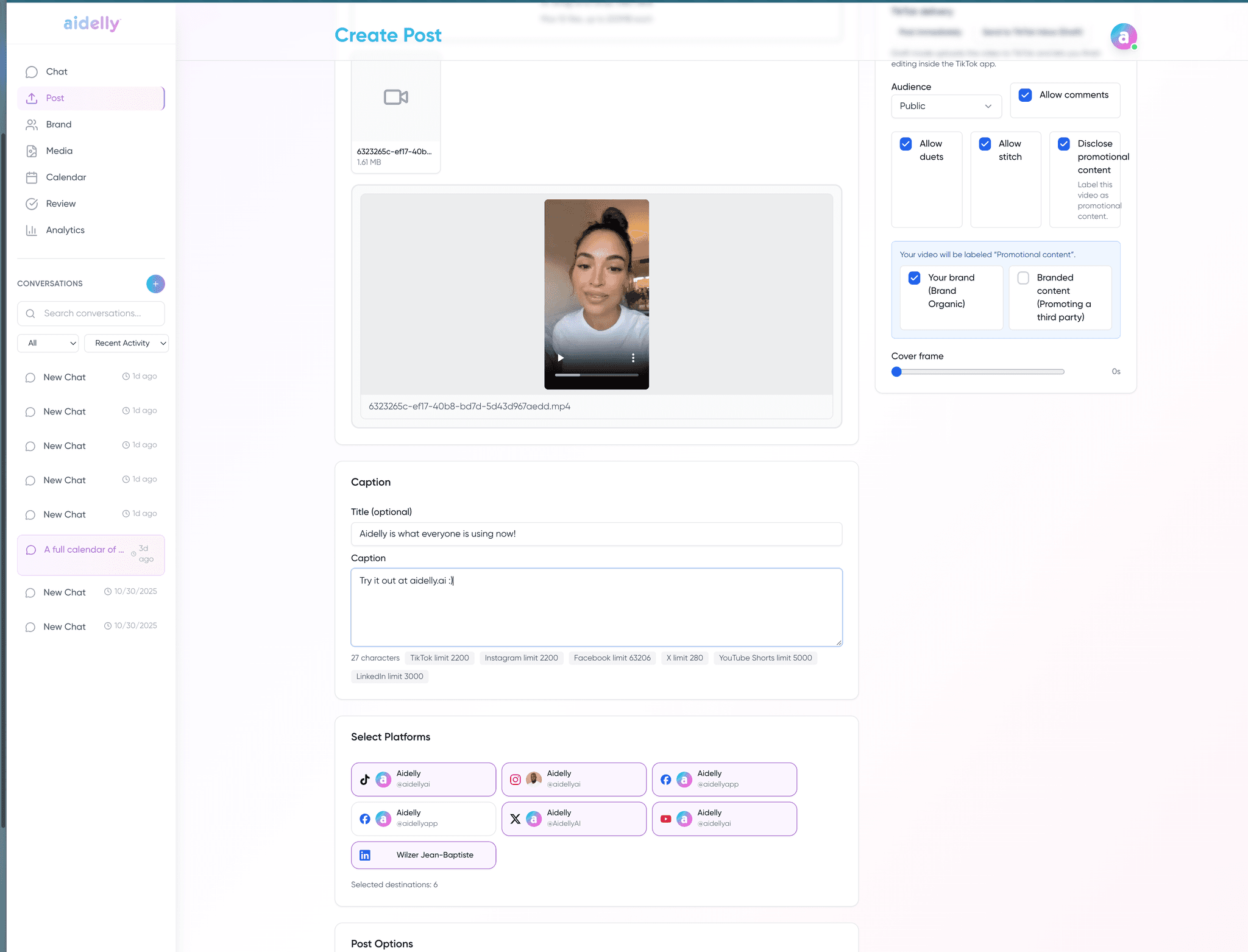
Create or schedule a post
Chat with Aidelly directly “Post this photo to Instagram tomorrow at 9am” or use your AI agent via the REST API or MCP server. Upload media, write captions, and set your schedule.
Approve (optional) and publish
Enable approval workflows so every post gets a human review before going live, or let your agent publish directly. Aidelly handles the delivery and confirms success.
Monitor engagement
View likes, comments, reach, and shares in the Aidelly dashboard. Reply to comments and manage DMs without leaving Aidelly.
Any AI agent can post to Instagram by calling the Aidelly REST API. Pass instagram in the platforms array:
curl -X POST https://app.aidelly.ai/api/public/v1/posts \
  -H "Authorization: Bearer YOUR_API_KEY" \
  -H "Content-Type: application/json" \
  -d '{
  "content": "Our new product is live! Check it out. #launch",
  "platforms": ["instagram"],
  "media_urls": ["https://example.com/photo.jpg"],
  "schedule_at": "2025-06-01T09:00:00Z"
}'Stories are supported too — image or video, published alone or together with a feed post.
Aidelly supports single-image posts, multi-image carousels, video posts, Reels, and Stories (image or video). Stories can be published alone or alongside a feed post.
Yes. Connect multiple Instagram Business or Creator accounts and route content to any of them via the dashboard or API.
Yes. Any AI agent that supports MCP or REST API can call Aidelly tools to publish immediately or schedule Instagram posts no human involvement required unless you enable approval workflows.
Yes. Instagram's API only supports Business and Creator accounts. Personal accounts are not supported. No Facebook Page link is required. Aidelly connects directly to Instagram.
Yes. Aidelly can fetch comments on your posts and reply to them either manually from the dashboard or automatically via an AI agent.
Pass a schedule_at timestamp in ISO 8601 format when creating a post. Aidelly stores it and publishes at the specified time, then logs the result.
Draft once and Instagram gets its own preview, its own limits and its own schedule.