Comparison • Updated 2026-07-14

Aidelly vs Buffer
Buffer is the cleanest, cheapest scheduler on the market and has an official MCP listing, but it stops at scheduling. No keyword DM automation, no white-label, no competitor spy, and no full agentic workflow control. Aidelly is what many teams graduate to when Buffer stops being enough: AI drafting, approvals, inbox, keyword DMs, competitor intelligence, and agency tooling in one platform.
Aidelly vs Buffer at a glance
| Feature | Aidelly | Buffer |
|---|---|---|
| Pricing | ||
| Free / trial tier | 7-day free trial with 500 AI Credits, all 11 platforms, MCP / CLI / API access, and $0 due today after card verification. | Free plan, up to 3 channels, 1 user, no time limit. |
| Entry paid tier | Launch plan: 2 workspaces, unlimited posts (X rate-limited), Unified Inbox, AI image generation, basic analytics, BYOK keys. | Essentials $5/mo per channel, 1 user. Billed per channel, not per brand. |
| Mid tier (teams) | Scale plan: 8 workspaces, up to 8 team members, advanced analytics, hashtag analytics, draft discussions, warning rules, viral trends, 1 Creator Clone + 1 Competitor Spy slot. | Team $10/mo per channel: unlimited members, approval workflows, branded reports. |
| Agency / top tier | Agency plan: unlimited workspaces, unlimited members, white-label + custom domain, agency-wide watermarks, dedicated onboarding, paid add-ons (X Unlimited, extra workspaces, AI credit packs). | No agency tier. Channels above 10 cost less each, but there is no white-label. |
| Key differences | ||
| Core positioning | Agentic AI social operations: draft, approve, schedule, inbox, spy | Scheduler-first publishing with an official MCP listing |
| Keyword DM automation | Built-in keyword-triggered DMs for lead capture and giveaways | Not available, requires third-party automation |
| Agency & white-label | White-label custom domain, agency watermarks, multi-workspace (Agency plan) | No white-label or client-facing branded experience |
| Free tier | 7-day trial (no permanent free plan) | Permanent free tier for up to 3 channels, lower acquisition friction |
| AI agent surface (MCP / CLI / API) | Native MCP server + first-party CLI + OpenAPI 3 REST API + n8n / Make / Zapier nodes. Claude / ChatGPT / Cursor can drive Aidelly directly. | Verify whether Buffer exposes MCP, a first-party CLI, and AI-agent-ready integrations or only a REST API. |
| Inbox & community management | Unified inbox across 8 platforms with AI replies, spam auto-hide, sentiment chips, purchase-intent flag, smart-draft mode, competitor-link block, IG DM email capture. | Verify Buffer's inbox scope: which platforms, AI replies, filtering, sentiment, and intent detection. |
| Collaboration depth | Draft discussions with @mentions + emoji reactions, post version history, member approval workflow, workspace activity log, shareable read-only client calendar links. | Verify Buffer's collaboration scope: discussions, approvals, audit log, version history, and client-view sharing. |
| Pricing model | Predictable monthly plans (Launch / Scale / Agency) with one AI Credits pool covering text, image, and vision. Pay-as-you-go overage at $0.01 / credit. | Per channel: $5/mo (Essentials) or $10/mo (Team) for each connected channel. |
| Competitive intelligence | Built-in Competitor Spy, Creator Clone, and Viral Trends for tracking rivals, creators, and niche trends | Typically needs separate social listening or research tools |
| AI content & media creation | AI drafting, an AI image editor with templates and carousels, and one-to-many repurposing built in | Varies by plan; often limited or sold as an add-on |
| Platform coverage (2026) | 11 commercial-mainstream platforms, including Bluesky, Threads, Mastodon, and Google Business Profile | Verify current platform support on the vendor site |
Comparable tiers, mapped side-by-side. Competitor pricing was read from each vendor's own pricing page on 2026-08-12. Vendor pricing can change at any time, so confirm current pricing on each vendor's official pricing page before deciding.
Aidelly is often best for
Teams outgrowing a scheduler-only stack who need AI agents, keyword DM lead capture, inbox, white-label, and competitor spy without bolting on Zapier.
Buffer may be best for
Solo operators and very small teams who only need simple, affordable scheduling across a few channels, especially if a permanent free tier matters.
Built for agencies: white-label under your brand
Aidelly's Agency plan lets you resell social operations as your own product: white-label custom domain, your logo and colors, branded client reports, agency-wide watermarks, and unlimited client workspaces, plus agentic drafting, keyword DMs, and competitor spy.
Explore white-label for agenciesWhere Aidelly differs from Buffer
Buffer earned its reputation as the simplest way to queue posts. It is still the default recommendation for solo creators who already have content and just need a reliable scheduler, and its official MCP listing makes it one of the few legacy schedulers AI agents can call today.
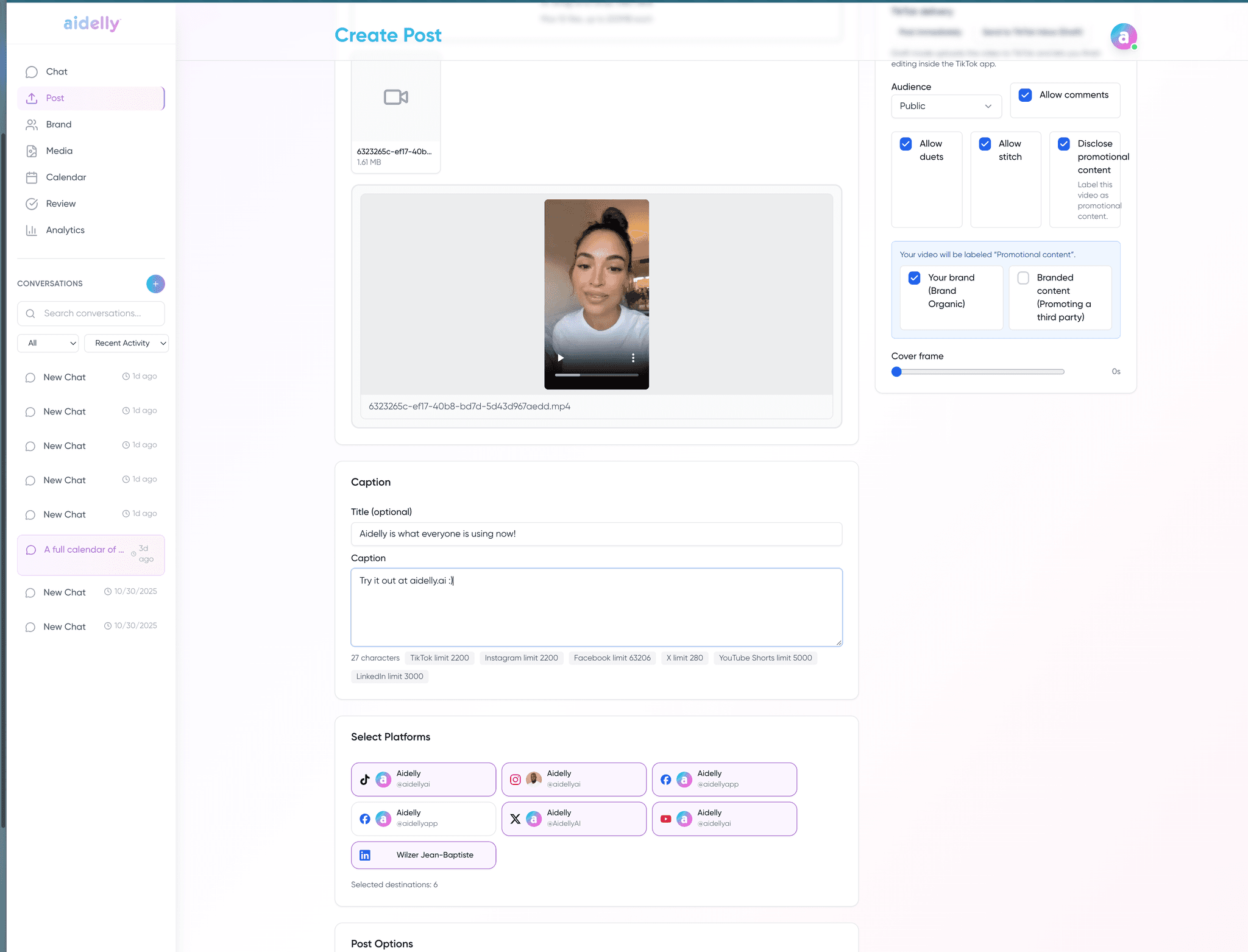
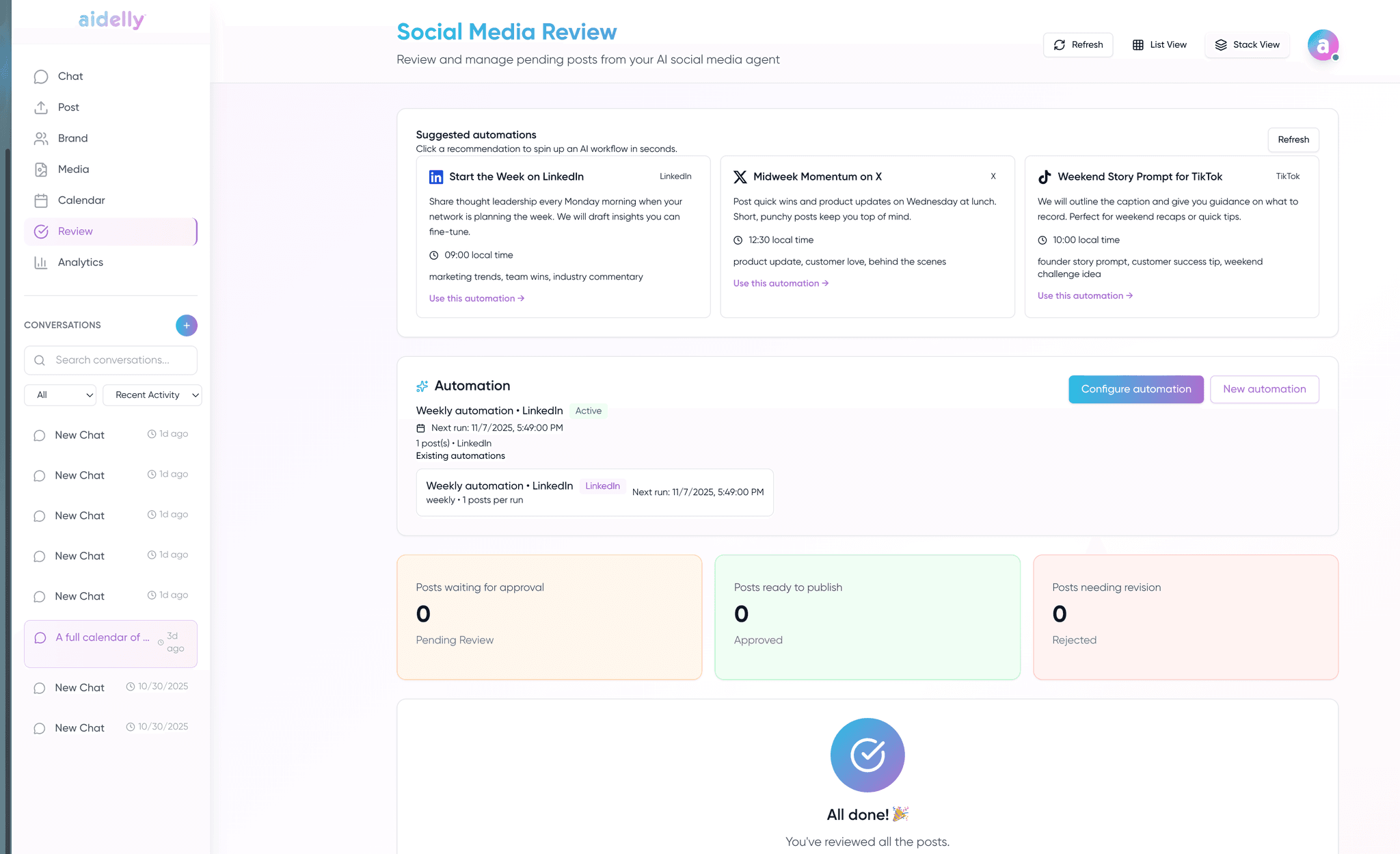
Aidelly is built for the next step: when scheduling is no longer the bottleneck. An AI agent drafts posts in chat (or via MCP / CLI / API), keyword DM automations capture leads from Instagram comments without Zapier, Competitor Spy tracks rival moves, and agency plans add white-label domains and watermarks. If Buffer feels “too limited” but Hootsuite feels “too enterprise,” Aidelly is the middle path.
Decision checklist
- If you only schedule pre-written posts on 1–3 channels, Buffer’s free tier may be enough.
- Test keyword DM automation if lead capture from Instagram comments is part of your funnel.
- Compare MCP depth: Buffer’s listing is scheduling-focused; Aidelly exposes drafting, inbox, analytics, and automations as agent tools.
- Check whether you need white-label, competitor spy, or unified inbox before paying for a second tool.
Methodology and verification notes
This page compares publicly visible positioning and workflow fit. Pricing, platform limits, and plan features should be verified on vendor docs before purchase.
This page is designed as a workflow-fit comparison, not a substitute for vendor pricing or contract review.
Source links
Comparison FAQs
See buffer.com for current pricing. Buffer charges per social channel, which is elegant for one brand and gets expensive once you are managing many client profiles. Aidelly is flat-priced and the top plan includes unlimited client workspaces. Below roughly five channels Buffer is usually cheaper and we will say so. Past that, and especially once multiple people need access, the flat model wins.
Buffer itself has a permanent free plan, and if that is your requirement it is genuinely hard to beat and you should stay. Aidelly does not have a free tier, only a 7-day full-product trial. We would rather be clear about that than have you sign up expecting one.
Buffer does one job, queue-based scheduling, extremely well and with very little friction. Aidelly does more jobs and asks for more setup in exchange: AI drafting that adapts a post per network, keyword DM lead capture, a unified inbox, client approval workflows, white-label reporting, and an official MCP server so AI agents can run the whole pipeline. If scheduling is genuinely all you do, the extra surface is overhead rather than value.
There is no direct Buffer import. Export your queue, re-create it here, and reconnect accounts, which is one to two hours for most teams. Client accounts connect through a link the client clicks themselves, so no passwords change hands. Nothing stops you running both during the trial week.
When you are a solo operator or a very small team who needs simple affordable scheduling on a few channels, and especially if a permanent free tier matters. Buffer is the better product for that person. Aidelly makes sense once queue-and-publish is not enough on its own and you are bolting Zapier onto it to cover approvals, inbox, or client reporting.
Outgrowing Buffer? Test the full workflow.
Run a real campaign through Aidelly’s 7-day trial: AI drafting, keyword DMs, inbox, and competitor spy included. See if you still need a second tool.
Related comparisons
Put every client account on autopilot, with your hand on the approve button.
Connect your platforms, invite your team, and let the agent draft week one.
$0 due today · cancel any time before the trial ends