Developers
How Developers Are Embedding Social Publishing Into SaaS Products Using a Unified REST API
Most SaaS products ask users to do something awkward: leave the app, open a separate social media tool, and come back when they're done. That context switch is small but it adds up. Every time a user leaves your product to do something they could have done inside it, you lose a little ground. Developers are fixing this by embedding social publishing directly into their platforms using a unified REST API. One integration handles Instagram, TikTok, LinkedIn, YouTube, Facebook, and X instead of six separate builds. And the newer wave of agentic workflows means AI agents can handle the entire publishing process without anyone touching a button. This post breaks down the technical path, the business case, and the pitfalls to avoid when you build social publishing into a SaaS product that users actually want to stay inside.

By Wilzer Jean-Baptiste
Published 9 min read
Most SaaS products ask users to do something awkward: leave the app, open a separate social media tool, and come back when they're done. That context switch feels small. But it adds up. Every time a user leaves your product to do something they could have done inside it, you hand them a reason to pay someone else. Developers are closing that gap by embedding social publishing directly into their platforms using a unified REST API. One integration handles Instagram, TikTok, LinkedIn, YouTube, Facebook, and X. And the newer wave of agentic workflows means AI agents can handle the entire publishing process without anyone touching a button. Here is the technical path, the business case, and the pitfalls to avoid.
Why Users Leave Your Product to Post on Social Media
You built a solid product. Your users log in, do their work, and get results. But somewhere in their workflow, they hit a wall. They need to share something on social media, so they open a new tab, log into a scheduler, copy and paste their content, format it for each platform, and schedule it manually. Then they come back to your product and pick up where they left off.
That gap is not just annoying. It is a retention risk. Every tool a user has to open outside your platform is a tool they might pay for instead of you. Embedding social publishing closes that gap. It keeps users inside the product they already trust, doing more of their work in one place.
The Context Switch Problem
Context switching costs more than people think. A user who has to leave your CRM, email tool, or content platform to schedule a post is not just losing thirty seconds. They are breaking their flow, logging into another subscription, and being reminded that your product does not do everything they need. That reminder compounds over time. It is one of the quieter reasons users churn. They do not cancel because your product is bad. They cancel because a competitor offers the same core features plus the social publishing they were doing elsewhere.
Embedding social publishing is not about adding a flashy feature. It is about removing a reason to leave. When users can complete their entire workflow without switching tabs, your product becomes the place where work gets done, not just started.
Users Already Live in Your Platform
The products that win long-term are the ones users open first and close last. If your platform is where a solopreneur manages their client work, writes their content, or tracks their leads, social publishing belongs there too. Users should not have to export a caption they wrote in your editor and paste it into a scheduler. They wrote it in your product. They should be able to publish it from your product.
This is the core argument for embedding social publishing: your users are already there. The workflow already exists. You are just extending it to include the final step, which is getting that content in front of an audience. That extension is what turns a useful tool into a complete workflow platform, and complete workflow platforms retain users at a much higher rate.
The Competitive Pressure Is Real
In 2026, users expect integration. They do not want to stitch together five tools to run their business. If your SaaS product serves marketers, creators, agencies, or small business owners, social publishing is not a nice-to-have anymore. It is a baseline expectation. Products that offer it retain users longer. Products that do not are one competitor announcement away from losing a segment of their user base to someone who does.
Building it in-house from scratch is expensive. Maintaining six separate platform integrations is a real engineering cost that never goes away. That is where a unified API changes the math entirely. You get the feature, the retention benefit, and the competitive positioning without taking on the full maintenance burden of building it yourself.
One API Instead of Six: The Technical Case for a Unified Integration
Here is what building social publishing from scratch actually looks like without a unified API. You write a custom integration for Instagram. Then another for TikTok, which has completely different authentication flows and media requirements. Then LinkedIn, which has its own API versioning quirks. Then YouTube, Facebook, and X. Each platform has its own rate limits, media specs, error handling, and OAuth flows. You are not building one feature. You are building six, and then maintaining all six every time a platform changes its API.
A unified REST API collapses that into a single integration. One authentication flow. One set of endpoints. One place to handle errors. You write the code once and your users get publishing capabilities across every major platform from day one. The time savings on the initial build alone can be measured in months, not days.
What a Unified API Actually Covers
A well-built unified social media API handles the full publishing lifecycle, not just the post request. That means creating drafts, scheduling posts for future delivery, handling media uploads with the right format specs per platform, pulling analytics after content goes live, and managing multiple brand accounts under one authentication layer.
Aidelly's REST API does exactly this. Developers can create posts, schedule content, pull cross-platform analytics, and manage brand accounts programmatically. Instead of building a fragile patchwork of six platform integrations, you connect once and get a unified interface that handles the complexity underneath. That is the difference between a weekend project and a six-month engineering sprint. And when a platform updates its API, Aidelly absorbs that change so your integration does not break.
Reducing Engineering Overhead Over Time
The initial build is only part of the equation. Social platform APIs change constantly. Instagram updates its media requirements. X changes its authentication model. TikTok shifts its rate limits. Every change breaks your integration and pulls an engineer off their current sprint to fix it. When you use a unified API, that maintenance burden shifts to the API provider. Your team stays focused on your core product.
For a small engineering team, that is not a minor benefit. It is the difference between shipping the feature and deprioritizing it indefinitely. The ongoing cost of maintaining six live integrations is a real number that rarely shows up in the initial feature estimate but always shows up in the quarterly engineering review. A unified API makes that cost predictable and small.
Developer Experience Matters More Than People Admit
A poorly documented API with inconsistent responses and unclear error messages will slow your integration to a crawl. When evaluating a unified social publishing API, look at the documentation quality, the sandbox environment, the webhook support, and how the provider handles breaking changes. The best APIs feel like working with a well-designed internal tool. The worst ones feel like reading a manual written by someone who never used the product.
Your developers will spend real hours inside this API. That experience directly affects how fast you ship and how stable the feature is after launch. A clean developer experience also means fewer support escalations when something breaks in production. It is worth spending time on this evaluation before you commit to an integration, not after.
Agentic Workflows, Brand Consistency, and the Analytics Moat
Scheduling posts is table stakes. The products pulling ahead in 2026 are not just letting users schedule content from inside their platform. They are letting AI agents handle the entire process autonomously, enforcing brand voice at every step, and giving users cross-platform performance data that makes them smarter over time. These three capabilities, agentic workflows, brand consistency, and analytics, are where social publishing goes from a feature to a retention engine.
Each one builds on the last. Agentic workflows remove the manual work. Brand consistency makes the output trustworthy. Analytics make the whole system smarter the longer it runs. Together, they create a product experience that is hard to walk away from.
Agentic Workflows: Publishing Without Human Intervention
Agentic workflows change what social publishing means inside a SaaS product. An AI agent that can autonomously create, schedule, and publish content without human intervention turns social publishing from a task into a background process. The user sets the parameters, defines the brand voice, picks the posting cadence, and the agent handles the rest. No one has to log in and click publish. The content goes out on schedule, optimized for each platform, without anyone touching it.
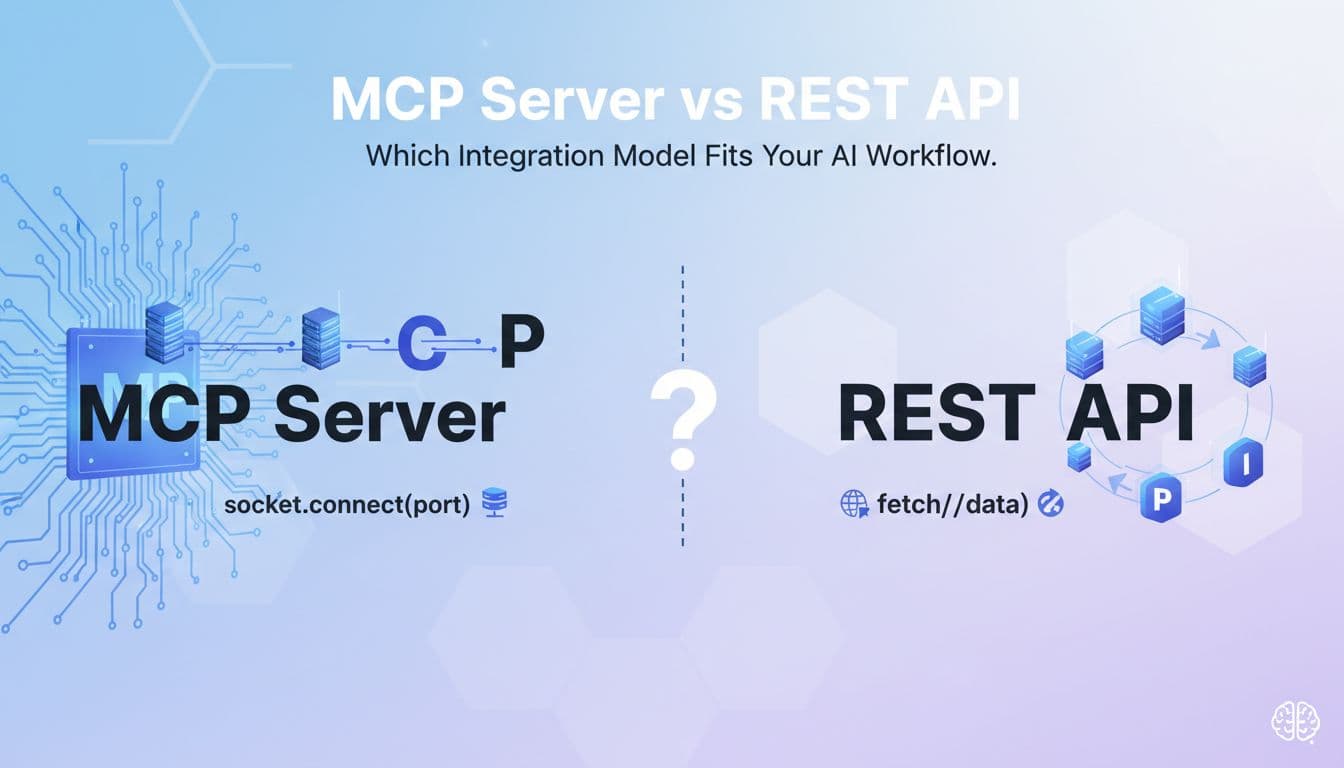
Aidelly's agentic workflows already let AI agents run the full publishing cycle end-to-end. Through the MCP Server, developers can connect AI assistants like Claude or ChatGPT directly to social media publishing, so agents running inside your product can post content without ever leaving your platform's context. For SaaS products serving busy solopreneurs, agencies managing dozens of clients, or e-commerce brands running always-on content programs, this is the capability that makes social publishing feel effortless. When publishing runs in the background, users stop thinking of it as work. They think of it as something your product handles for them, and that perception is worth a lot at renewal time.
Brand Voice Consistency Is Not Optional
Here is where a lot of SaaS products get this wrong. They add a social publishing feature, connect it to a generic AI writing tool, and let users generate captions without guardrails. The result is content that sounds nothing like the brand. One post is formal and professional. The next is casual and emoji-heavy. The one after that reads like it was written by a different company entirely. Brand voice breaks down fast when there is no system to enforce it.
Developers need to build in tools that store brand guidelines, tone of voice documentation, approved asset libraries, and example content. Every post generated or scheduled through the platform should be checked against those guidelines before it goes out. Aidelly handles this through its Brand Voice and Asset Management system, which stores brand-specific rules and applies them to every piece of content the AI generates. A single off-brand post from an automated system can do real damage to how a business is perceived. The brand consistency layer is what separates a tool users trust from one they turn off after a bad experience. When you embed social publishing, you are putting your product's name on every post that goes out through it. That is a responsibility worth taking seriously.
Cross-Platform Analytics as a Competitive Moat
Analytics are the reason users stay. When your product shows a user exactly which posts drove the most engagement, which platforms are growing fastest, and what times their audience is most active, that user is not going to cancel. They are learning something valuable every week. That knowledge compounds. The longer they use your product, the smarter their social strategy gets, and the more credit they give your platform for that growth.
Cross-platform analytics create a competitive moat because the data is sticky. A user who has six months of performance data inside your platform is not going to walk away from that history to start over somewhere else. They have built a picture of what works for their audience, and that picture lives in your product. SaaS products that show users when to post, what content performs best, and how each platform compares to the others become indispensable. They stop being tools users use and start being tools users depend on. That is the difference between a feature and a retention engine, and it is why analytics belong at the center of any serious social publishing integration, not bolted on as an afterthought.
Embedding social publishing into your SaaS product is one of the clearest paths to reducing churn, increasing perceived value, and building the kind of sticky workflow that keeps users renewing year after year. A unified REST API removes the engineering complexity of building six separate integrations. Agentic workflows turn publishing into a background process that runs without human intervention. Brand voice tools keep every post consistent. And cross-platform analytics give users a reason to stay that gets stronger with every passing month. The right infrastructure makes all of this possible without pulling your engineering team off the work that matters most to your core product. If you are evaluating how to add social publishing to your platform, the path forward starts with finding the right API partner, and what you build on top of that foundation is what turns a feature into a competitive advantage.
If you want a low-lift way to apply these ideas, Aidelly helps you keep your social content consistent without extra busywork.The gap between your product and social media doesn't have to exist. With Aidelly's agentic workflows, you can embed social publishing directly into your SaaS so users create, schedule, and analyze content without ever leaving your app. AI agents handle the work end-to-end while respecting your users' brand guidelines, turning social media from a friction point into a retention engine. See how it works at aidelly.ai.
Compare social scheduling tools
Evaluating software for your content workflow? Use our buyer guides and comparisons to compare scheduling, approvals, analytics, and AI workflow fit.