Ecommerce
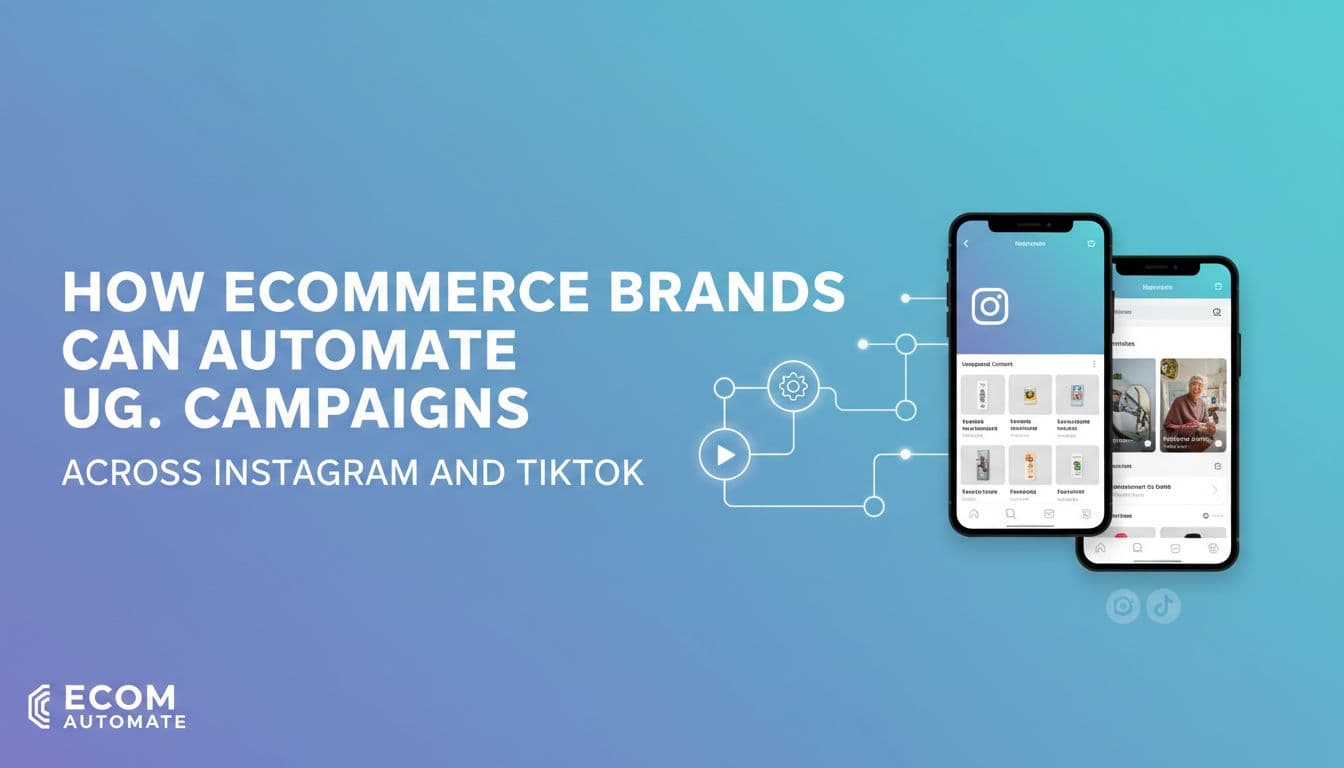
How Ecommerce Brands Can Automate UGC Campaigns Across Instagram and TikTok
Your customers are already creating content about your products. Someone posted an unboxing video on TikTok. Another left a glowing review with photos on Instagram. A third tagged your store in a Reel showing exactly how they styled your product. That content is sitting there, and most ecommerce brands are either ignoring it or reposting it manually one piece at a time. Neither approach scales. This guide walks through a real weekly UGC system, from collecting submissions to editing for each platform, scheduling around your sales calendar, keeping captions on-brand, and tracking what actually drives sales. You will see where automation saves the most time and where a human still needs to be in the loop. By the end, you will have a process you can start building this week.

By Wilzer Jean-Baptiste
Published 10 min read
Your customers are already making content about your products. Someone posted an unboxing video on TikTok last Tuesday. Another tagged your store in an Instagram Reel showing exactly how they use what they bought. A third sent you a DM with a photo that would perform better than anything your team shot this month.
Most ecommerce brands are either ignoring that content or reposting it manually, one piece at a time, whenever someone remembers to check the tagged posts folder. Neither approach scales past 50 orders a month without eating your entire week.
This guide walks through a real weekly UGC system. You will see how to collect submissions cleanly, sort content by platform, schedule around your sales calendar, keep every caption on-brand, and track what actually drives revenue. Where automation saves time and where a human still needs to be in the loop, both get covered. By the end, you will have a process you can start building this week.
Build Your UGC Foundation Before You Touch Any Automation
Step 1: Set Up a UGC Intake Process First
Here is where most ecommerce brands get tripped up. They hear "automate your UGC" and immediately start looking for tools. But automation only works when the raw material coming in is clean and organized. If you skip the intake step, you end up with a folder full of random screenshots, DMs you forgot to respond to, and zero record of who gave you permission to repost what.
Before anything else, build a simple intake process. This does not need to be complicated. A Google Form works. A Typeform works. Even a pinned Instagram Story with a link works. The goal is to give customers one clear place to submit their content and give you permission to use it.
Your intake form needs three things: explicit permission to repost the content, the product name or SKU they are showing, and their social handle so you can tag them. Keep the form short or customers will not fill it out.
You can also set up a DM flow for customers who tag you organically. When someone tags your store, send them a templated reply that thanks them and asks if you can share their post. Include a short link to your rights form. Some brands use a keyword trigger where replying with a specific word like "YES" counts as permission. Whatever system you choose, write it down so your team follows the same steps every time.
One more thing: tag every submission by product. When you are building out your content calendar later, you will want to pull all the UGC for a specific product in one click. If submissions are not tagged, that becomes a manual search every time. Clean intake saves you hours downstream.
Step 2: Sort UGC by Platform Before You Schedule Anything
Not all UGC travels well between platforms. A customer's 60-second Instagram Reel might be too long for TikTok's best-performing format. A square photo that looks great in an Instagram feed post will get cropped awkwardly in a TikTok video frame. A caption with five hashtags that works on Instagram might feel cluttered on TikTok, where one or two trending tags often outperform a long list.
The fix is to sort your UGC by platform fit before it hits your schedule. When a piece of content comes in, ask two questions: where does this work as-is, and what would need to change for the other platform? A vertical video with good lighting and clear product visibility is a strong TikTok candidate. A high-quality still photo or carousel works better on Instagram. Some content works on both, but it almost always needs platform-specific edits first.
Build one approval queue per platform. On Instagram, your editor reviews for visual quality, caption length, and hashtag fit. On TikTok, they check video length, audio, and whether the hook lands in the first two seconds. These are different checklists, so they need different queues. Mixing them into one pile slows everything down and leads to posts going live with the wrong edits for the wrong platform.
Aidelly's approval workflows make this practical for small teams. You can set up separate review gates for Instagram and TikTok content, assign them to the right team member, and make sure nothing goes live until it has cleared the right checklist. That structure keeps your feed consistent without requiring a dedicated editor for each platform.
Step 3: Batch-Schedule UGC Around Your Product and Sales Calendar
Random posting kills momentum. If you schedule UGC whenever you have a free hour, you end up with three customer posts in one week and nothing the next. Worse, you might publish strong social proof the week after a product launch instead of right before it, when it would actually drive sales.
Map your UGC to your business calendar instead. Start with your product drops, restocks, and seasonal pushes for the next 60 days. Then look at your UGC library and match content to each moment. A customer video showing your new colorway should go live the week of the launch, not three weeks later. A photo of someone using your skincare product in their morning routine is perfect for a January wellness push.
Use a visual content calendar to spot gaps. If you see a week with three brand posts and zero customer content, that is a problem. Social proof needs to show up consistently, not just when you remember to schedule it. A good calendar view lets you see the full picture at once and move things around before you have a dead week.
Aidelly's visual content calendar gives you exactly this view across Instagram and TikTok at the same time. You can drag UGC posts into open slots, see how customer content is distributed across your launch windows, and catch gaps before they happen. That kind of visibility is hard to get from a spreadsheet, especially when you are managing two platforms with different posting rhythms.
Keep Every Repost On-Brand and Legally Clean
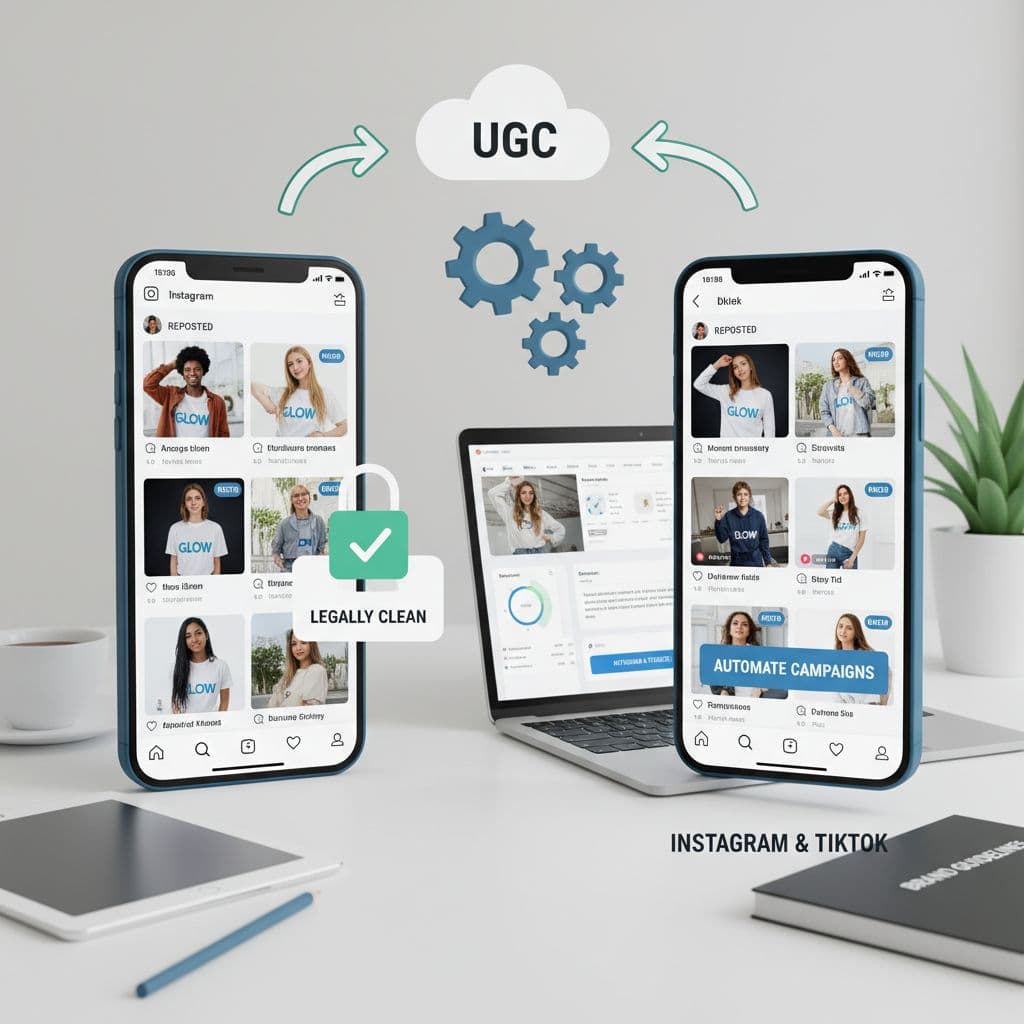
Step 4: Use Brand Voice Rules So Reposted Captions Sound Like Your Store
This is the step most ecommerce brands skip, and it shows. You can tell when a brand is reposting customer content without any editing. The caption suddenly shifts from polished and direct to casual and full of exclamation points. The hashtags change. The sign-off disappears. It feels like a different account, and that inconsistency chips away at trust over time.
When you repost UGC, you are not just sharing a photo or video. You are writing a new caption, choosing hashtags, and deciding how to frame the post. All of that needs to match your brand voice, not the customer's personal style.
Start by writing down your brand voice rules in one document. Include your tone, two or three example sentences that sound right, a list of words or phrases you never use, and your standard sign-off format. If your brand is dry and direct, say that. If you always end captions with a question to drive comments, write that down too.
Then use those rules every time you draft a caption for a reposted piece of UGC. You are not rewriting the customer's words. You are writing your own caption around their content. Tag them, credit them, but make the caption yours. Have a team member approve every caption before it goes live, especially early on when the rules are still being applied consistently.
Aidelly stores brand voice guidelines directly in the platform. When your team drafts captions for UGC posts, the tone notes and banned phrases are right there. The AI drafting tools use those guidelines to generate on-brand captions, and the approval workflow makes sure a human checks the output before anything publishes. You get speed without losing consistency.
Step 5: Track Which UGC Posts Drive Clicks and Sales, Not Just Likes
Likes feel good. They do not pay the bills. If you are measuring your UGC campaigns by engagement alone, you are missing the data that tells you what to do next.
The metric that matters for ecommerce is link clicks and attributed sales. Which UGC posts drove traffic to a product page? Which ones led to purchases? Which formats, vertical video versus static photo, performed better for the same product on TikTok versus Instagram? Those answers tell you where to put your energy next month.
Set up UTM parameters on every link you include in UGC posts. Use a consistent naming convention so you can filter by platform, content type, and product in your analytics dashboard. When you review results each week, you want to be able to pull up all the UGC posts for a specific product and compare TikTok performance against Instagram performance side by side.
Then act on what you find. If TikTok UGC for your best-selling candle is driving three times the clicks that Instagram UGC drives, shift your schedule. Post more customer video content on TikTok for that product. Pull back on the Instagram static reposts that are getting likes but no clicks. The data tells you what to cut and what to scale.
Aidelly's cross-platform analytics dashboard pulls Instagram and TikTok results into one view. You can compare the same product's UGC performance across both platforms without toggling between apps or building a manual report. That makes the weekly review fast enough that you will actually do it instead of putting it off until the end of the month.
Run the Full Weekly System Without Burning Out Your Team
Putting the Workflow Together
Let's walk through what this looks like for a real store. Say you run a DTC skincare brand on Shopify. You have about 200 orders a month and a small team: one marketing lead and a part-time social media manager.
Every week, your intake form collects new UGC submissions. Your social manager reviews them on Monday, sorts them into the Instagram queue and the TikTok queue, and flags any that need trimming or caption work. By Tuesday, the captions are drafted using your brand voice doc and queued for approval. Your marketing lead approves them on Wednesday. By Thursday, everything is scheduled for the following week, mapped to whatever product push or restock is coming up.
The whole process takes about three hours a week split between two people. Compare that to doing it ad hoc, where you spend 20 minutes hunting for a post, 10 minutes writing a caption from scratch, and another 10 minutes figuring out when to schedule it. Multiply that by five or six posts a week and you have lost two hours to friction alone.
The system works because each step has a clear owner and a clear output. Intake feeds the queue. The queue feeds the approval step. Approval feeds the calendar. The calendar feeds the analytics review. Nothing falls through the gaps because the process does not depend on anyone remembering to do it.
Where Automation Helps and Where Humans Stay In the Loop
Automation handles the repetitive parts: collecting submissions, moving approved content into the schedule, publishing at the right time, and pulling performance data into a dashboard. Those tasks do not need a human every time. They need a reliable system.
Humans stay in the loop for the judgment calls. Did this customer actually give clear permission, or was their reply ambiguous? Does this video show the product in a way that matches your brand positioning, or does it look off? Is this caption on-brand, or did the AI draft something that sounds a little too casual for your store's tone? Those calls require context that automation does not have.
The best UGC systems are not fully automated. They are structured so that automation handles volume and humans handle quality. You move faster because the repetitive work is off your plate. You stay in control because the approval gates are still there.
Keep the intake form live, the brand voice doc updated, and the analytics review on your weekly calendar. Those three habits are what keep the system running month after month instead of falling apart after the first product launch.
A working UGC system comes down to five things: clean intake, platform-specific editing, a calendar tied to your sales schedule, brand voice rules that every caption follows, and weekly data reviews that tell you what to post more of. Get those five things right and customer content stops being a nice-to-have and starts being a reliable part of your revenue strategy.
The brands that win on Instagram and TikTok in 2026 are not the ones with the biggest production budgets. They are the ones with the most organized systems for turning customer content into consistent, on-brand posts that show up at the right moment in the buying journey. That takes structure more than it takes budget.
If you want one place where your brand voice lives, your approval queues run, your calendar stays visible, and your Instagram and TikTok analytics sit side by side, Aidelly was built for exactly that workflow.
Posting customer content on Instagram and TikTok means you keep re-editing, re-captioning, and re-scheduling the same clips for each platform. automation workflows turn your rough ideas into ready-to-publish posts, so you move from concept to scheduled content with a lot less hands-on work. If you want to see how it fits into your weekly routine, take a look at aidelly.ai.Compare social scheduling tools
Evaluating software for your content workflow? Use our buyer guides and comparisons to compare scheduling, approvals, analytics, and AI workflow fit.