Turn Shopify products into social posts
Aidelly connects to Shopify with read-only product access. It syncs your active products so you can turn any of them into a social post, and it can watch a public collection feed to draft a post when a new product appears.
What's specific to Shopify
The standard connection runs through Shopify's own authorization screen, using your store's permanent .myshopify.com domain.
Source: Aidelly docsIf Shopify says the installation link cannot be used, you can connect your own custom app instead and get the same read-only product access.
Source: Aidelly docsA custom app gets short-lived tokens from Shopify, and Aidelly refreshes them automatically.
Source: Aidelly docsAuto-Post watches a public Atom collection feed, such as /collections/all.atom, separately from the catalog connection.
Source: Aidelly docsA password-protected storefront's Atom feeds cannot be read, so the storefront has to be public for Auto-Post.
Source: Aidelly docsA custom app created before January 2026 connects with its legacy Admin API access token, which begins with shpat_.
Source: Aidelly docs
What it looks like day to day
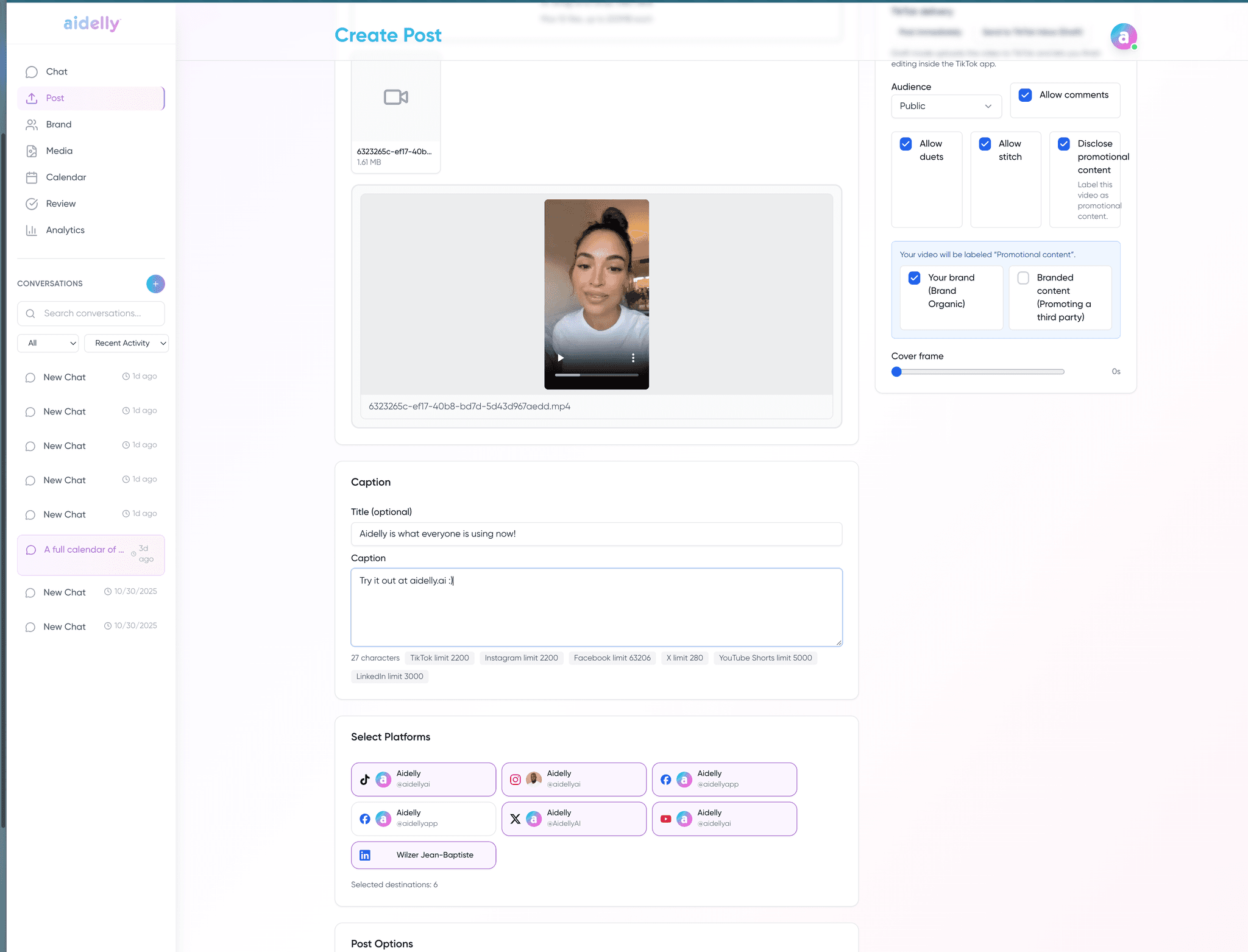
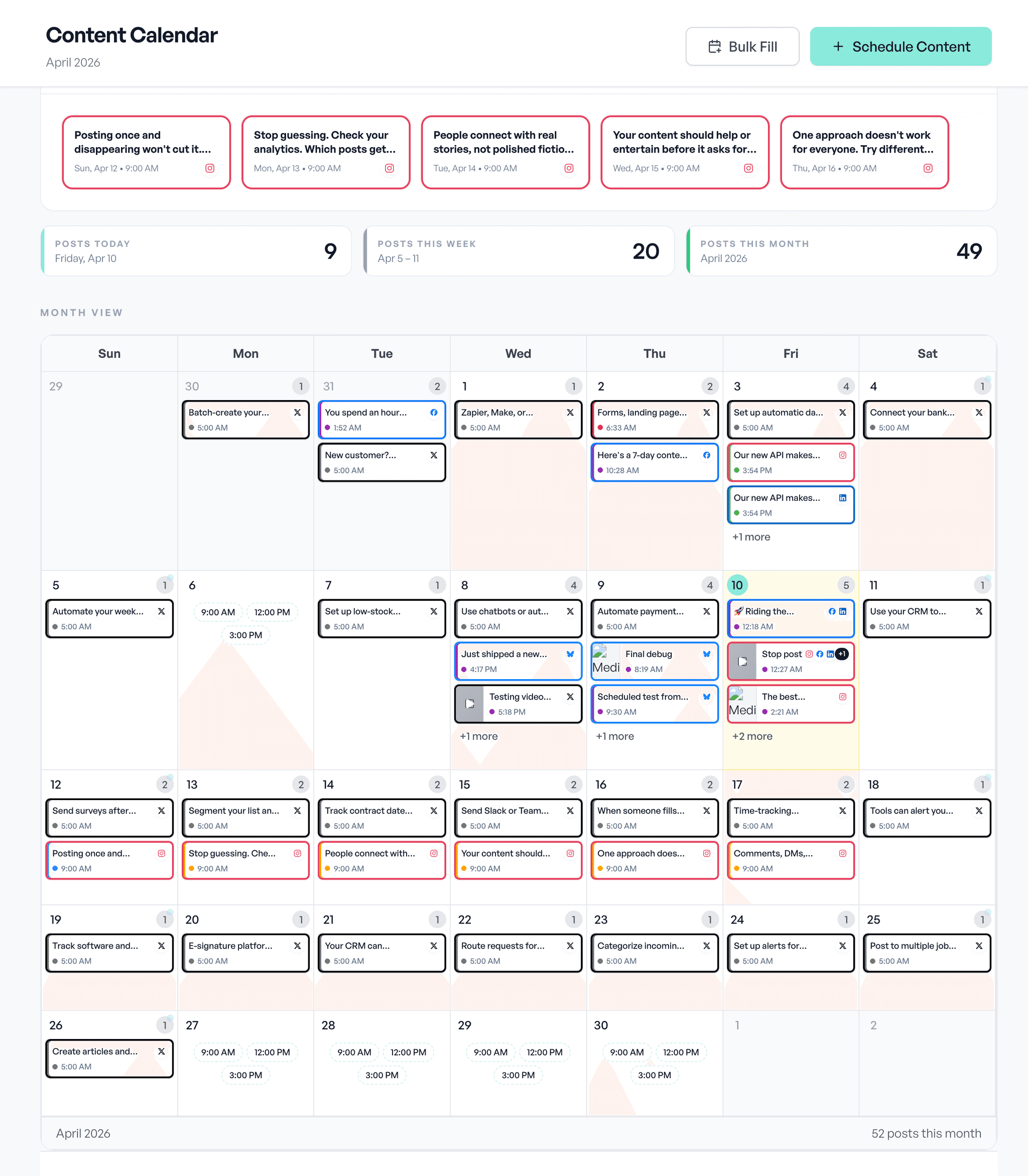
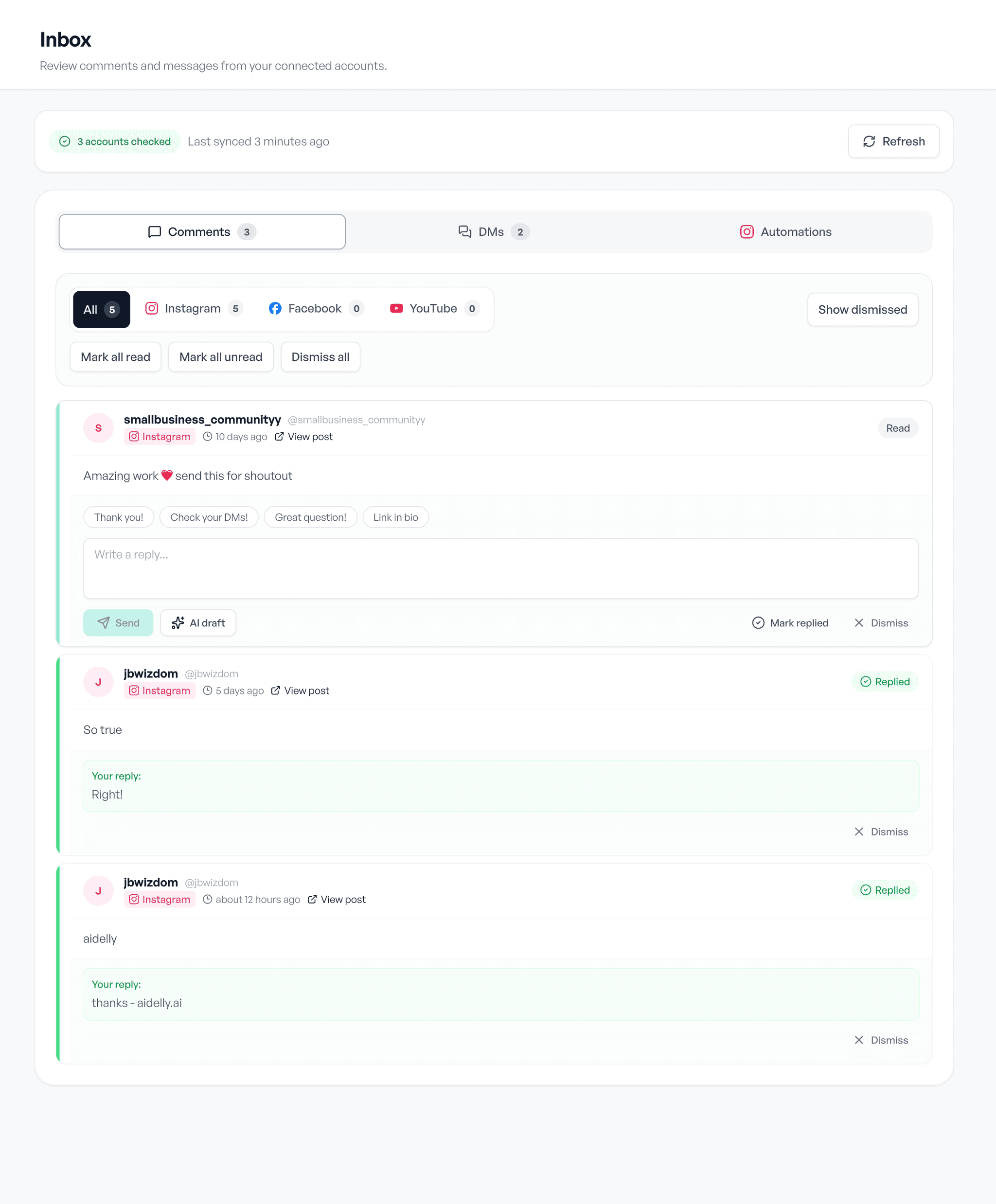
Draft, schedule, reply. The same three screens, whatever you post about.