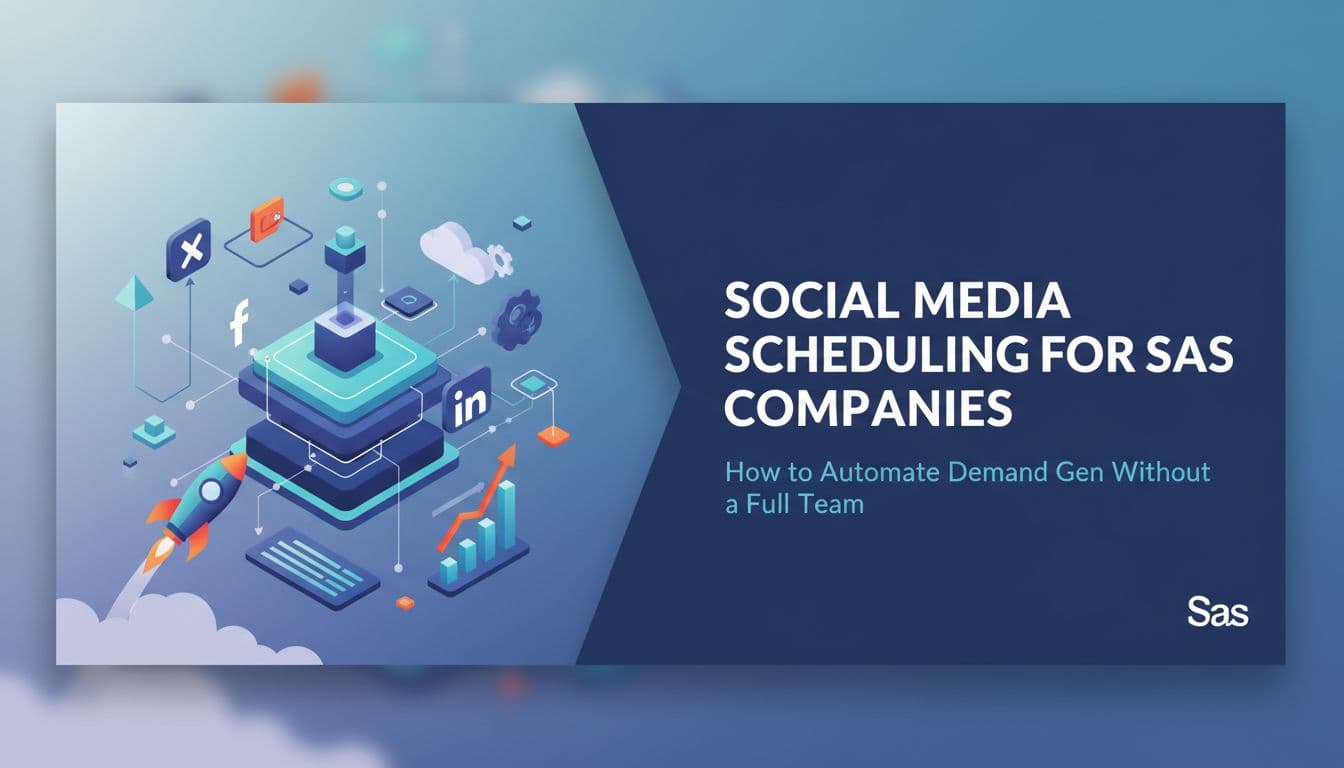
Social Media Scheduling for SaaS Companies: How to Automate Demand Gen Without a Full Team
Most SaaS companies are running social media with one or two people who are also doing five other things. The content calendar slips. Posts go out late or not at all. And when something does get published, it's usually a product update that nobody outside the company cares about. There's a better way to run this. Agentic social media tools can turn your existing blog posts, case studies, and product docs into a scheduled demand gen engine that runs without a dedicated content team. This guide walks through exactly how lean SaaS marketing teams can use AI-powered scheduling, smart repurposing, platform-specific timing, approval workflows, and pipeline-focused analytics to build a social presence that actually moves the needle on demo requests and trial starts, not just follower counts.

Wilzer Jean-Baptiste
10 min read
You're running marketing for a SaaS company with one or two people. You've got a product that solves a real problem, a few good case studies, and a blog that gets updated when someone has time. Your social media presence is inconsistent at best. Posts go out in bursts when there's something to announce, then go quiet for two weeks. Sound familiar?
The problem isn't that you don't have enough content. It's that you don't have a system to turn what you already have into a steady stream of posts that actually move buyers toward a demo or a trial. Agentic social media changes that. Instead of manually writing and scheduling every post, AI agents handle the drafting, timing, and queuing so your team can focus on the work that actually requires human judgment.
Here's how to build that system for a lean SaaS team.
Your Buyers Are Already Researching. Your Content Should Meet Them There.
Answer Questions Before Sales Has to
SaaS buyers do a lot of homework before they ever fill out a demo form. They read comparison posts, watch tutorial videos, look up customer stories, and search for answers to the exact problem your product solves. By the time they talk to a salesperson, most of them have already formed an opinion.
That means your social content has one job before anything else: answer the questions your buyers are already asking. Not sell. Not announce. Answer.
Think about the questions that show up in your support inbox, your sales calls, and your onboarding sessions. Those are content topics. A post that explains how your product handles a specific integration beats a generic "we're excited to announce" update every single time, because it meets a buyer where they already are in their research.
A good mix for most SaaS companies looks something like this: tutorials that show how to do something specific inside your product, comparison posts that honestly address where you win and where you don't, customer wins that show real outcomes with real numbers, and product updates framed around what the user can now do differently. That last part matters. Nobody shares a changelog. People share "here's how we cut our reporting time in half."
When you schedule content through an agentic workflow, you can set this mix as a rule. The AI agent pulls from your content library, drafts platform-specific versions, and queues them up so your feed stays balanced across all four content types without you manually tracking what went out last week.
Repurpose Everything. Start From Scratch Almost Never.
One of the biggest mistakes lean SaaS teams make is treating every social post like a new project. It's not. You already have the content. It's sitting in your blog, your case studies, your product docs, and your customer interviews. The work is turning it into social-ready snippets, not creating something new from nothing.
A single blog post can become ten or more social posts without much effort. Pull a key stat and turn it into a LinkedIn carousel. Take a step-by-step section and reformat it as a short tutorial thread on X. Clip a customer quote and pair it with a result for a quick win post. Record a two-minute walkthrough of the concept for YouTube. Each piece of that original blog post serves a different format, a different platform, and a different moment in the buyer's research journey.
This is where agentic social media tools earn their place. Platforms like Aidelly let you drop in a source URL or paste in a piece of content, and the AI agent drafts platform-optimized versions across LinkedIn, X, YouTube, and more. You're not starting from scratch each time. You're multiplying what you already built.
For a two-person SaaS marketing team, this changes everything. Instead of spending Tuesday afternoon writing five posts from zero, you spend thirty minutes reviewing what the agent drafted from last month's case study. That's a different kind of leverage. You produce more, you stay consistent, and your buyers see content that connects to real outcomes instead of filler posts written under deadline pressure.
Build a Content Library That Feeds the Machine
Repurposing works best when you have a system behind it. That means keeping your best content organized and accessible so your AI agent can pull from it on demand. Think of it as a content library: blog posts tagged by topic, case studies sorted by use case, product tutorials organized by feature, and customer quotes filed by industry or outcome.
When your scheduling tool has access to that library, it can suggest content based on what's performed well, what gaps exist in your calendar, and what topics align with your current campaign focus. You stop guessing what to post and start working from a pipeline of material that's already proven its value somewhere in your marketing mix. Over time, this library becomes one of your most valuable marketing assets, a structured bank of proven content that your AI agent can draw from to keep your social presence consistent even during your busiest weeks.
Post at the Right Time for the Right Platform
LinkedIn and X Are Not the Same Audience or the Same Clock
Timing is one of those things that sounds like a minor detail until you realize your best posts are going out at 9 PM on a Friday when your buyers are not at their desks. Platform timing is not universal, and for B2B SaaS specifically, it makes a real difference.
LinkedIn performs best during weekday mornings, roughly 8 AM to 10 AM in your audience's time zone. That's when professionals are catching up on their feeds before the day gets busy. A post about how your product handles a common workflow problem, published at 9 AM on a Tuesday, has a much better shot at engagement than the same post published at 6 PM. The content didn't change. The timing did.
X moves faster. The half-life of a tweet is measured in minutes, not hours. Posting two or three times a day during active windows works better than one carefully crafted post per day. Your buyers on X are often looking for quick takes, reactions, and short tutorials they can scan in thirty seconds.
YouTube operates on a completely different logic. The algorithm cares more about watch time and completion rates than it does about the exact hour you published. A well-structured five-minute walkthrough that keeps viewers watching until the end will outperform a poorly structured video published at the perfect time. For SaaS teams, that means investing in the quality and structure of the video itself, then letting the algorithm do its job over time.
Match Your Schedule to Where Your Buyers Actually Are
Before you set your posting schedule, you need to know which platforms your buyers actually use during their research process. For most B2B SaaS products, LinkedIn is the primary channel. Your buyers are there, their peers are there, and the content format supports the kind of detailed, outcome-focused posts that move people toward a demo request.
But that doesn't mean you ignore X or YouTube. X is where a lot of technical buyers and SaaS founders spend time, especially in developer-focused or product-led growth communities. YouTube is where buyers go when they want to see the product in action before committing to a demo. A short screen-recorded walkthrough on YouTube can do more for your pipeline than a month of LinkedIn posts because it answers the question "does this actually work the way they say it does?"
Map your content types to your platforms based on where your buyers go for each type of information. Tutorials and comparisons work on YouTube. Quick wins and hot takes work on X. Case studies, thought leadership, and product updates work on LinkedIn. Then schedule accordingly, with different content hitting different platforms at the times those audiences are most active.
Let Auto-Scheduling Handle the Calendar Math
Once you know your platform timing rules, you don't need to manually calculate the best time for every post. A good social media scheduler handles that for you. Aidelly's content calendar lets you set platform-specific scheduling rules so posts automatically queue at the right times without you opening a spreadsheet every week. You set the rules once, and the system applies them every time a new post enters the pipeline.
That's one less decision to make when you're already juggling product launches, customer calls, and everything else on a lean team's plate. And because the timing is consistent, your audience starts to expect your content at predictable intervals, which improves engagement over time. Consistency compounds. A steady, well-timed feed builds more trust with your buyers than sporadic bursts of activity, no matter how good the individual posts are.
Build Trust With Approval Workflows and Measure What Actually Matters
One Off-Brand Post Can Cost You More Than You Think
In SaaS, trust is the product. Buyers are evaluating whether they can rely on your company before they ever try your software. Your social content is part of that evaluation. A post that sounds off-brand, makes an unverified claim, or uses messaging that contradicts what your sales team is saying creates friction. It makes buyers second-guess the whole picture.
This is why approval workflows matter even when you're using AI to draft content. Automation speeds up the drafting process. It does not replace human judgment about what should actually go live. Every post that leaves your queue should pass through at least one set of eyes that can check for brand voice, factual accuracy, and messaging alignment before it hits the feed.
For small SaaS teams, this doesn't need to be a heavy process. A simple two-step review where the drafter approves and a second person spot-checks is enough for most posts. For anything touching pricing, competitive claims, or customer data, a stricter gate makes sense. The point is that the gate exists, even when the drafting is automated.
Aidelly's approval workflows let you build those review gates directly into the scheduling process. The AI agent drafts the content, it lands in a review queue, and nothing goes live until someone on your team signs off. You get the speed of automation without the risk of something embarrassing or off-message reaching your audience.
Stop Measuring Likes. Start Measuring Pipeline.
Likes and follower counts feel good. They don't pay for your next hire. For SaaS demand gen, the metrics that matter are the ones connected to your pipeline: demo requests that came from social, trial starts driven by a specific post or campaign, and qualified traffic arriving at your pricing or features pages from LinkedIn or YouTube.
Most social media analytics tools show you engagement data. That's useful for understanding what content resonates, but it's not enough on its own. You need to close the loop between social activity and actual pipeline movement. That means using UTM parameters on every link you post so your CRM or analytics platform can attribute traffic and conversions back to specific posts and platforms.
When you track this way, patterns start to emerge. Maybe your LinkedIn tutorial posts drive more trial starts than your case study posts. Maybe your YouTube walkthroughs bring in visitors who convert at a higher rate than any other channel. That information changes how you allocate your content effort. You stop guessing and start doubling down on what's working for demand gen.
Set a monthly review where you look at three numbers: demo requests attributed to social, trial starts from social traffic, and the quality of that traffic based on how far those visitors get in your funnel. If those numbers are moving in the right direction, your scheduling strategy is working. If they're flat, something in your content mix, timing, or platform focus needs to change.
Use Analytics to Improve the Agent, Not Just the Report
The real advantage of agentic social media management is that performance data can feed back into the content strategy. When you track which post formats, topics, and platforms drive the most qualified traffic, you can update your content guidelines and brand voice settings so the AI agent produces more of what works and less of what doesn't.
This creates a loop where your scheduling strategy gets smarter over time without requiring a bigger team to manage it. The agent drafts, humans review and approve, performance data informs the next round of drafts, and the whole system improves with each cycle. For lean SaaS teams, that compounding effect is the real advantage. You're not just automating the work you already do. You're building a system that gets better at demand gen the longer you run it.
Lean SaaS teams don't need a bigger content team to run a serious demand gen operation on social. They need a smarter system: one that turns existing content into scheduled posts, matches timing to platform behavior, keeps every post on-brand through review gates, and tracks the metrics that connect to real pipeline. The tools that make this possible aren't just schedulers. They're agentic systems that handle ideation, drafting, timing, approval, and analysis so your team focuses on strategy instead of execution. When your social media workflow runs on its own and feeds you the right data, two people can do what used to take a full team. That's where Aidelly comes in.
You don't need a full marketing team to keep your social channels working. Aidelly's agentic workflows handle ideation, drafting, scheduling, and performance analysis so your SaaS content reaches buyers while they research. See how it works at aidelly.ai.Compare Social Scheduling Tools
Evaluating software for your content workflow? Use our buyer guides and comparisons to compare scheduling, approvals, analytics, and AI workflow fit.
Share this article
Related Articles
What a Social Media MCP Server Actually Does and Why Developers Should Care
Most AI assistants can write a social media post. Very few can actually publish one. That gap, between drafting and doing, is exactly what a social media MCP server closes. The Model Context Protocol gives AI agents a standard way to connect to real tools and take real actions. When a social media scheduler exposes an MCP server, your AI assistant stops being a fancy text generator and starts being an agent that can check your content calendar, pull brand assets, pick the best time to post, and hit publish, all without you writing a custom integration. This article breaks down what that actually looks like in practice, why developers should care about it now, and how platforms like Aidelly are already making it possible to build end-to-end agentic publishing pipelines with almost no glue code.
Sep 17, 2026
Read more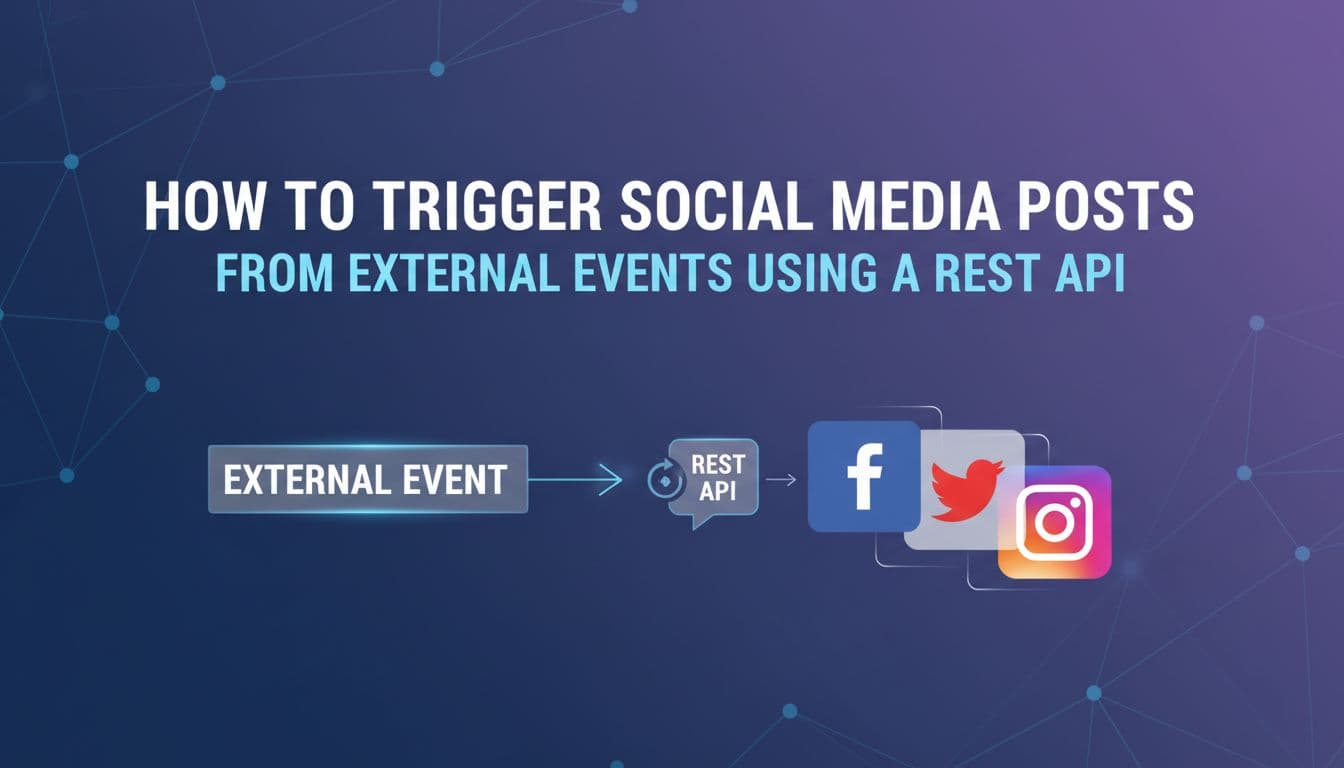
How to Trigger Social Media Posts From External Events Using a REST API
Most social media automation stops at scheduling. You pick a time, write a post, hit publish. But the real opportunity is connecting your social channels to the things that actually happen in your business — a new order, a published blog post, a CRM deal closing, a product going back in stock. When those events automatically become published content across Instagram, LinkedIn, X, and TikTok, you stop manually translating business activity into social posts. This guide is for developers, technical founders, and marketing ops teams who want to build that pipeline. We'll cover webhooks vs. API calls, how to structure a reliable event-driven workflow, platform-specific content formatting, error handling, auto-scheduling, brand voice enforcement, and how AI agents can now run the entire flow without human handoffs. By the end, you'll have a clear architecture for turning any real-world event into published social content.
Sep 22, 2026
Read more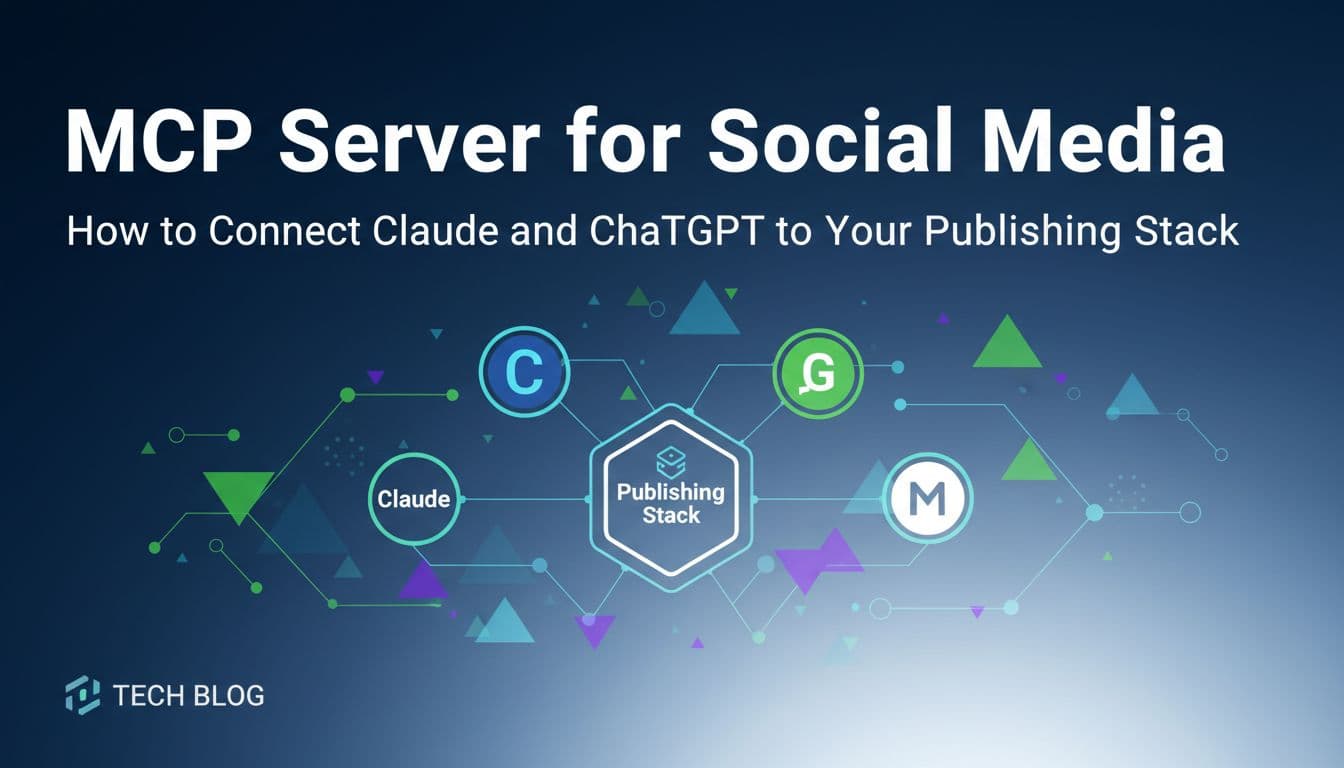
MCP Server for Social Media: How to Connect Claude and ChatGPT to Your Publishing Stack
Most people use Claude or ChatGPT to write social media content, then manually copy it into a scheduler. That extra step costs more time than it seems. Model Context Protocol (MCP) servers eliminate that gap entirely. Instead of switching tabs and pasting content, your AI assistant can draft, schedule, and publish posts directly from your chat interface. Only about seven platforms in the world currently support MCP for social media, making this one of the rarest and most valuable capabilities available to marketing teams right now. This article breaks down what MCP servers actually do, why they matter for social media automation, and how solopreneurs, agencies, and developers can use them to build hands-off publishing workflows. If you already use AI tools for content creation, this is the infrastructure upgrade that makes those tools actually work end-to-end.
Sep 8, 2026
Read moreReady to never miss a post again?
Tell Aidelly what to post. It drafts, schedules, and publishes across 9 platforms while you focus on your business.