Slack integration
Work with Aidelly from Slack
The Aidelly Slack app lets you work with Aidelly without leaving Slack. Mention @Aidelly in a channel or message it directly, read its replies in the same thread, and approve or reject actions that need sign-off after reviewing a preview.
What's specific to Slack
Send Aidelly a direct message, or invite the app into a channel and mention @Aidelly.
Source: Aidelly docsReplies stay in the conversation thread, so a request and its answer sit together.
Source: Aidelly docsThe app requests the app_mentions:read, chat:write, im:history and incoming-webhook scopes.
Source: Aidelly docsIt receives the messages that mention the app and the messages sent to it directly.
Source: Aidelly docsYour Slack administrator may need to approve the installation before you can use it.
Source: Aidelly docs
What it looks like day to day
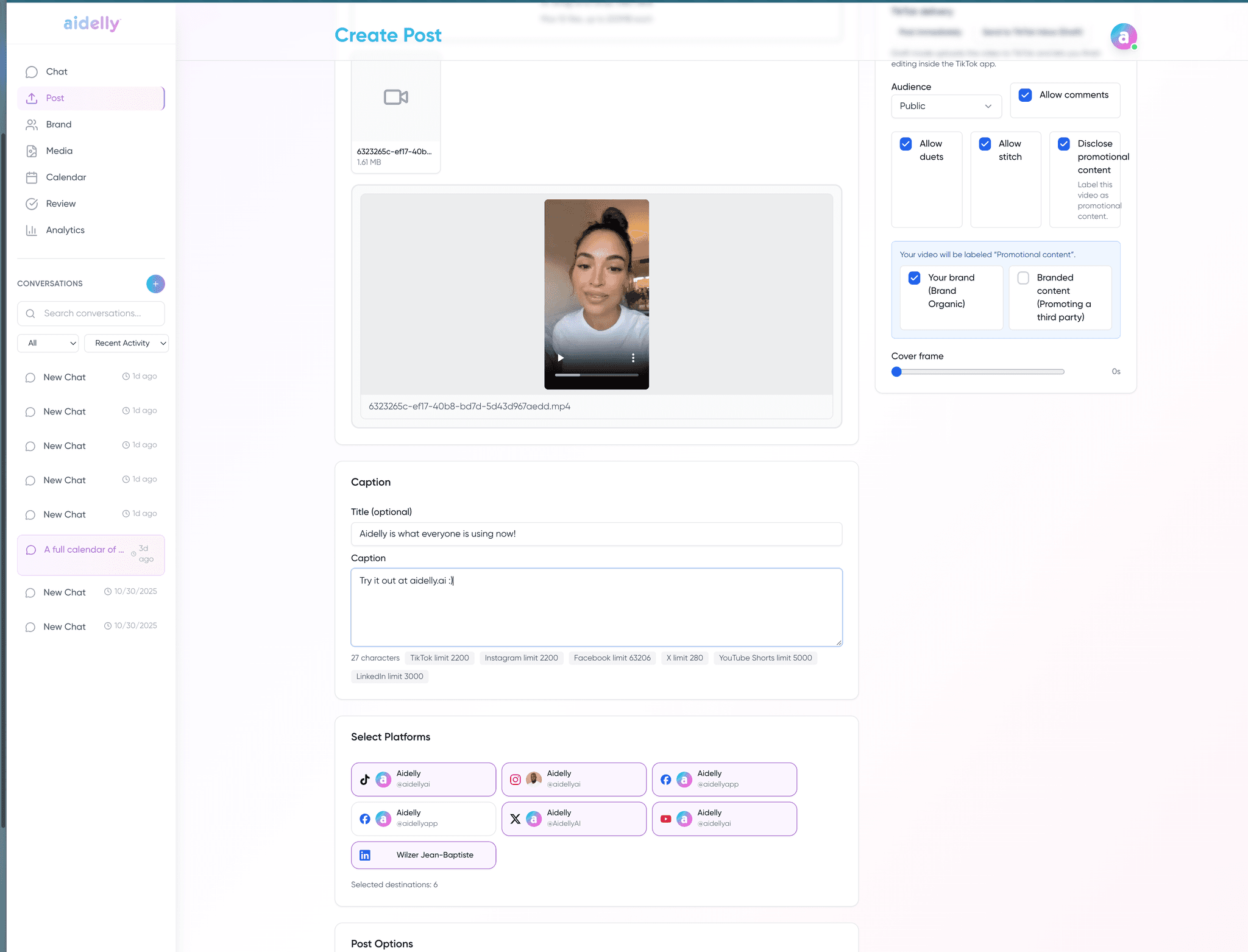
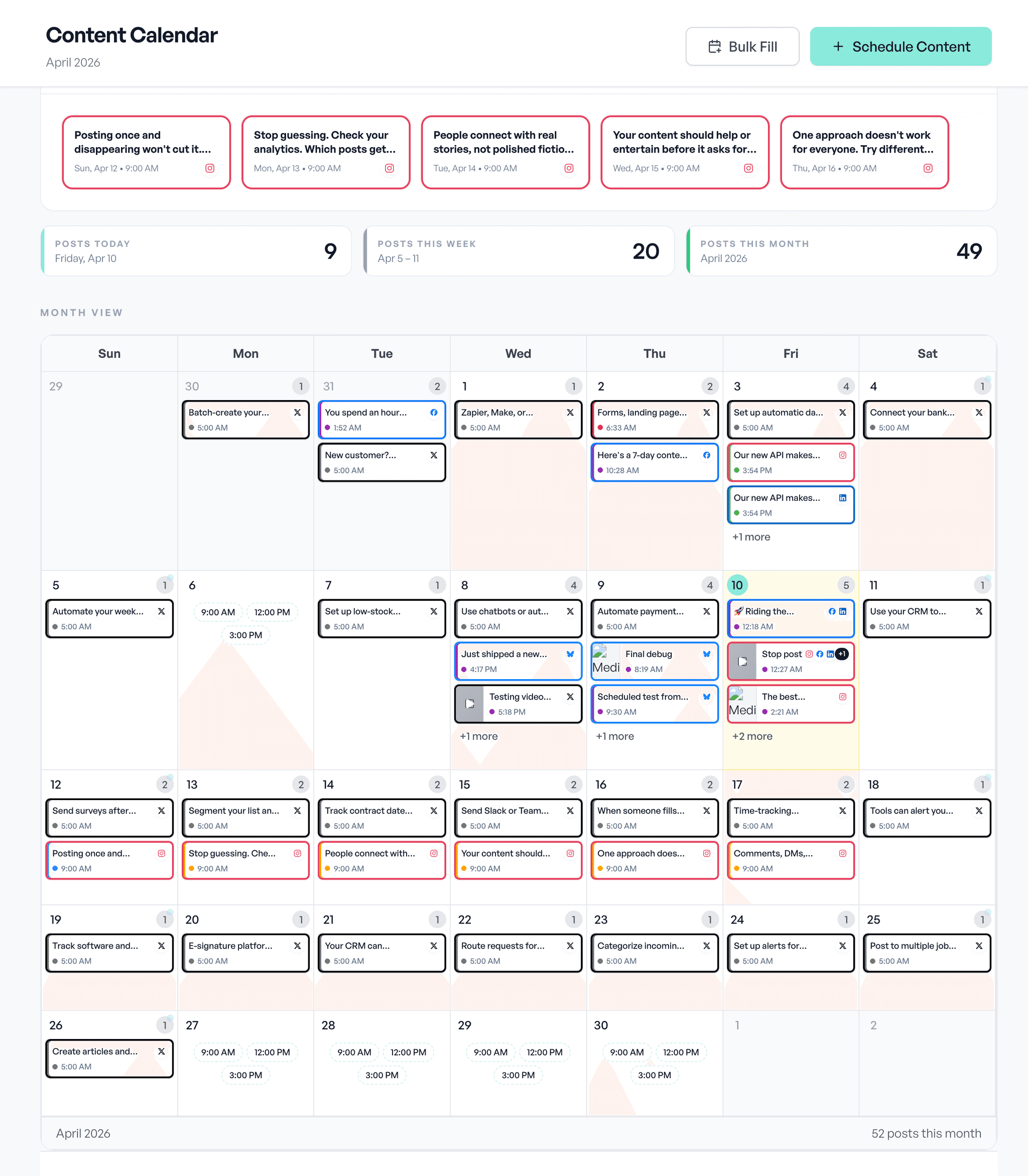
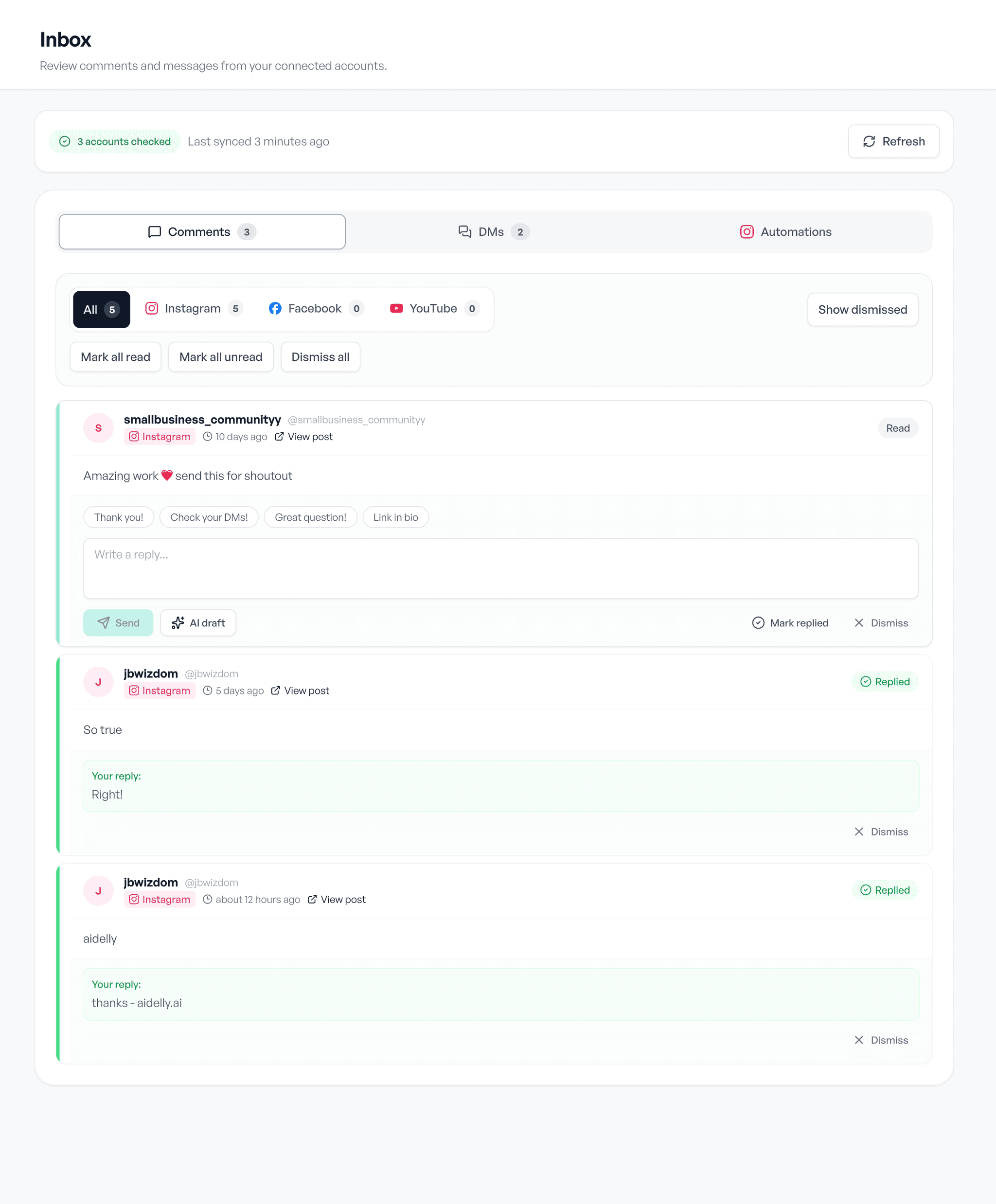
Draft, schedule, reply. The same three screens, whatever you post about.