YouTube Shorts Scheduling: How to Repurpose One Long-Form Video Into a 30-Day Short-Form Content Plan
 By Wilzer Jean-Baptiste11 min read
You filmed a great video. It's 45 minutes long, well-structured, and packed with useful information. You posted it to YouTube. It got some views. And then you moved on to filming the next one.
Meanwhile, your Shorts tab is empty. Or you posted two clips three weeks ago and haven't touched it since. You know Shorts drive discoverability. You know the algorithm pushes short-form content to new audiences. But actually building a consistent Shorts schedule on top of everything else you're doing feels like a second full-time job.
Here's the thing: it doesn't have to. The video you already filmed is not one piece of content. It's a library. And with the right system — not more creativity, not more time, a system — you can turn that one video into a full 30-day Shorts plan and schedule it in a single afternoon.
Your Long-Form Video Is Already a Content Library
Most repurposing advice treats the problem like a creativity challenge. It tells you to 'think outside the box' or 'find your best moments.' That's not the problem. Repurposing is a workflow problem, not a creative one. You need a repeatable system, not inspiration.
If you've already recorded a 30 to 60 minute video, you have more than enough raw material to work with. You don't need to film anything new. You just need to know how to extract it.
One Video, 8 to 12 Shorts — If You Clip Smart
A single 30 to 60 minute long-form YouTube video contains enough raw material for 8 to 12 Shorts — but only if you clip by topic, moment, or question instead of just chopping by timestamp. This is the shift most creators miss. Clipping by timestamp gives you random fragments. Clipping by meaning gives you standalone content that works on its own.
Think about how a 45-minute tutorial video actually breaks down. You might have an opening hook where you make a bold claim. You have a section where you explain a concept from scratch. You have a moment where you share a surprising stat or personal story. You have a Q&A section where you answer three specific questions. Each of those is a different Short with a different purpose. The bold claim becomes a curiosity hook. The concept explanation becomes a quick lesson. The surprising stat becomes a scroll-stopper. The Q&A answer becomes a community-driven clip.
When you think about your footage this way, 8 to 12 Shorts from one video isn't ambitious — it's conservative. A 60-minute video with strong structure can yield 12 to 15 usable clips. You're not stretching the content thin. You're recognizing that your long-form video was never one piece of content. It was always a collection of smaller ideas stitched together. The key is watching your video once with a notepad and marking every moment where you say something quotable, teach something specific, or make a point that could stand alone. You'll find more than you expect.
Start With a Content Audit Before You Touch the Editor
The best repurposing system starts with a content audit. Before you open your editing software, watch your long-form video and identify the 3 to 5 strongest hooks, surprising facts, or teachable moments. This step saves you hours of aimless scrubbing through footage later.
Here's what to look for during your audit. First, find your strongest hook — the moment where you say something that would make a stranger stop scrolling. This is usually a bold claim, a counterintuitive statement, or a question that creates immediate curiosity. Second, find your most surprising data point or fact. If you said something that made your audience say 'wait, really?' — that's a Short. Third, find your clearest teachable moment. This is the part where you explain one concept in under two minutes. That clip needs almost no editing. It's already a Short.
Write these moments down with their timestamps. You're building a clip map, not editing yet. Once you have 3 to 5 anchor moments identified, you can build the rest of your Shorts around them — supporting clips, context clips, and CTA clips. The audit takes 20 to 30 minutes and saves you four hours of aimless editing. If you use Aidelly's AI Chat Workspace, you can paste your video transcript and have the AI flag the strongest hook moments, suggest captions, and draft descriptions for each clip before you've touched the editor.
Building a 30-Day Content Arc From One Video
Once you have your clips identified, the next step is sequencing them. A random posting schedule wastes your best content. A content arc turns your clips into a story that builds over four weeks and keeps viewers coming back.
How to Structure Your 30-Day Shorts Arc
A 30-day Shorts plan built from one video should follow a content arc. Open with a hook clip to drive curiosity. Use the middle weeks to deliver value and proof. Close the final week with a CTA or teaser for your next long-form piece.
Week one is about attention. You post your strongest hook clip first — the moment from your video that makes someone want to know more. This might be a bold claim you made in the intro, or a surprising result you shared before explaining how you got there. The goal is not to teach anything yet. The goal is to make people curious enough to follow you.
Week two and week three are your value weeks. This is where you post your teachable moments, your how-to clips, and your proof points. If your long-form video was about growing an email list, week two might be three clips explaining specific tactics. Week three might be a before-and-after result, a common mistake, and a tool recommendation. You're delivering on the curiosity you created in week one.
Week four closes the loop. You post a clip that references what you covered across the month and teases what's coming next. This might be a direct CTA to watch the full video, a question that sets up your next long-form piece, or a 'what I'm working on next' clip. This arc keeps your channel feeling intentional instead of random, and it trains your audience to expect new content from you on a regular cycle — which matters more than most creators realize.
Mapping Your Clips to the Calendar
Once you know your arc, map your clips to specific dates. A 30-day plan with 8 to 12 Shorts means you're posting roughly every 2 to 3 days. That's a sustainable cadence that keeps you visible without burning through your content bank too fast.
Use a visual content calendar to lay this out before you start scheduling. Seeing all 30 days at once helps you spot gaps, avoid posting the same type of clip back to back, and make sure your CTA content lands at the right time. Aidelly's visual content calendar lets you drag and drop Shorts across dates, see your full pipeline at a glance, and flag clips that still need captions or descriptions before they go live.
Batch your editing and scheduling in one session. Edit all 8 to 12 clips, write your captions, and schedule everything in one sitting. This is how you break the cycle of scrambling to post something every few days. One two-hour session sets you up for the entire month.
Writing Captions That Match Each Week's Goal
Your captions should match the purpose of each clip in your arc. Week one captions create curiosity — they ask questions or make statements that don't fully resolve. Week two and three captions deliver value — they tell the viewer exactly what they'll learn in 60 seconds. Week four captions drive action — they link to the full video, ask for a comment, or tease what's next.
Keep captions short. Two to three sentences max for most Shorts. Include one relevant keyword naturally. And write like you're talking to one person, not broadcasting to an audience. The caption isn't the main event — the video is. But a strong caption gives the algorithm more context to work with and gives viewers one more reason to tap.
The Scheduling and Automation Layer That Makes It Stick
Having a 30-day plan is great. Actually executing it every week for months in a row is where most creators fall apart. The system breaks down not because the plan was bad, but because the manual execution is too heavy to sustain alongside everything else you're doing. This is the part of the workflow that needs to run without you.
When to Post YouTube Shorts for Maximum Reach
Scheduling YouTube Shorts at consistent times — typically 6 to 9am or 7 to 9pm in your audience's timezone — compounds performance over time. The algorithm rewards accounts with predictable upload cadences. This isn't just about hitting peak viewing hours, though that matters. It's about training the algorithm to expect your content and distribute it to your subscribers before it tests it on new audiences.
Think of it like a TV show. When a show airs at the same time every week, viewers build a habit around it. YouTube's algorithm behaves similarly. Accounts that post on a consistent schedule get faster initial distribution because the platform has learned when to expect new content from them. Accounts that post randomly get treated like unknowns every time, no matter how good the content is.
For most creators, 7am or 8pm in your audience's primary timezone is a strong starting point. Check your YouTube Analytics under 'When your viewers are on YouTube' to find your specific peak windows. Once you know your best times, lock them in and don't deviate. Consistency over two to three months builds compounding reach that sporadic posting never achieves. Auto-scheduling tools remove the friction of remembering to post at the right time. Instead of setting a manual reminder every two days, you schedule all 12 Shorts in one session and the platform handles the rest.
Why Most Creators Abandon Their Repurposing Plans in Two Weeks
Agentic AI workflows can automate the entire pipeline from content ideation and caption writing to scheduling and performance tracking — removing the manual bottleneck that causes most creators to abandon their repurposing plans within two weeks. That two-week drop-off is real and it's predictable. It happens because the initial energy of building the plan fades, and the manual work of executing it every few days starts to feel like a grind.
Here's what the manual version of this workflow looks like: you watch your video, clip your footage, write captions from scratch, open your scheduling tool, upload each clip individually, set the time, add hashtags, and repeat for 12 clips. Then you do it again next month. And the month after that. Most creators make it through the first month and then quietly stop.
Agentic AI changes this by removing the steps that kill momentum. An AI agent can analyze your video transcript and flag the strongest clip moments. It can draft captions in your brand voice. It can schedule each clip at your optimal posting time without you touching the queue. It can pull performance data after each post and tell you which clips drove the most subscribers or views. You stop being the person who executes the workflow and start being the person who reviews it. Aidelly's agentic workflows handle this end-to-end. You set your brand voice, your posting schedule, and your content preferences once. The AI agents handle the drafting, scheduling, and tracking — so your 30-day Shorts plan keeps running even when you're deep into filming your next long-form video.
Tracking What Works and Feeding It Back Into the Next Plan
The last piece of the system is performance tracking. After your 30-day plan runs, you need to know which clips drove views, which ones got shares, and which ones converted viewers into subscribers. That data tells you what to prioritize when you build next month's plan.
Look for patterns across your arc. Did your hook clips in week one outperform your value clips? That tells you to lead with bolder claims next time. Did your week four CTA clips drive more full-video views than expected? That tells you to include more direct CTAs earlier in the arc. This feedback loop is what turns a one-time content experiment into a repeatable growth system.
Cross-platform analytics in a single dashboard make this review fast. Instead of logging into YouTube Studio, pulling numbers manually, and building your own comparison, you get a unified view of what performed and what didn't. You spend 20 minutes reviewing the month instead of two hours chasing data. And that review directly informs the next video you film — so your long-form content gets sharper over time too.
One long-form video is not one piece of content. It's a raw asset with 8 to 12 Shorts inside it and a 30-day content plan waiting to be built. The creators who stay consistent with short-form video aren't more creative or more motivated — they have a better system. They audit before they edit, sequence their clips into an arc, post at consistent times, and let automation handle the execution so the workflow keeps running without them. The right tools make the difference between a plan you build once and abandon and a workflow that compounds your reach month after month. When your scheduling, caption writing, and performance tracking run on autopilot, you get your time back and your content stays consistent. If you're ready to stop rebuilding your content plan from scratch every month and start running it like a system that works without you, the next step is setting up the workflow that makes it automatic.
If you want a low-lift way to apply these ideas, Aidelly helps you keep your social content consistent without extra busywork.You now have the system. The only thing left is making sure it actually runs every week without you having to babysit it. Aidelly's agentic workflows handle the full pipeline for you, from writing captions to scheduling your Shorts at the right time to tracking what's working. If you're ready to stop doing this manually, start at aidelly.ai.
Compare Social Scheduling Tools
Evaluating software for your content workflow? Use our buyer guides and comparisons to compare scheduling, approvals, analytics, and AI workflow fit.
Share this article
Related Articles
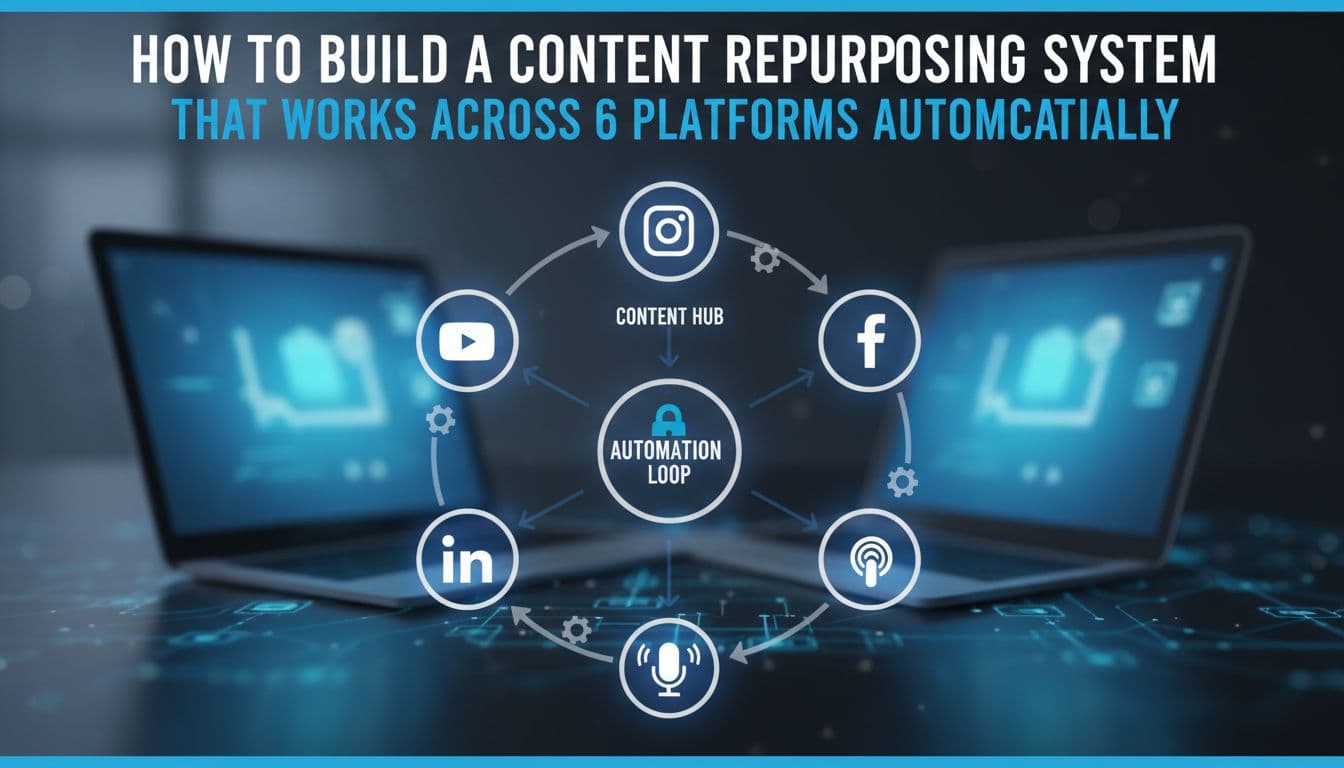
How to Build a Content Repurposing System That Works Across 6 Platforms Automatically
Most content creators are stuck in a loop. They film a video, write a caption, post it, then start over from scratch on the next platform. By the time they've reformatted the same piece of content for Instagram, LinkedIn, TikTok, YouTube, Facebook, and X, an hour is gone and the week hasn't even started. There's a better way to think about this. Instead of treating repurposing as a task, you can build it as a system. One piece of pillar content goes in. Six platform-native posts come out. They get scheduled at the right time, in your brand voice, without you touching each one manually. This article walks you through exactly how to build that pipeline, what makes it actually work across all six platforms, and how agentic AI is turning what used to be a full-time job into something that mostly runs itself.
May 29, 2026
Read more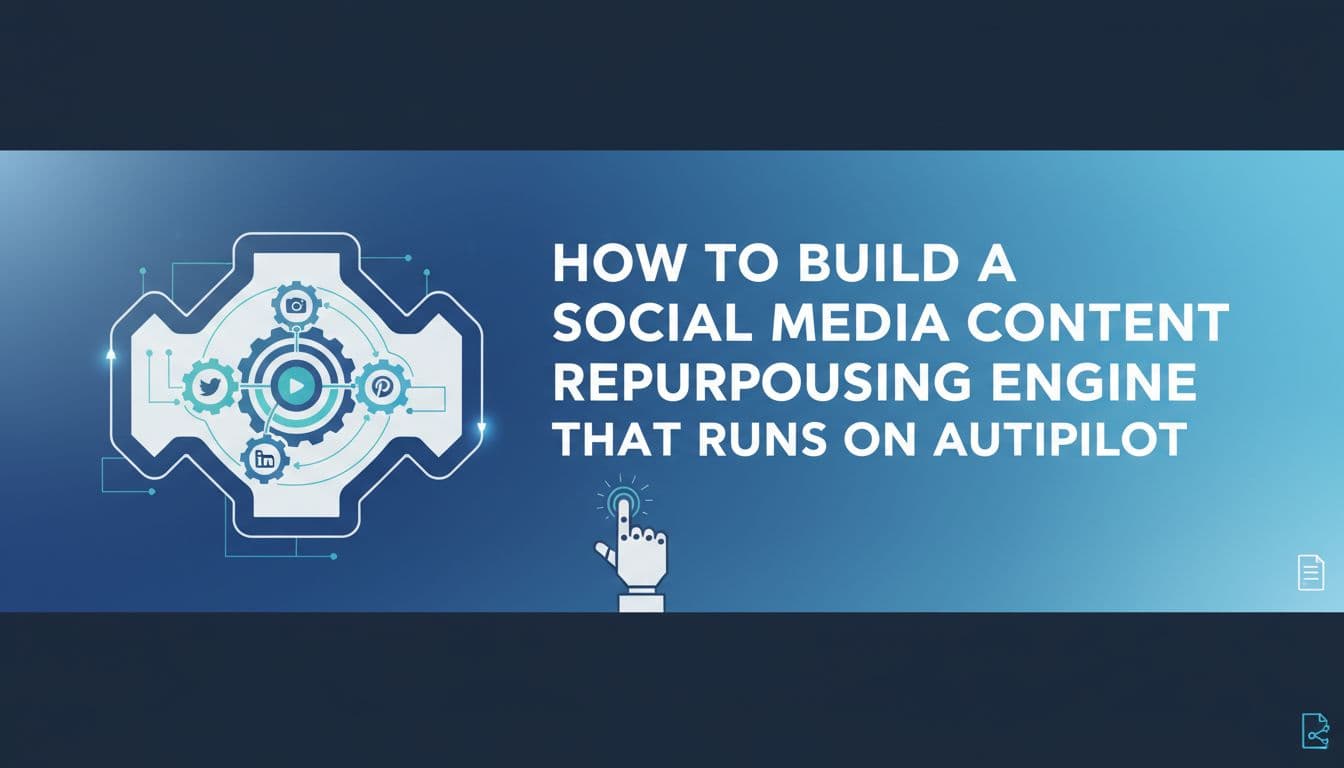
How to Build a Social Media Content Repurposing Engine That Runs on Autopilot
Most content creators are stuck in a loop. You write a blog post, copy a few lines into Instagram, paste a shorter version into LinkedIn, and maybe remember to post something on X before the week ends. That is not a repurposing strategy. That is manual labor dressed up as a workflow. The good news is there is a better way to do this, and it does not require a bigger team or more hours. A real content repurposing engine has four stages: ingest, transform, schedule, and analyze. When those stages run on agentic AI, the whole system works without you touching a keyboard. This article breaks down what that engine looks like, why most repurposing breaks down before it even gets started, and how agentic workflows change what is actually possible for solopreneurs, creators, and marketing teams in 2026.
May 26, 2026
Read more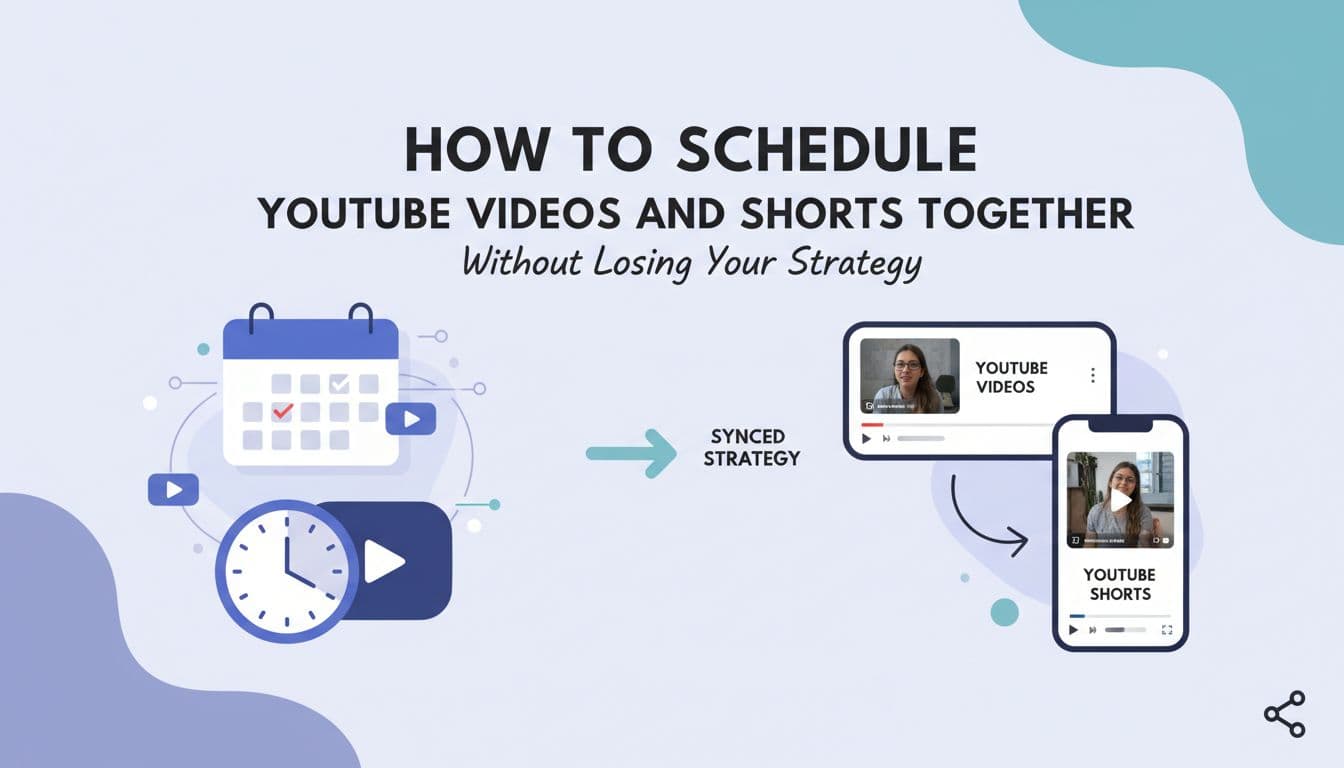
How to Schedule YouTube Videos and Shorts Together Without Losing Your Strategy
Most YouTube creators run two separate content tracks on the same channel and wonder why neither one is working as well as it should. Long-form videos get planned in one tool. Shorts get posted whenever there is a spare moment. The result is a channel that feels scattered, not strategic. The fix is not working harder. It is treating Shorts and long-form as two speeds of the same strategy and scheduling them together so you can actually see how they connect. This article breaks down why the two formats serve completely different goals, how to map your posting frequency without burning out, and how AI-powered scheduling tools can now handle the metadata, gap-flagging, and performance analysis that used to eat hours every week. If you manage a YouTube channel in 2026 and you are still scheduling Shorts and long-form separately, this is for you.
Jun 11, 2026
Read moreReady to never miss a post again?
Tell Aidelly what to post. It drafts, schedules, and publishes across 9 platforms while you focus on your business.