Developers
How to Build a Social Media Publishing Pipeline With Webhooks and the Aidelly API
Most developers building social media automation hit the same wall: they wire up one platform, get it working, then realize they have to do it five more times. Each platform has its own auth flow, rate limits, and quirks. Then something breaks at 2am and nobody knows why. There is a better way to think about this. A production-grade publishing pipeline is not a collection of one-off integrations. It is a system with clear stages, a unified publishing layer, and AI agents that can make decisions without you babysitting every step. This article walks through how to build that system using webhooks as your trigger layer and the Aidelly REST API as your publishing backbone. By the end, you will have a mental model for a pipeline that actually holds up in production, not just in a demo.

By Wilzer Jean-Baptiste
Published 11 min read
Most developers building social media automation hit the same wall eventually. They wire up one platform integration, get it working, and then realize they have to do the whole thing five more times. Each platform has its own auth flow, its own rate limits, its own way of handling media uploads. Then something breaks at 2am and the error logs are not telling you much. The problem is not the code. The problem is the architecture. Building platform-by-platform is the wrong starting point. A production-grade publishing pipeline needs a unified publishing layer, a clean trigger system, and an intelligent content layer that can make decisions without you watching every step. This article walks through how to build exactly that, using webhooks as your trigger mechanism and the Aidelly REST API as the backbone that connects everything to every platform at once.
Why Most Social Media Pipelines Break in Production
If you have ever built a social media integration from scratch, you know the drill. You start with one platform, maybe LinkedIn. You read the docs, handle the OAuth dance, write the post handler, deal with the rate limits, and ship it. It works. Then your team asks for Instagram. Then TikTok. Then X. Each one is its own project with its own failure modes. You end up with a patchwork of integrations that all need to be maintained separately, and the surface area for bugs grows every time you add a channel.
This is not a skill problem. It is a structural problem. The way most pipelines are built treats each platform as a destination instead of treating publishing as a single unified action. When you flip that mental model, everything gets simpler.
One Integration Instead of Six
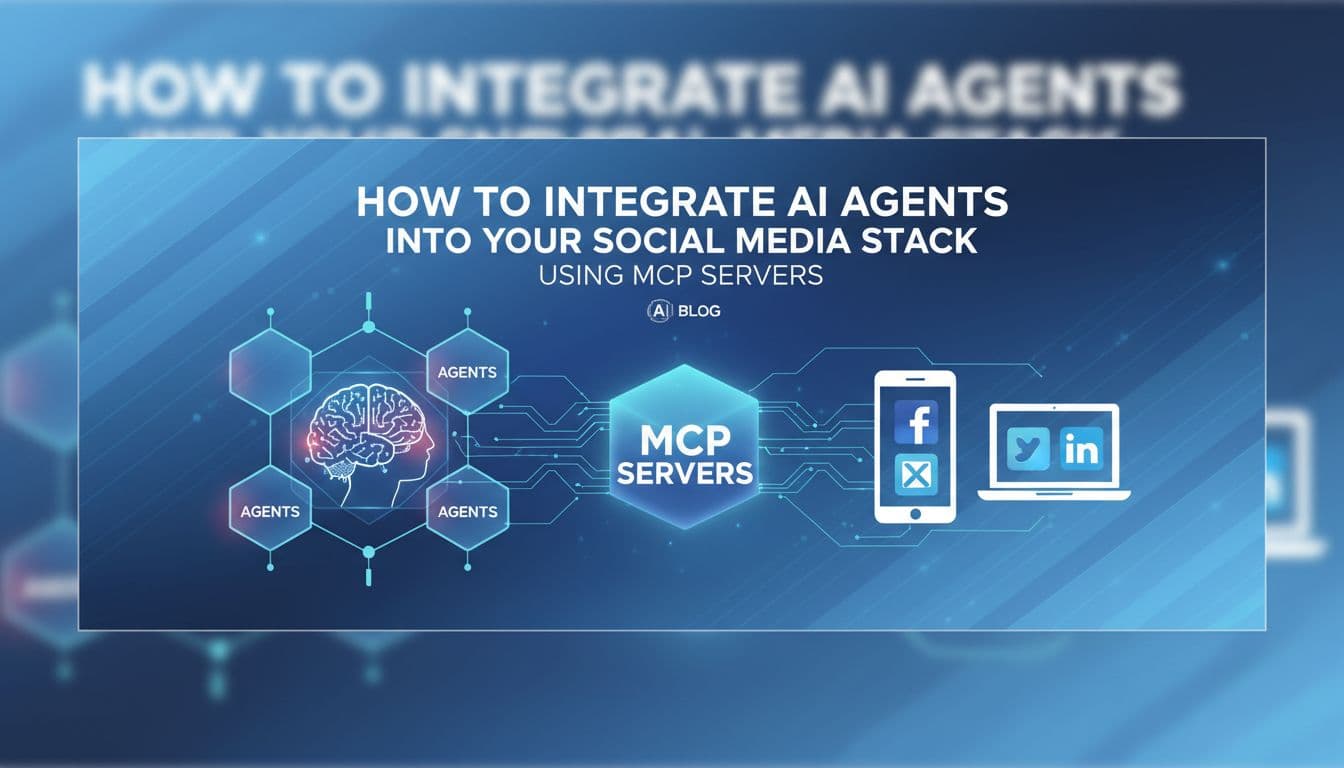
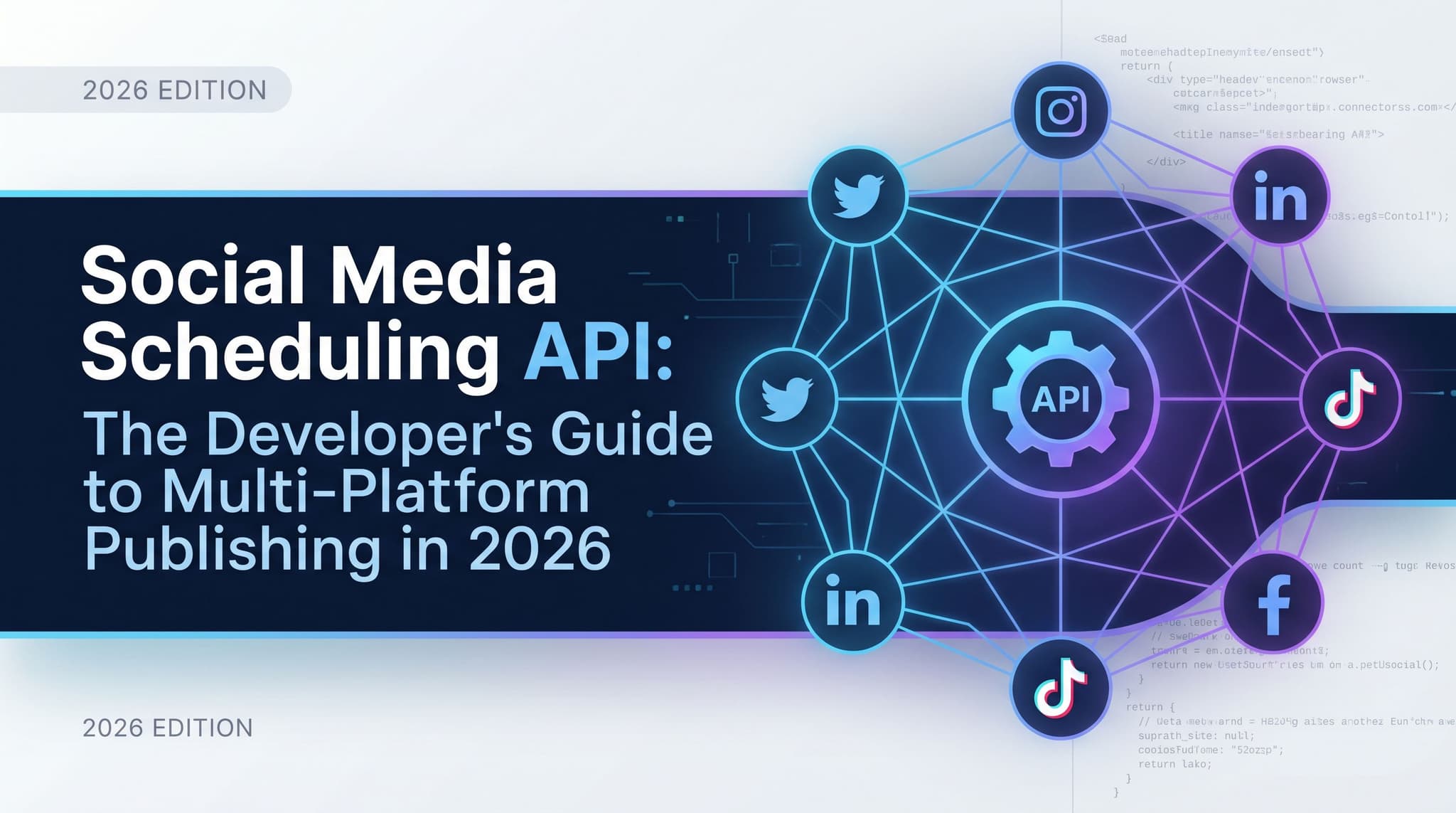
The Aidelly REST API gives you a unified interface so developers only write one integration instead of maintaining separate connections to Instagram, TikTok, LinkedIn, YouTube, Facebook, and X. That single change dramatically reduces the surface area for bugs and rate-limit headaches. You write your publishing logic once, point it at one endpoint, and Aidelly handles the platform-specific translation on the other side. If Instagram changes their API tomorrow, that is Aidelly's problem to fix, not yours. Your integration stays intact.
Think about what that means at scale. A team managing content across six platforms used to need six separate integrations, six sets of credentials to rotate, and six different error handling patterns. With a unified API, you have one auth token, one error surface, and one place to look when something goes wrong. That is not a small improvement. It is the difference between a pipeline you can trust and one you are always nervous about. The maintenance burden alone makes the case for a unified layer before you even get to the developer experience benefits.
Stop Polling. Start Reacting.
A lot of pipelines are built around polling. Your system checks a CMS every five minutes to see if anything new was published. It checks a database to see if a product launch was triggered. It checks a form submission table to see if a new lead came in. All of that polling adds up. You are burning compute, adding latency, and building a system that reacts slowly to events that already happened.
Webhooks fix this. Webhooks let external systems push events into your publishing pipeline in real time, so you stop polling APIs and start reacting to triggers like a CMS publish, a product launch, or a form submission. The Aidelly REST API is the endpoint that receives those triggers and fires content to the right platform at the right time. Here is a concrete example. Say you run an e-commerce brand and a new product just went live in your Shopify store. The store fires a webhook the moment that product is published. Your webhook handler catches the event, pulls the product title, description, and image URL, and sends a request to the Aidelly API with the content payload. Aidelly schedules the post across Instagram, Facebook, and TikTok based on your brand settings and timing data. The whole thing happens in seconds with no human touching a keyboard.
The Four Stages Every Pipeline Needs
A real publishing pipeline has at least four stages: trigger, content generation, approval gate, and scheduled delivery. Skipping any of these stages is exactly where pipelines break down in production.
The trigger is the event that starts everything. A webhook from your CMS, a scheduled cron job, a manual API call from an internal tool. Without a clean trigger layer, your pipeline has no reliable entry point. Content generation is where the raw event data turns into actual posts. This might be a template fill, an AI-generated draft, or a combination of both. If you skip this stage and push raw data directly to social platforms, you get garbage output that reflects poorly on the brand. The approval gate is what separates a toy automation from something you can actually trust in production. Someone or something needs to review the content before it goes live. And scheduled delivery is the final stage where approved content goes out at the right time on the right platform, based on when your audience is actually active, not just whenever the queue processes.
Building the Agentic Layer
Automation executes instructions. Agentic workflows make decisions. That distinction matters a lot when you are building a publishing pipeline that needs to work across six platforms with different content formats, different audiences, and different optimal posting times. A simple automation might take a blog post and cross-post the title and URL to every platform. That is technically automated, but it performs poorly. LinkedIn readers want professional context. TikTok needs a hook in the first two seconds. Instagram wants a visual-first caption. X wants something punchy and short. Posting the same thing everywhere is not a strategy.
What Agents Actually Do Mid-Pipeline
Agentic publishing workflows go beyond simple automation by letting AI agents make decisions mid-pipeline, such as choosing the best platform for a piece of content, rewriting copy for each channel's format, and selecting the optimal post time based on historical analytics from Aidelly's cross-platform dashboard. That is not just execution. That is judgment. The agent is doing work that used to require a skilled social media manager sitting at a desk reviewing every piece of content before it went out.
In practice, this might look like an agent receiving a webhook from your CMS when a new case study is published. The agent reads the case study, identifies that it is B2B content, and decides LinkedIn and X are the right channels. It writes a 200-word LinkedIn post that leads with the business outcome, then writes a punchy thread for X that breaks down the key insight. It checks the Aidelly analytics dashboard to see that your LinkedIn audience engages most on Tuesday mornings and schedules accordingly. All of that happens without a human making a single content decision. The human's job becomes reviewing the output, not creating it from scratch.
Connecting AI Agents to the Aidelly API
If you are building with an AI assistant like Claude or ChatGPT, Aidelly's MCP Server lets you connect those agents directly to your social media workflow via the Model Context Protocol. Your agent can call Aidelly's tools natively, create posts, pull analytics, manage brand assets, and schedule content without you writing a custom integration layer between the AI and the API.
For developers building more custom pipelines, the REST API is your entry point. You send a POST request with your content payload, platform targets, scheduling parameters, and brand ID. Aidelly handles the rest. The response gives you a post ID you can use to track status, pull approval state, or update the content before it goes live. A clean pattern here is to build your AI agent as a middleware layer between your webhook handler and the Aidelly API. The webhook fires, your handler passes the event data to the agent, the agent generates platform-specific content and makes scheduling decisions, then calls the Aidelly API to queue everything up. Three layers: event source, intelligent content layer, unified publishing endpoint.
Using Analytics to Close the Feedback Loop
A pipeline that only publishes is half a pipeline. The other half is feedback. When you pull performance data back into your system, your AI agents can learn what is working and adjust future content decisions accordingly. Aidelly's cross-platform analytics give you engagement data, reach, click-through rates, and posting time performance across every channel in one place. Instead of logging into six dashboards and manually comparing numbers, you hit one API endpoint and get a unified view.
Your agent can use that data to refine its platform selection logic, adjust posting schedules, and flag content types that consistently underperform. This is the loop that turns a publishing pipeline into a learning system. Each piece of content generates data. That data informs the next round of decisions. Over time, the pipeline gets better at its job without you rewriting any logic. You are not just automating publishing. You are building a system that compounds over time.
Making Your Pipeline Production-Ready
There is a real difference between a pipeline that works in a demo and one that holds up in production. The gap usually comes down to three things: whether you have a real approval process, whether your error handling is solid, and whether your codebase is structured to survive six months of real use. Get these right and you have something you can actually hand off or scale. Skip them and you have a fragile system that breaks in ways that are hard to debug.
Why Approval Gates Are Non-Negotiable
Approval workflows are the safety layer that separates toy automations from production-ready pipelines. Aidelly's built-in approval gates let teams review AI-generated content before it goes live, which is critical when AI agents are writing and scheduling without constant human supervision. A post comes in from the pipeline, sits in a review queue, and a team member approves or edits it before it gets scheduled. This sounds like it slows things down, but it actually speeds up the overall process because you are not manually creating every post. You are reviewing drafts that are already 80 to 90 percent done. The human effort shifts from creation to quality control.
For agencies managing multiple client accounts, approval gates are especially important. A client's brand voice is not something you want an AI to get wrong in public. With Aidelly's approval layer built into the pipeline, every client gets a review step before anything goes live. You can configure different approval rules for different brands, so a high-risk client with strict compliance requirements gets tighter review gates than a more casual brand. There is also a practical risk argument here. AI agents can misread context. They can write something that is technically correct but tone-deaf given something happening in the news that day. An approval gate is your last line of defense. A well-designed queue with good notification routing means a reviewer can approve a batch of posts in five minutes. Skipping it entirely is a bet you will eventually lose.
Error Handling and Idempotency
Production pipelines fail. Webhooks get delivered twice. Network timeouts happen. Platform APIs go down. If your pipeline does not handle these scenarios gracefully, you end up with duplicate posts, missing content, or silent failures that nobody notices until a client asks why nothing went out this week.
Build idempotency into your webhook handler from the start. Every webhook event should carry a unique event ID. Your handler should check that ID against a processed-events store before doing any work. If the ID is already there, return a 200 and skip the processing. This prevents duplicate posts when a webhook fires twice for the same event, which happens more often than the documentation admits. For API calls to Aidelly, implement exponential backoff on retries and log every request and response. When something fails, you want a clear audit trail that shows exactly what was sent, what came back, and at what time. That makes debugging fast and gives you confidence that the pipeline is behaving the way you expect it to.
Structuring Your Codebase for Long-Term Maintainability
The pipeline you build in a weekend is not the pipeline you want to be maintaining in six months. A few structural decisions early on make a big difference later. Keep your webhook handler thin. It should validate the incoming payload, check the event ID for idempotency, and hand off to a queue. Do not put business logic in the handler. Put it in a worker that processes jobs from the queue. This decouples your event ingestion from your content generation and publishing logic, which makes each piece easier to test and update independently.
Store your brand configuration, platform preferences, and scheduling rules as data, not as hardcoded logic. When a client wants to change their posting schedule or add a new platform, you update a config record, not a code file. This also makes it easier to support multiple brands or accounts without duplicating your pipeline code. And document your pipeline stages clearly, even if it is just a README that describes what each service does and what it expects as input. Six months from now, when a new engineer joins the team or you come back to this after a break, that documentation is worth more than any comment in the code.
A production-grade publishing pipeline is not complicated, but it does require getting the fundamentals right. You need a real trigger layer built on webhooks, an intelligent content layer that can make decisions about format and timing, an approval gate that keeps humans in the loop when it matters, and a unified publishing endpoint that handles the cross-platform complexity for you. Get those four things right and you have a system that scales without adding proportional maintenance overhead. The difference between a pipeline that breaks and one that ships reliably usually comes down to the tools underneath it. When your publishing layer is unified, your approval process is built in, and your analytics feed back into your content decisions, the whole system compounds over time instead of accumulating technical debt.
If you want a low-lift way to apply these ideas, Aidelly helps you keep your social content consistent without extra busywork. ```htmlBuilding a pipeline like this means you stop babysitting six different API integrations and start shipping content that actually reaches the right audience at the right time. Aidelly's agentic workflows let AI agents handle the full loop — writing copy for each platform, picking the best post time, and scheduling delivery — while your approval gates keep a human in the loop before anything goes live. If you're ready to build on top of real publishing infrastructure, start at aidelly.ai.
```Compare social scheduling tools
Evaluating software for your content workflow? Use our buyer guides and comparisons to compare scheduling, approvals, analytics, and AI workflow fit.