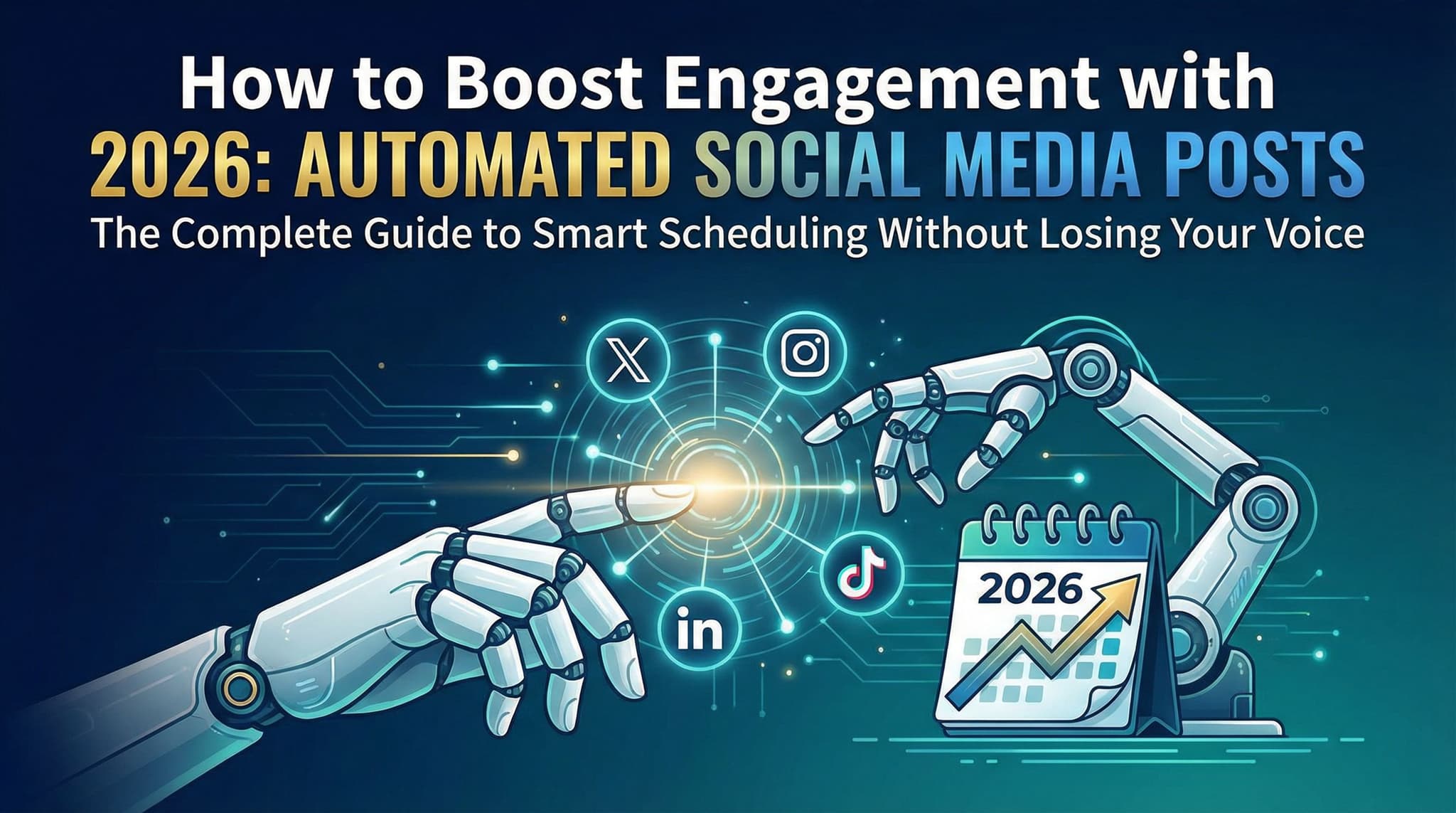
How to Boost Engagement with Automated Social Media Posts in 2026: The Complete Guide to Smart Scheduling Without Losing Your Voice
Tired of choosing between consistent posting and authentic engagement? Discover how to leverage social media automation as a foundation for deeper connections rather than a replacement for genuine interaction. Learn proven strategies for timing posts across platforms, maintaining your unique brand voice, and using data analytics to create personalized content that actually resonates with your audience. This comprehensive guide reveals the secrets that successful social media managers are using to achieve higher engagement rates while saving hours each week.

Wilzer Jean-Baptiste
10 min read
Let's be honest: managing multiple social media platforms while running a business is exhausting. You're constantly torn between keeping your feed active and actually engaging with your community. Many business owners and social media managers find themselves stuck in an impossible choice—either post consistently and risk sounding like a robot, or stay authentic but disappear from their audience's feeds for days at a time.
Here's the thing though: that's a false choice.
The real opportunity in 2026 isn't about choosing between automation and authenticity. It's about using automation strategically to enable better engagement, not replace it. Think of scheduling tools as the foundation that frees up your mental energy and time so you can focus on what actually builds relationships—real conversations, genuine responses, and community connection.
In this guide, we're going to walk through exactly how to transform your social media automation from a "set it and forget it" liability into a sophisticated engagement engine. You'll learn when to post on each platform, how to keep your voice unmistakably yours, which tools actually deliver results, and how to use data to outsmart your competition. Let's dive in.
Section 1: Mastering the Foundation—Timing, Analytics, and Strategic Scheduling
Before we talk about automation tools or content calendars, we need to address the foundation of any successful social media strategy: knowing when your specific audience is actually online and engaged. This isn't about following generic "best times to post" charts you find on the internet. Those might be useful as a starting point, but they're like using a weather forecast from another city—it gives you general direction, but it won't tell you if you need an umbrella today.
The difference between mediocre engagement and exceptional engagement often comes down to one thing: timing. And timing isn't just about picking a random Tuesday at 2 PM. It's about understanding your audience's actual behavior patterns, their timezone distribution, and their daily rhythms.
1.1 Best Times to Post on Different Social Platforms Based on Audience Analytics and Timezone Considerations
Here's what most people get wrong about posting times: they assume that if LinkedIn engagement peaks at 8 AM, then 8 AM is the magic hour for everyone. But what if your audience is distributed across three continents? What if your customers are mostly night owls who check their phones before bed? What if your product appeals to a demographic that takes a long lunch break at 1 PM?
The right approach is to start with platform-specific norms and then customize based on your actual audience data. Let's break down what we know about each major platform in 2026:
LinkedIn: Professional networks still show peak engagement between 8-10 AM on weekdays, particularly Tuesday through Thursday. However, if your audience includes remote workers or international professionals, you might see secondary peaks at lunchtime (12-1 PM) or early evening (5-6 PM). The key insight: LinkedIn users are checking the platform during work-related moments. If your content is for decision-makers, morning times work. If it's for people in creative industries who might be researching after-hours, evening times might outperform.
Instagram: This platform shows interesting patterns. While conventional wisdom says 11 AM and 6-9 PM are peak times, what we're actually seeing in 2026 is more nuanced. Morning commuters engage heavily with Stories between 7-9 AM. Lunch-breakers engage with Feed content around 12-1 PM. Evening users are most active between 7-11 PM. But here's the real insight: Instagram's algorithm now rewards consistency and authentic engagement more than it rewards timing. A perfectly-timed post that gets no responses will perform worse than a less-optimally-timed post that sparks conversation.
TikTok: The platform that's constantly evolving shows its highest engagement during evening hours (6-11 PM) and late night (after 11 PM), particularly among younger demographics. However, if your audience skews older or professional, you might see better results during lunch hours or early morning. The crucial element with TikTok is understanding that it's not just about when people are online—it's about when they're in the right mood for your content type.
Twitter/X: This platform has become more volatile, with engagement patterns varying significantly by content type. News and trending topics perform best during business hours (9 AM-5 PM), while entertainment and casual conversation peak in evenings. For B2B content, Tuesday-Thursday mornings (8-10 AM) still dominate. But if you're running a news-focused account, you need real-time posting more than scheduled posts.
Facebook: Despite what some people think, Facebook isn't dead for business engagement. Peak times are typically 1-3 PM and 7-9 PM on weekdays, with extended engagement on weekends. Interestingly, Facebook's older demographic tends to engage more on weekend mornings, while younger users (who are increasingly returning to Facebook) show evening peaks.
Now here's where timezone strategy comes in. If you're managing a business with a national or international audience, you have three options:
- Post multiple times across key timezone windows: If your audience is split between East Coast and West Coast, consider posting the same content at 8 AM EST and 8 AM PST to catch both audiences during their morning commute.
- Identify your primary timezone cluster: Look at where 60-70% of your engagement comes from and optimize for that timezone first. Then create secondary posts for other regions.
- Use scheduling tools that automatically adjust for viewer timezone: Some advanced tools like Later and Buffer now offer timezone-intelligent scheduling that posts at the optimal local time for each viewer's location.
The most important step is auditing your own data. Go into your native analytics (Instagram Insights, Facebook Analytics, LinkedIn Analytics) and look at your last 30 days of posts. Which ones got the most engagement? What time were they posted? What day of the week? You'll likely find that your audience's behavior is unique to your business. A B2B SaaS company's audience looks completely different from a fitness brand's audience, which looks different from a luxury fashion brand's audience.
1.2 How to Maintain Authentic Brand Voice While Using Automation Tools Without Appearing Robotic or Impersonal
This is the question that keeps most business owners up at night: "If I schedule my posts in advance, won't they sound generic and corporate?" The answer is: only if you write them that way.
The secret to maintaining authentic voice through automation is understanding that authenticity isn't about spontaneity—it's about consistency and personality. Think about your favorite authors or podcasters. They're often scripted and planned. But they don't sound robotic because they have a distinct voice that comes through every single piece of content.
Here's how to inject personality into automated posts:
Use conversational language, even in scheduled content. Instead of "Our new product launch is now available for purchase," try "We just dropped something we've been working on for months, and we think you're going to love it." The second version sounds like a human talking to a friend. It uses contractions, casual language, and shows genuine excitement. You can write this in advance and schedule it without losing authenticity.
Include specific details and examples. Generic posts sound robotic. Specific posts sound like you actually know what you're talking about. Instead of "Our customer support team is here to help," try "Sarah from our support team spent 45 minutes yesterday helping a customer troubleshoot an integration issue, and by the end, they were both laughing about how much simpler the solution was than expected." The second example is specific, humanizing, and schedulable.
Vary your post formats and structures. If every scheduled post follows the same template (image + caption + three hashtags), it will absolutely sound robotic. Mix it up. Some posts are just a funny comment. Some are longer-form storytelling. Some are questions. Some are data-backed insights. Some are completely casual observations. This variation makes your feed feel alive and unpredictable—in a good way.
Schedule content that invites real conversation, not just consumption. Instead of posting a fact and expecting people to absorb it, ask a question that makes people want to respond. Instead of sharing a tip, share a dilemma and ask how your audience would handle it. This transforms your automated post from a broadcast into a conversation starter.
Leave room for real-time context. You can schedule 80% of your content, but always leave 20% for spontaneous posts. This ensures your feed doesn't feel entirely pre-planned. When something newsworthy happens in your industry, or a customer says something amazing, or you have a random thought that's too good not to share—post it immediately. This mix of scheduled and spontaneous content creates the perception (and reality) of an authentic, engaged human behind the account.
1.3 Balancing Scheduled Content with Real-Time Engagement and Community Interaction for Optimal Results
Here's where most automation strategies fail: they treat posting and engaging as two separate activities. You schedule your content for the week, and then... you kind of forget about it. Meanwhile, your audience is commenting, asking questions, and sharing their own content, and you're nowhere to be found.
The reality is that posting is only 30% of the social media equation. Engagement is the other 70%. Your scheduled posts are the bait. Your real-time responses are the relationship-building.
Here's the framework that actually works:
Schedule your foundational content: Use your automation tools to post your planned content calendar—blog announcements, product updates, educational content, and evergreen posts. This ensures consistency and fills your feed. Think of this as your baseline activity.
Set aside dedicated engagement time: Schedule 15-30 minutes, two to three times per day, to actively engage with your community. Check comments on your scheduled posts. Respond to questions. Reply to mentions. Like and comment on your audience's content. This is non-negotiable time, and it should be on your calendar just like any other meeting.
Monitor for real-time opportunities: Use tools like Hootsuite or Sprout Social to set up alerts for mentions of your brand, relevant industry keywords, or specific customers. When something interesting happens, jump in. If a customer is raving about your product, reply with genuine appreciation. If someone asks a question about your industry, provide helpful insight. These real-time interactions are often the highest-engagement moments.
Create a response protocol: Decide in advance how quickly you'll respond to different types of interactions. Comments on your own posts? Aim for within 2-4 hours. Direct messages? Within 24 hours. Customer complaints? Within 1 hour. This ensures consistency and prevents important interactions from falling through the cracks.
The beautiful part of this approach is that it's actually more efficient than pure spontaneity. You're not stressed about "keeping up" with daily posting because you've already planned it. Instead, you can focus your energy on the interactions that actually matter—the real conversations that build loyalty and community.
Compare Social Scheduling Tools
Evaluating software for your content workflow? Use our buyer guides and comparisons to compare scheduling, approvals, analytics, and AI workflow fit.
Share this article
Related Articles
Social Media Scheduling for SaaS Companies: How to Automate Demand Gen Without a Full Team
Most SaaS companies are running social media with one or two people who are also doing five other things. The content calendar slips. Posts go out late or not at all. And when something does get published, it's usually a product update that nobody outside the company cares about. There's a better way to run this. Agentic social media tools can turn your existing blog posts, case studies, and product docs into a scheduled demand gen engine that runs without a dedicated content team. This guide walks through exactly how lean SaaS marketing teams can use AI-powered scheduling, smart repurposing, platform-specific timing, approval workflows, and pipeline-focused analytics to build a social presence that actually moves the needle on demo requests and trial starts, not just follower counts.
Oct 6, 2026
Read more
The 10 best social media management tools in 2026
Compare ten social media management tools by agency workflow, approvals, AI drafting, reporting, and client branding—including Aidelly.
Oct 4, 2026
Read more
The 9 best AI tools for social media management in 2026
Compare nine AI social media tools by drafting, design, agent integrations, approvals, and agency workflow—not just caption quality.
Oct 4, 2026
Read moreReady to never miss a post again?
Tell Aidelly what to post. It drafts, schedules, and publishes across 9 platforms while you focus on your business.