Smart Post Times
Best times to post, with the reasoning shown
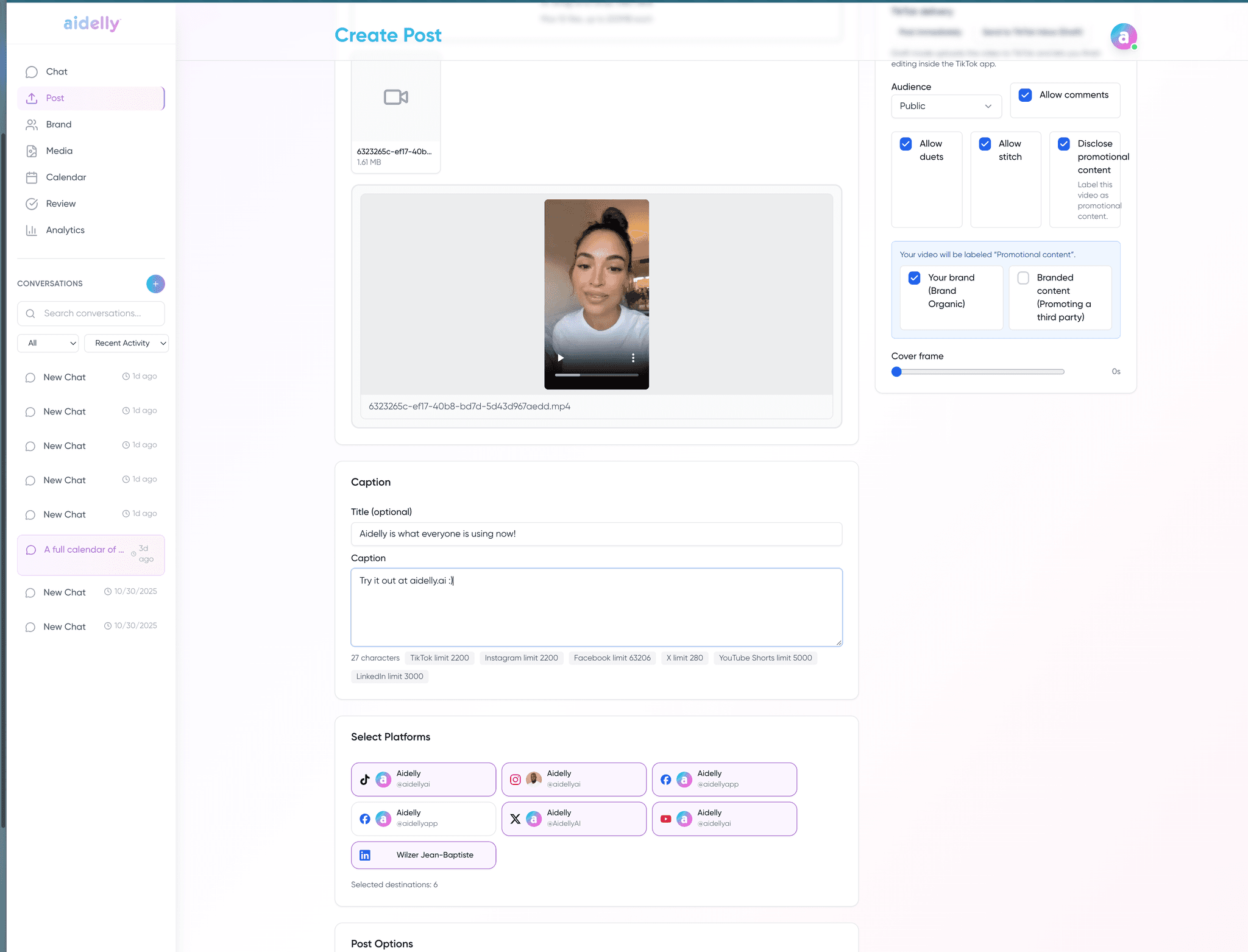
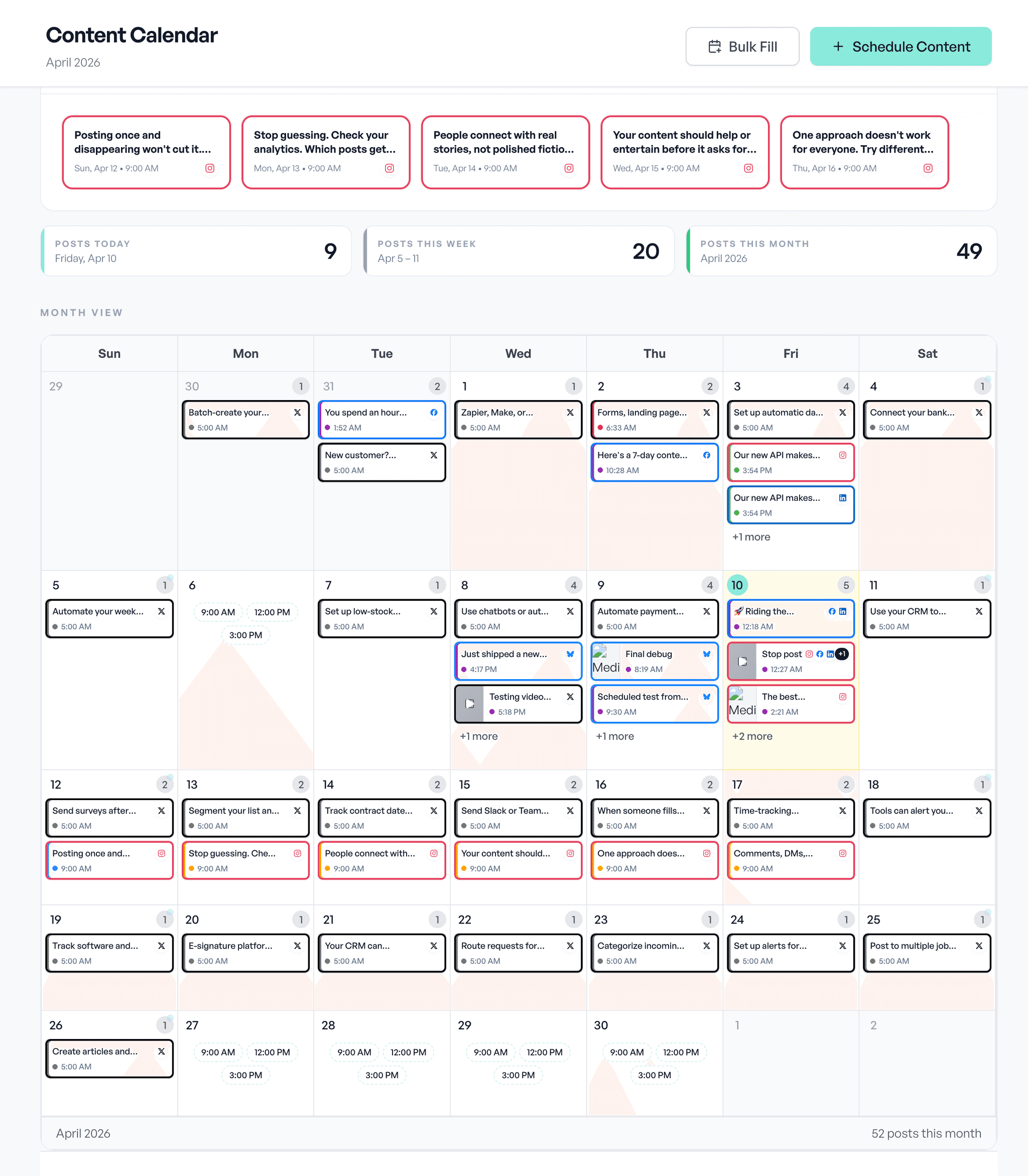
Smart Post Times recommends when to post on each platform, based on when your own audience engages. The recommendation shows up in the calendar, composer, queues and AI chat with a confidence level and the posts behind it, and you can always override it.
What's specific to Smart Post Times
Recommended times are shown in your browser's local timezone.
Source: Aidelly docsType a different time and your override sticks for that post.
Source: Aidelly docsAuto-optimized queue slots update daily when the recommendations change significantly, and manual editing stays available.
Source: Aidelly docsIn the calendar, a quiet hint names the platform and the confidence behind the suggested time.
Source: Aidelly docsA posting time set on an automation rule always wins over the recommendation.
Source: Aidelly docs
What it looks like day to day
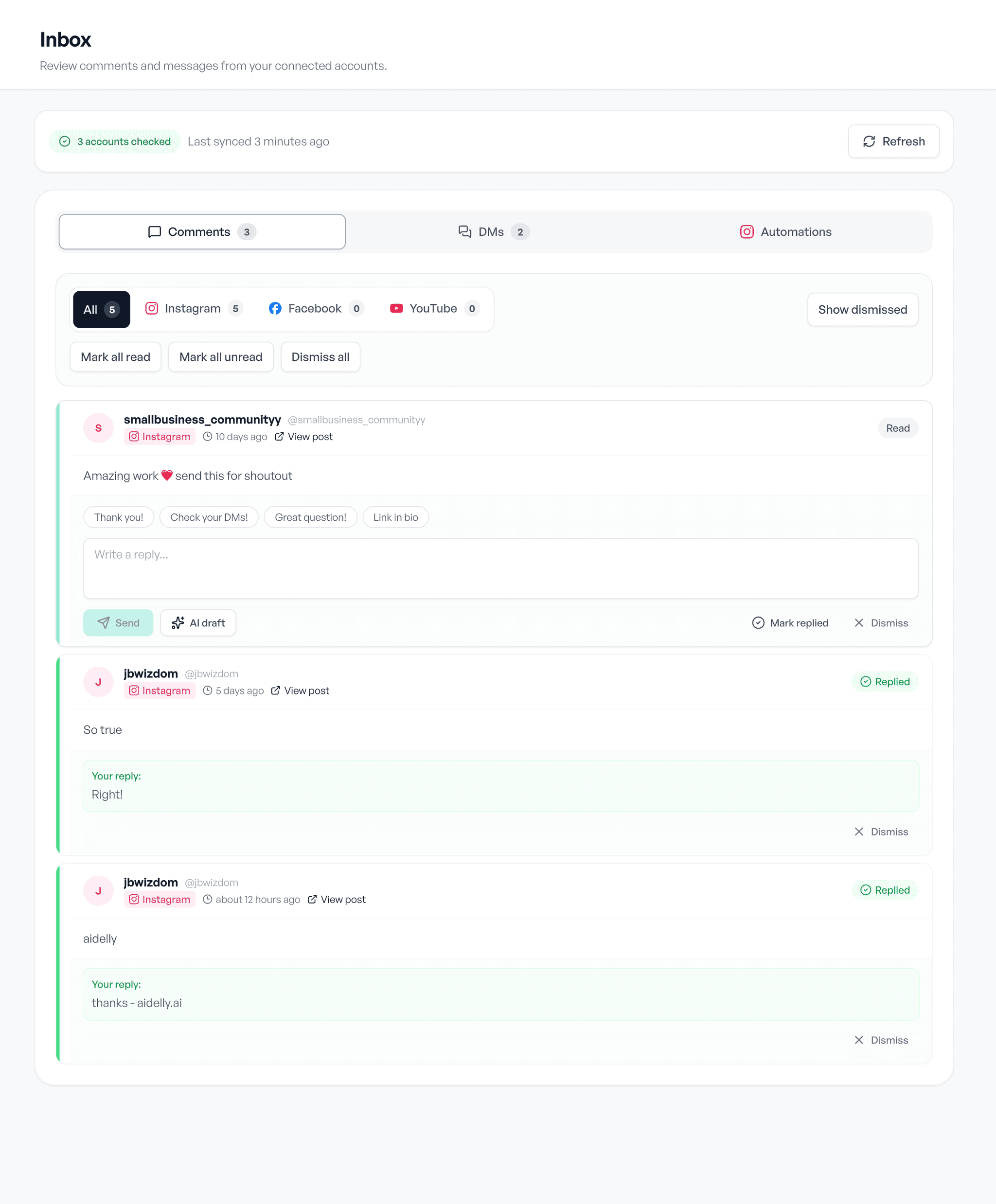
Draft, schedule, reply. The same three screens, whatever you post about.