Let clients connect their own social accounts
Connect Links let an agency send a client one link to connect their own social accounts. The client signs in to each platform with their own credentials, without creating an Aidelly account, and the connected accounts appear in your workspace.
What's specific to Connect Links
The link is shown once when you create it; if it is lost, you create a new one.
Source: Aidelly docsEach link shows how many accounts have been connected through it and whether it is active or revoked.
Source: Aidelly docsA revoked link opens a generic unavailable page that shows no workspace details.
Source: Aidelly docsIf an account is already connected, the client is told so instead of creating a duplicate.
Source: Aidelly docsA connection stays valid when the client changes their password, because it uses OAuth.
Source: Aidelly docs
What it looks like day to day
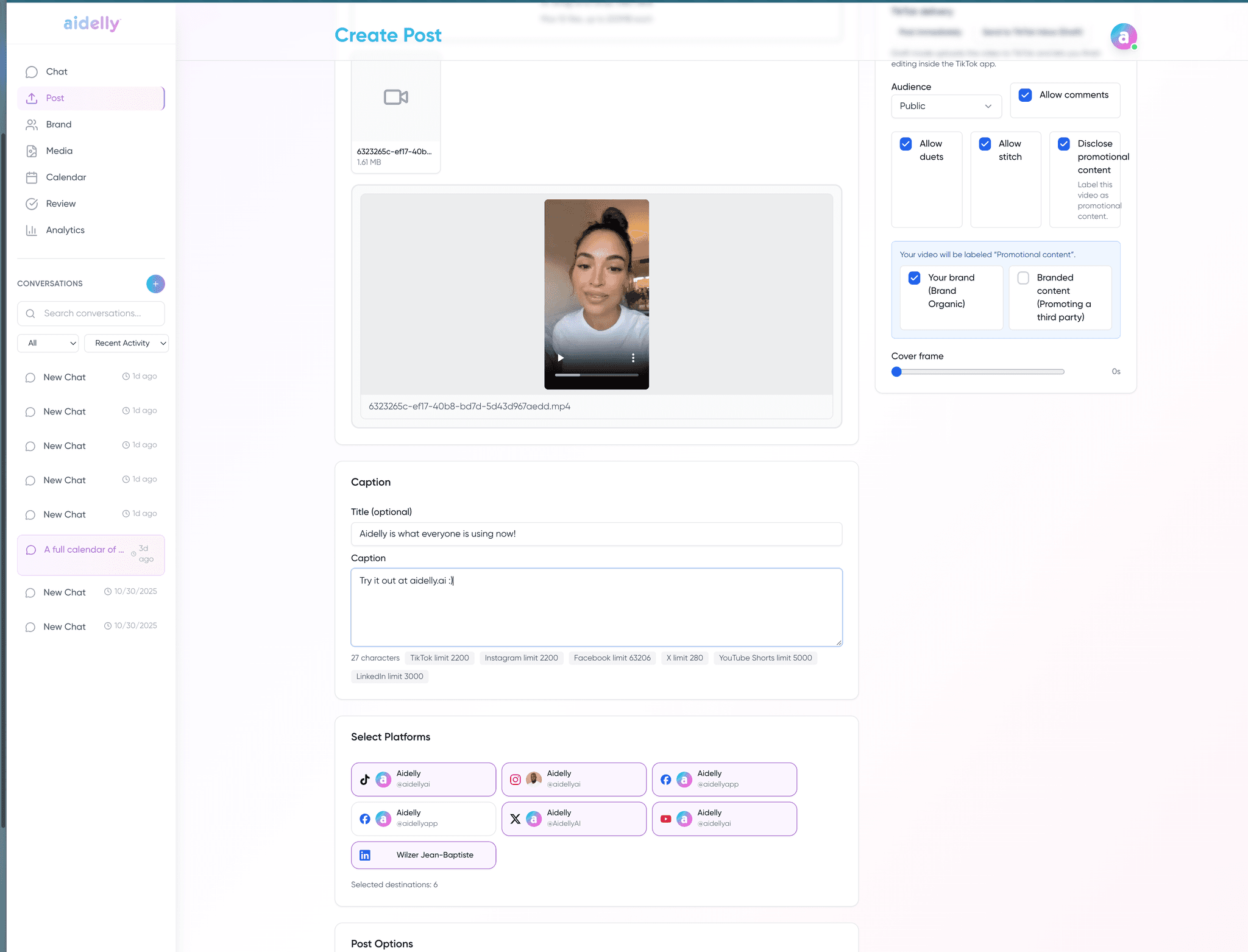
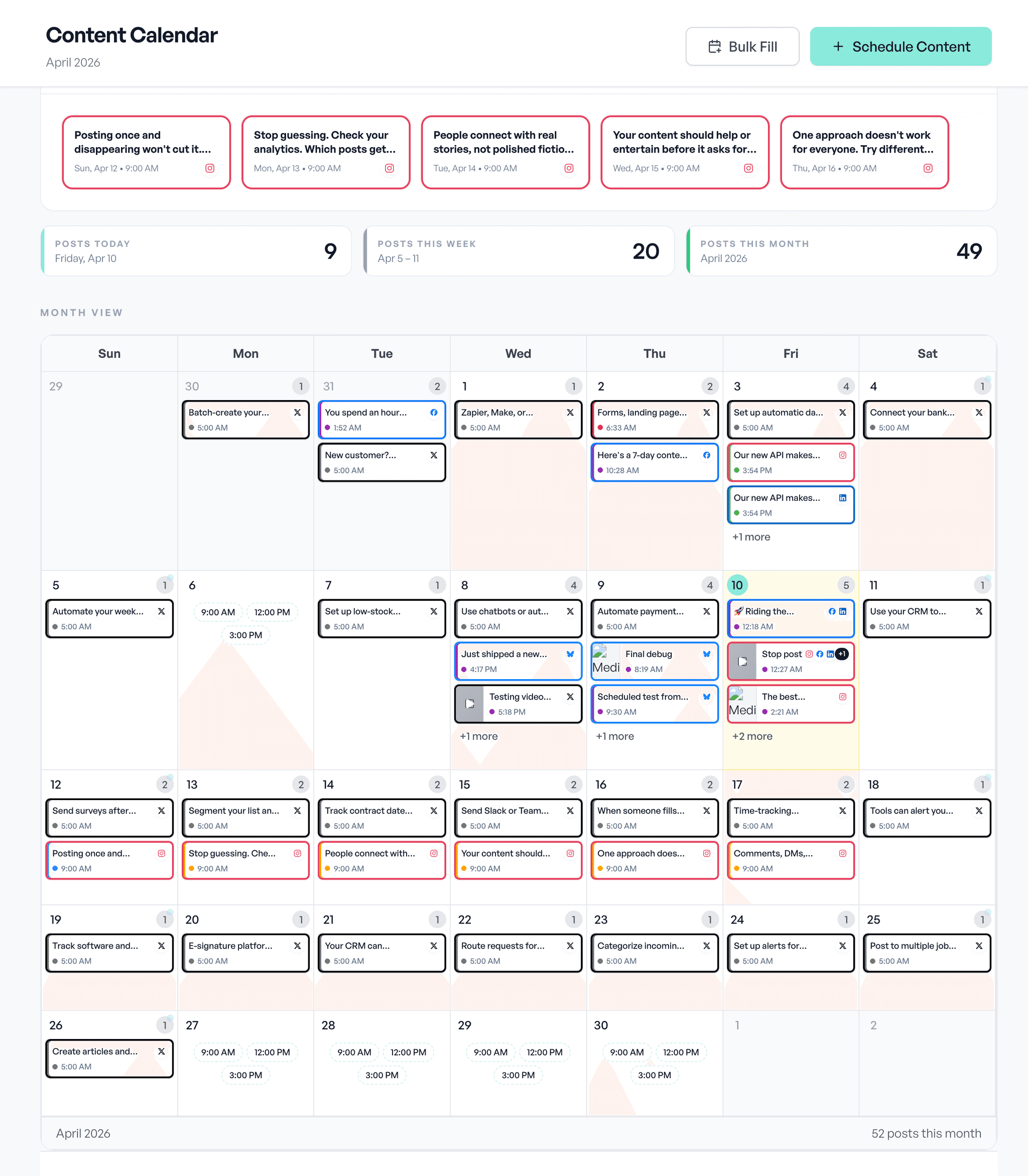
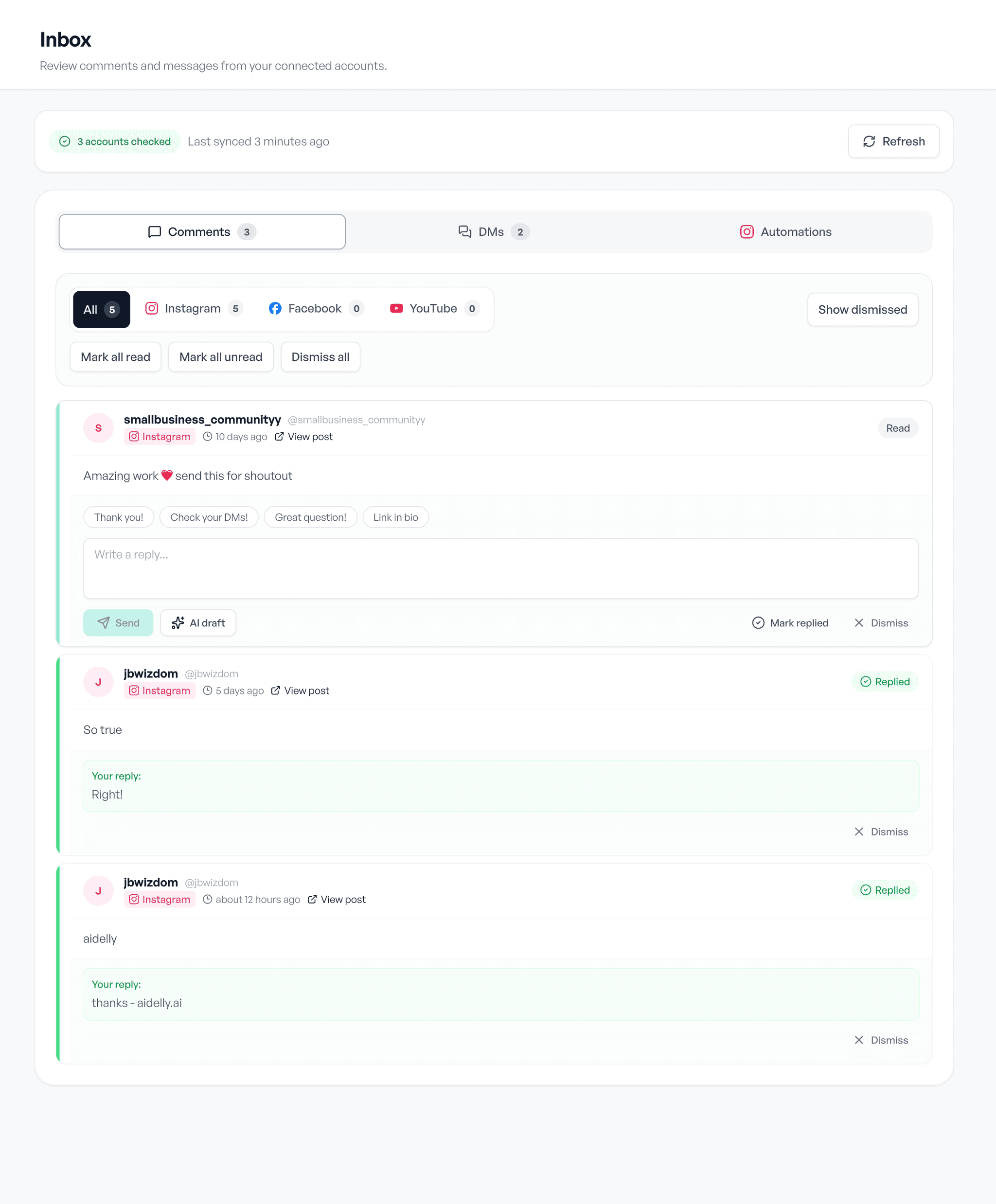
Draft, schedule, reply. The same three screens, whatever you post about.