Every client workspace on one screen
The Agency Command Center is one screen showing every client workspace you run: today's publish queue, recent failures, pending approvals, inbox backlog and AI credit use. Click any count to open that client's workspace and act on it.
What's specific to Agency Command Center
Every count links into that client's workspace, so you go straight from a badge to the fix.
Source: Aidelly docsSingle-workspace users don't see it; they keep the regular dashboard.
Source: Aidelly docs"Today" is worked out in your browser's local timezone.
Source: Aidelly docsThe inbox count includes only items that need a person; spam and handled items are left out.
Source: Aidelly docsA paused workspace shows a migration-pending state with no counts until you resume it.
Source: Aidelly docsYou only see counts for workspaces you own or where you're an active member.
Source: Aidelly docs
What it looks like day to day
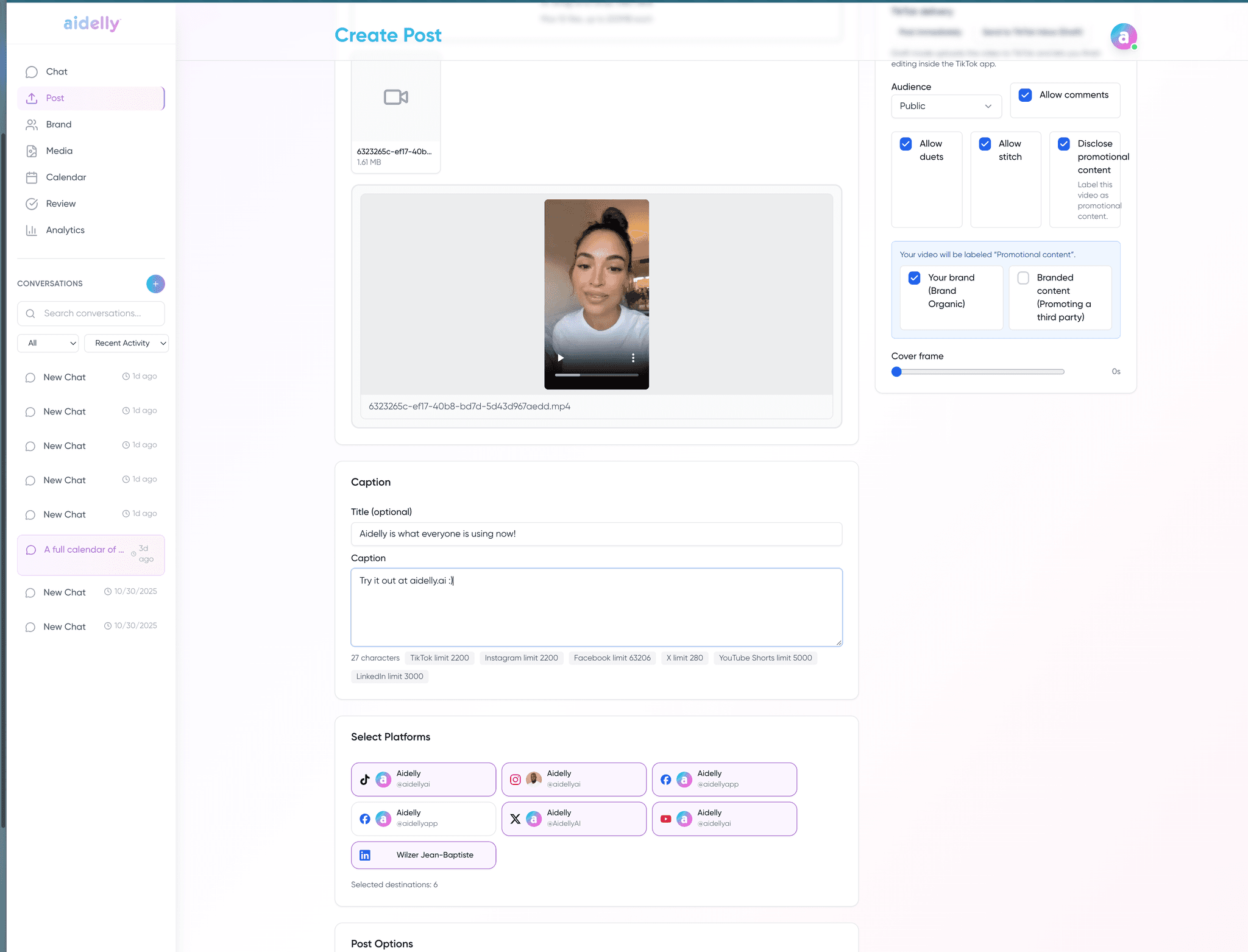
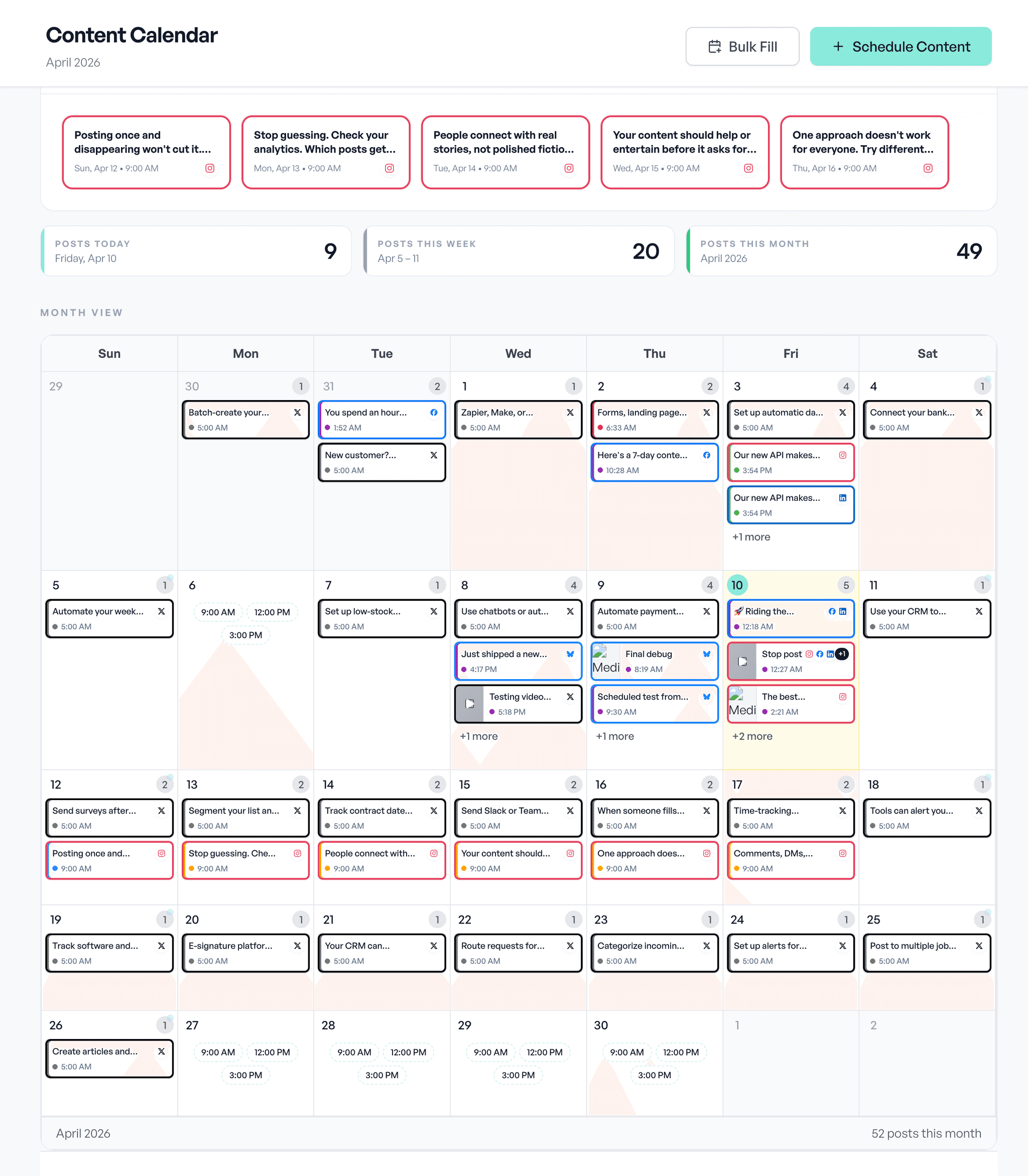
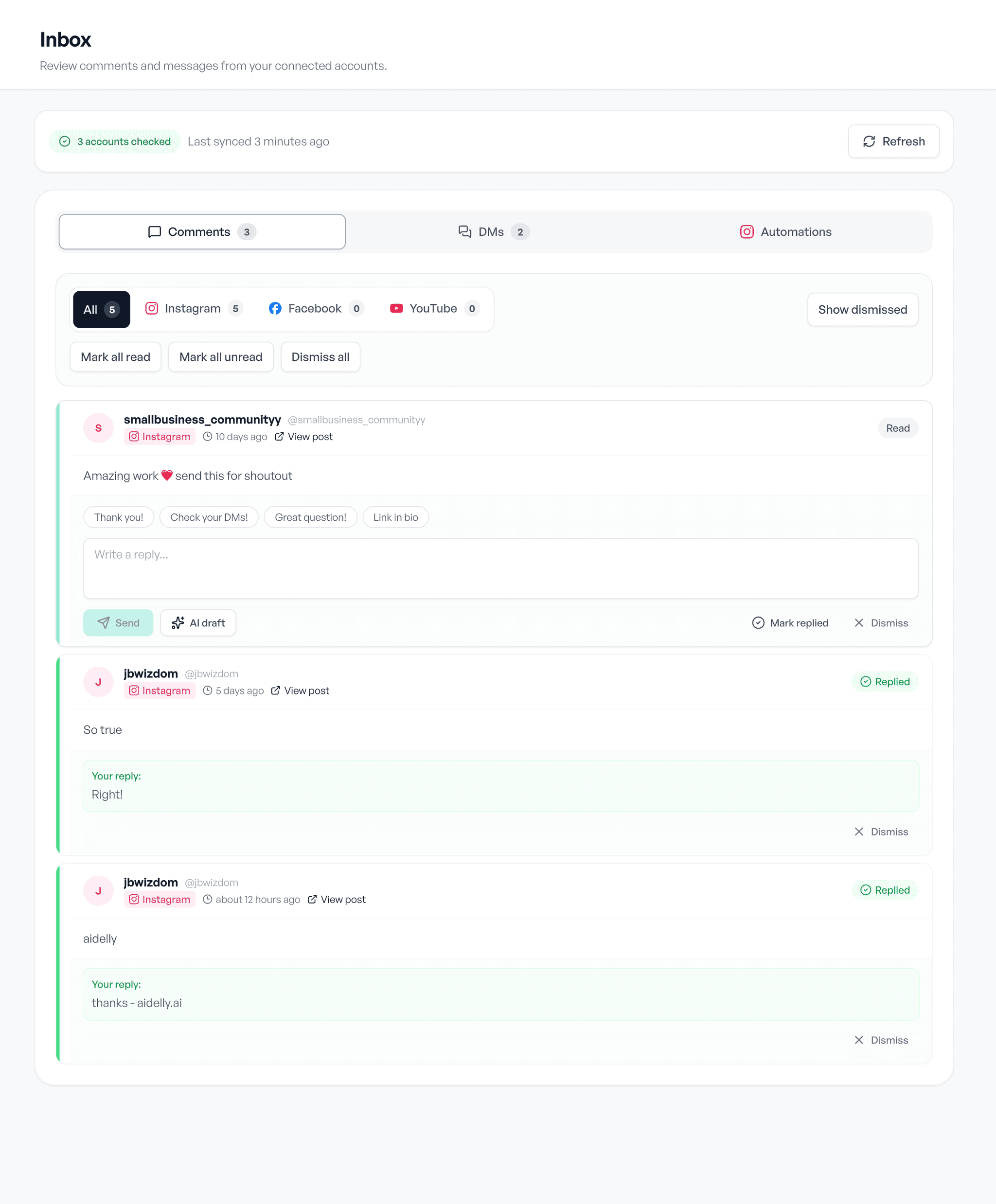
Draft, schedule, reply. The same three screens, whatever you post about.