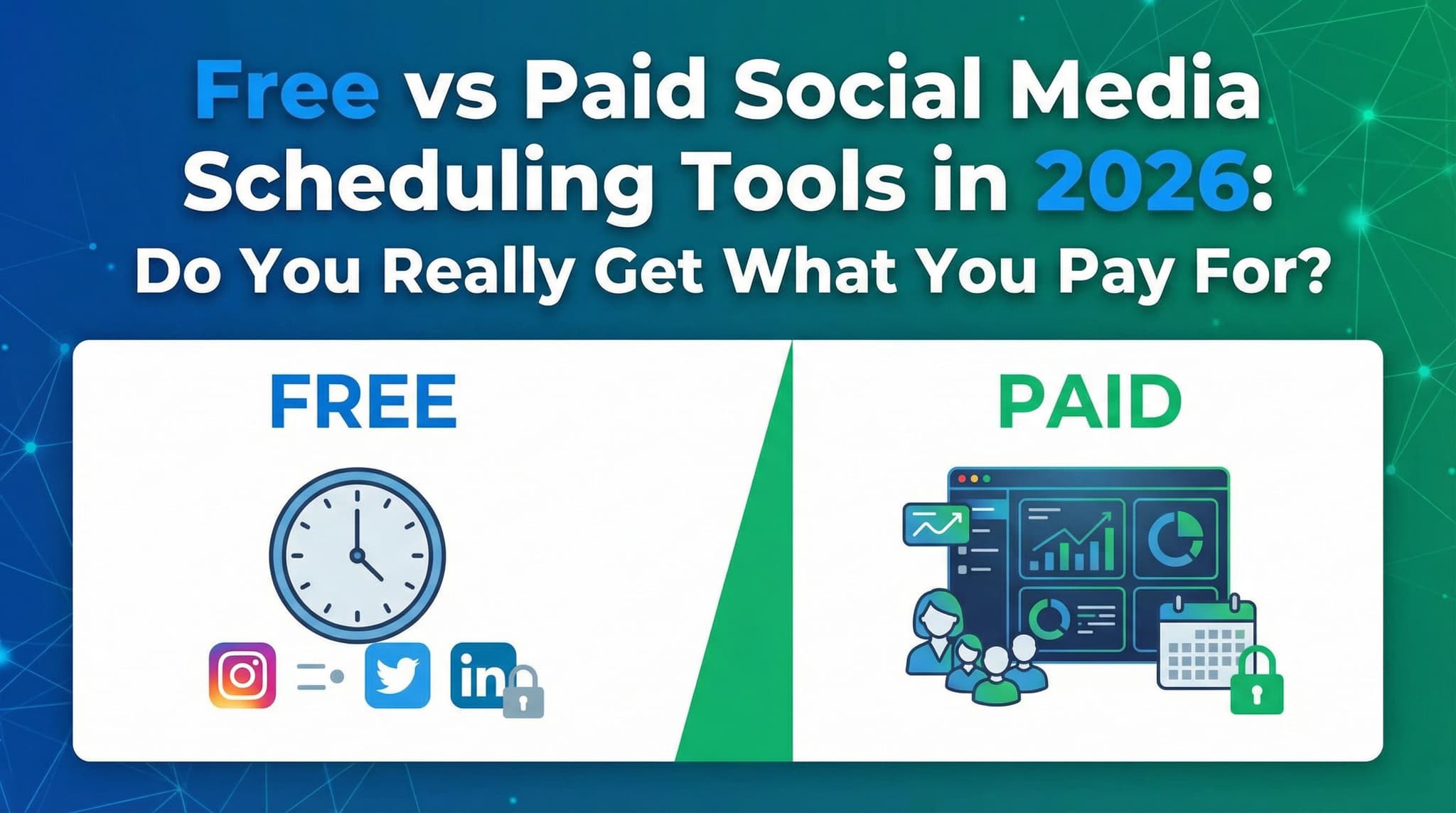
Free vs Paid Social Media Scheduling Tools in 2026: Do You Really Get What You Pay For?
The social media scheduling tool landscape in 2026 is more crowded than ever. But here's the real question: do you actually need to pay for premium software, or can free tools handle your content strategy? We break down the true cost-benefit analysis of free versus paid solutions, revealing when budget-friendly options genuinely suffice and when paid tools deliver measurable ROI that justifies the investment. This isn't just about features—it's about understanding what your specific business actually needs.

By Wilzer Jean-Baptiste
Published 16 min read
Let's be honest: the decision between free and paid social media scheduling tools feels paralyzing. You've got spreadsheets open, browser tabs multiplying like rabbits, and someone keeps telling you that their tool changed their life. Meanwhile, your budget is already stretched thin, and you're wondering if dropping $100+ per month on software is genius or wasteful.
The truth is messier than most comparisons suggest. It's not that free tools are universally inadequate or that paid tools are always worth the investment. The real answer depends on your specific situation—your business goals, team size, content volume, and growth trajectory. In this guide, we're moving beyond surface-level feature lists to conduct an actual cost-benefit analysis that reveals when you're genuinely getting what you pay for, and when free options are genuinely sufficient.
Understanding the Free Tool Landscape: What You Get (And Don't) for $0
Free social media scheduling tools have come a long way. They're not the stripped-down, barely-functional afterthoughts they used to be. Today's free options offer legitimate value for specific use cases, which is why millions of small business owners and solo content creators continue to use them. But understanding exactly what free tools deliver—and where they fall short—is crucial before deciding whether they're right for you.
The free tier market exists for a reason: it's a gateway. Platforms offer robust free plans hoping you'll eventually upgrade to premium when your needs exceed the free tier's limitations. This means free tools are often surprisingly capable within their constraints. However, those constraints are real, and they matter more as your business scales.
Basic Scheduling and Posting Capabilities for Budget-Conscious Creators
Free social media scheduling tools absolutely deliver on the core promise: they let you schedule posts in advance and publish them automatically across your social channels. This fundamental capability is genuinely useful and genuinely free. Whether you're managing an Instagram account for your boutique fitness studio or posting LinkedIn updates for your consulting firm, the basic scheduling functionality works.
What does 'basic scheduling' actually mean? You can typically write your post, select which platform(s) to publish to, choose a date and time, and let the tool handle the posting automatically. No more 6 AM wake-up calls to catch peak engagement times. No more scrambling to publish content during business hours. The time savings here are real and immediate.
For small business owners managing a single social media account—say, just Instagram or just LinkedIn—free tools genuinely handle the job. A local coffee shop owner can schedule their weekly posts on Sunday evening, set them to publish throughout the week, and focus on actually running the business. A freelance writer can batch-create LinkedIn content monthly and let it distribute automatically. The basic scheduling functionality is absolutely sufficient for these use cases.
However, 'basic' has limits. You're typically restricted in how many posts you can schedule per month, which platforms you can connect, and how far in advance you can schedule. These aren't deal-breakers for small-scale operations, but they become friction points as your social media presence grows.
The Specific Limitations You'll Actually Encounter
Here's where free tools reveal their constraints. Buffer Free, one of the most popular free scheduling options, limits you to 10 scheduled posts per social channel. If you're posting once daily across three platforms, you'll hit that ceiling within days. Hootsuite Free restricts you to three social profiles total and offers limited posting frequency. Later Free provides a mobile-first experience but with significant limitations on desktop scheduling and analytics depth.
These aren't arbitrary restrictions designed to frustrate users. They're deliberate design choices that force you to encounter the free tier's boundaries relatively quickly, nudging you toward paid plans. But for genuinely small operations, these boundaries might not be problems at all.
The hidden friction comes when you want to manage multiple channels or batch-create content. If you're running Instagram, TikTok, LinkedIn, and Facebook for your e-commerce brand, free tools force you to juggle multiple platforms or accept severe posting limitations. If you want to schedule 30 days of content in one sitting, free tools often won't cooperate. These limitations aren't devastating for solo creators, but they definitely add friction to your workflow.
The Premium Proposition: What Advanced Features Actually Deliver
Paid social media management software operates on a different philosophy. Instead of asking 'what's the minimum we can offer for free?', premium tools ask 'what would professionals actually need to manage social media effectively at scale?' The feature sets that result are genuinely different from free alternatives, and for many businesses, these differences translate directly into time savings, better content performance, and measurable ROI.
Premium tools like Sprout Social, Later Pro, and Buffer Pro aren't just 'free tools with more features'. They represent a different approach to social media management entirely. They're designed for teams, for businesses managing multiple brands, for agencies handling dozens of clients, and for anyone whose social media presence is significant enough to directly impact business results.
But here's the critical question: do the advanced features in paid tools justify their cost? The answer is context-dependent, but for many businesses, the answer is absolutely yes. The ROI comes through multiple channels: time savings from better scheduling flexibility, improved content performance through analytics-driven insights, reduced manual work through automation, and better team coordination through collaboration features.
Advanced Analytics, Multi-Channel Management, and AI-Powered Optimization
The most significant differentiator between free and paid tools isn't scheduling—it's intelligence. Paid tools provide sophisticated analytics that reveal what content actually resonates with your audience, when your followers are most active, which platforms drive the most engagement, and how your content performs against your competitors.
Buffer Pro, for instance, provides detailed analytics on post performance, audience demographics, engagement rates, and optimal posting times. Later Pro includes Instagram-specific insights alongside comprehensive analytics across platforms. Sprout Social goes even further, offering competitive benchmarking, audience sentiment analysis, and predictive analytics that suggest optimal posting times based on your specific audience behavior.
This intelligence matters because it transforms social media from guesswork into strategy. Instead of posting whenever you feel like it, you're posting when your specific audience is most receptive. Instead of creating content in a vacuum, you're doubling down on formats and topics that drive engagement. Over a year, these small optimizations compound into significantly better content performance and audience growth.
Multi-channel management in paid tools is also substantially more sophisticated. Instead of managing each platform separately, premium tools provide unified dashboards where you can see all your channels at once, schedule across multiple platforms simultaneously, and maintain consistent messaging while adapting to platform-specific best practices. For anyone managing brands across Instagram, TikTok, LinkedIn, Facebook, and Twitter, this centralized approach saves hours per week compared to juggling individual platform dashboards.
AI-powered optimization is increasingly standard in premium tools. These features analyze your past content performance and suggest optimal posting times, content formats, and even hashtag strategies. Some tools use AI to generate caption suggestions or identify trending topics relevant to your niche. While AI capabilities in social media tools are still evolving, the best implementations genuinely improve content performance and save time on content creation and optimization.
Team Collaboration and ROI Through Time Savings and Engagement Metrics
Free tools are essentially single-user experiences. Yes, technically you might be able to share login credentials with a team member, but that's not how they're designed to work. Paid tools are built for teams from the ground up, with role-based permissions, approval workflows, and collaboration features that transform how teams work together.
In a paid tool like Sprout Social or Later Pro, you can assign team members different roles—content creators, approvers, analytics reviewers, and administrators. You can set up approval workflows where posts require sign-off before publishing. You can tag team members in comments and assign them tasks. You can see who created what content and when it was published. For small teams managing client accounts or multiple brand channels, these features eliminate coordination chaos.
The ROI calculation for paid tools often starts with time savings. Consider a typical scenario: a marketing manager at a mid-sized e-commerce brand manages Instagram, TikTok, LinkedIn, and Facebook. With a free tool, they're logging into each platform separately to post, check analytics, and engage with comments. They're manually tracking which posts performed well. They're coordinating with a designer via email about what content to create. With a premium tool, they're scheduling all content in one place, getting instant analytics insights, and collaborating with team members within the tool itself. This manager might spend 8-10 hours per week on social media management with free tools; they might spend 4-5 hours with a premium tool. That's 15-20 hours per month saved, which translates to meaningful ROI even for a $200/month tool.
Engagement metrics matter too. Businesses using premium tools with advanced analytics typically see improved engagement rates because they're posting at optimal times and doubling down on high-performing content. A 15-20% improvement in engagement rates, multiplied across a year, can meaningfully impact brand awareness and customer acquisition. For businesses where social media drives customer acquisition, this improvement has direct financial value.
Comparing Popular Premium Options: Sprout Social, Later Pro, and Buffer Pro
The premium tool market includes several strong options, each with different strengths. Sprout Social positions itself as the enterprise solution, with powerful analytics, comprehensive team collaboration features, and integrations with major CRM and marketing platforms. It's the most expensive option (starting around $249/month) but offers the most sophisticated feature set. Later Pro focuses on visual content creators, with excellent scheduling for Instagram, TikTok, and Pinterest, alongside strong analytics for visual content performance. Buffer Pro offers a middle ground—solid analytics, multi-channel management, and team features at a more accessible price point than Sprout Social.
The right premium tool depends on your specific needs. If you're a visual content creator focused on Instagram and TikTok, Later Pro might be the perfect fit. If you're managing multiple client accounts with team coordination needs, Sprout Social's advanced features justify the higher cost. If you want solid all-around functionality at a reasonable price, Buffer Pro delivers. The key point is that all three of these paid options provide meaningfully better analytics, scheduling flexibility, and team collaboration than free alternatives.
The True Cost Analysis: Hidden Expenses and Long-Term Scalability
Here's where the 'you get what you pay for' conversation gets interesting. Free tools have hidden costs that aren't immediately obvious but become significant as your social media presence grows. Understanding these hidden costs is crucial for making an accurate comparison between free and paid options.
The most significant hidden cost of free tools is opportunity cost—the time you spend working around their limitations. This might be the most important consideration, yet it's the hardest to quantify. When you hit the posting limit on your free tool and have to manually create a second account or wait until tomorrow to schedule more posts, that's opportunity cost. When you can't export your analytics data to share with stakeholders, and you have to manually compile reports, that's opportunity cost. When you want to see performance data across all your channels in one dashboard but your free tool only shows data for one platform at a time, that's opportunity cost.
Beyond opportunity cost, there are concrete limitations that become genuine problems as you scale. Data export restrictions mean you can't archive your social media history or perform advanced analysis. Lack of customer support means you're on your own when something breaks or doesn't work as expected. Inability to scale means that as your social media presence grows, free tools eventually become inadequate, forcing a painful migration to paid tools.
Hidden Costs: Limited Data Export, Lack of Support, and Scaling Challenges
Free tools rarely allow you to export comprehensive data. You might be able to download a CSV of basic metrics, but you can't export your entire content calendar, historical analytics, or audience insights. This becomes a real problem when you need to migrate to a paid tool, analyze long-term trends, or share data with stakeholders in a specific format. You're essentially locked into the tool's native reporting format, which limits your flexibility.
Customer support is another hidden cost. Free tools typically offer no customer support beyond community forums or automated FAQs. If something breaks, you're troubleshooting on your own. If you have a question about best practices, no one's available to help. For solo creators, this might be fine. For businesses where social media has real business impact, the lack of support is a genuine problem. A paid tool with responsive customer support means you can get issues resolved quickly, minimizing downtime.
The scaling challenge is perhaps the most significant hidden cost. Free tools are designed with specific limitations—they cap the number of social profiles you can connect, the number of posts you can schedule, the number of team members you can add. As your business grows, you'll eventually outgrow these caps. At that point, you face a choice: accept the limitations and stop growing your social media presence, or migrate to a paid tool. Migration is painful. You lose your content calendar, your scheduling history, and potentially your analytics data. You have to set up new workflows and retrain your team on a new tool. The migration cost—in time and disruption—often exceeds what you would have spent on a paid tool from the beginning.
Consider a real scenario: a freelancer starts with Hootsuite Free to manage their personal LinkedIn and Twitter accounts. As they grow, they take on consulting clients and want to manage their clients' social media too. Hootsuite Free caps them at three social profiles. They've hit that ceiling. They can either turn away clients or migrate to a paid tool. The migration takes 4-5 hours of setup and learning. They lose their historical analytics. They have to communicate the change to clients. Suddenly, the 'free' tool cost them time and client friction. A paid tool from the beginning would have eliminated this problem.
Security, Compliance, and Enterprise-Level Requirements
This is where the conversation gets serious for agencies and larger organizations. Free tools offer minimal security features and virtually no compliance capabilities. For agencies managing client accounts, especially in regulated industries like healthcare, finance, or legal services, free tools are simply not viable. They don't offer granular permission controls, audit trails, or data encryption features that compliance requirements demand.
Paid tools, particularly enterprise-level options like Sprout Social, include security features that matter: role-based access controls, audit logs that track who did what and when, data encryption, SSO integration with your company's identity management system, and compliance certifications (SOC 2, GDPR compliance, etc.). For agencies, these aren't nice-to-haves—they're essential. A client's social media account is a valuable business asset, and clients rightfully expect their agency to protect it with appropriate security measures.
The compliance angle is particularly important in 2026 as data privacy regulations continue to evolve. Paid tools are more likely to stay current with regulatory requirements, provide documentation of their compliance status, and offer support in maintaining your own compliance. Free tools offer no such support, leaving you responsible for ensuring your social media management practices comply with regulations like GDPR, CCPA, and industry-specific requirements.
Even for non-regulated industries, the security difference matters. Paid tools offer better protection against account compromise, clearer audit trails if something goes wrong, and better data backup and recovery procedures. These might seem like edge cases until they become your reality—then you'll wish you'd invested in proper security from the beginning.
Feature Comparison: Where Paid Tools Excel and Why It Matters
Let's get specific about features. Free tools handle basic scheduling, but paid tools offer substantially more sophisticated scheduling capabilities. You can schedule posts weeks or months in advance, schedule to multiple platforms simultaneously with platform-specific customizations, schedule recurring posts, and use queue features that automatically publish content at optimal times. These might sound like minor differences, but they transform how efficiently you can manage content.
Content calendars are another area where paid tools shine. Free tools offer basic calendars showing what's scheduled, but paid tools provide sophisticated content planning features. You can color-code by content type, see your entire content strategy across all platforms at once, collaborate on calendar planning with team members, and adjust schedules by dragging posts to new dates. These features make content planning substantially easier, especially for teams.
Bulk posting and content library features in paid tools let you upload dozens or hundreds of posts at once, organize them by campaign or content type, and schedule them across your platforms efficiently. For businesses that batch-create content, this feature is enormously valuable. You can spend a full day creating and uploading a month's worth of content, then let the tool handle distribution automatically. Try doing that with a free tool and you'll quickly appreciate the premium alternative.
Integration capabilities differ dramatically. Free tools integrate with a limited set of platforms, while paid tools integrate with dozens of marketing, CRM, and analytics tools. You can connect your social media scheduling to your email marketing platform, your CRM, your analytics tools, and your project management software. These integrations eliminate manual data transfer and create unified workflows that save hours per week.
So, do you get what you pay for with social media scheduling tools? The honest answer is: it depends on your situation. Free tools genuinely work well for solo creators managing a single social channel with modest content volume. They'll save you time and they cost nothing. But as your business grows, as your team expands, as you manage multiple platforms and channels, the limitations of free tools become friction points. You start hitting posting caps, you can't get the analytics insights you need, you can't collaborate effectively with team members, and you realize you're spending more time working around tool limitations than actually creating content.
Paid tools aren't universally necessary, but they become increasingly valuable as your social media presence grows in importance and complexity. The ROI calculation shifts from 'is this tool better?' to 'how much time and revenue would I gain by eliminating these limitations?' For many businesses, that calculation clearly favors paid tools. The time savings alone often justify the monthly investment, not to mention the improved content performance and team efficiency that advanced analytics and collaboration features enable.
The best approach? Start with an honest assessment of your needs. Are you managing a single channel solo? Free tools probably work fine. Are you managing multiple platforms for your business or client? Are you working with a team? Do you need analytics to drive content strategy? Then paid tools are worth serious consideration. Most premium tools offer trial periods—take advantage of them. Test drive a paid tool for 14 days and see if it genuinely improves your workflow. For many users, that trial period makes the decision obvious.
The truth is, the best social media tool is the one that actually fits your specific situation—but regardless of which direction you choose, the real challenge isn't just scheduling posts, it's doing so consistently while keeping your brand voice authentic across every platform. If you've found yourself juggling multiple channels or struggling to maintain that balance between efficiency and engagement, Aidelly makes it simple to create and schedule engaging content effortlessly while ensuring your brand stays recognizable whether you're posting to Instagram, LinkedIn, or TikTok. Why not take the guesswork out of your social strategy and see how much easier content management can be—get started at aidelly.ai.Compare social scheduling tools
Evaluating software for your content workflow? Use our buyer guides and comparisons to compare scheduling, approvals, analytics, and AI workflow fit.