Facebook Marketing for Beginners: How to Promote Your Small Business on Facebook in 2026
Most small business owners set up a Facebook page, post a few times, and then go quiet. Not because they do not care, but because they run out of time and have no system to keep going. This guide is not about theory. It is about what you actually do this week to get your Facebook page working for your business. You will learn how to set up your page the right way, understand what the algorithm actually rewards, build a content mix that gets engagement, dip your toes into Facebook Ads without wasting money, and use AI automation to stay consistent without burning out. Whether your page is brand new or has been sitting dormant for two years, this is your clear starting point. By the end, you will have a repeatable weekly workflow you can run even if you are a team of one.

By Wilzer Jean-Baptiste
Published 13 min read
You set up your Facebook Business Page a while back. Maybe you posted a few times. Then things got busy, and the page just sat there collecting dust while you ran your actual business.
That is the most common story in small business Facebook marketing. And it has nothing to do with how good your business is or how much you care. It is a systems problem. Most guides will tell you to "post consistently" and "engage with your audience" without telling you how to actually do that when you are already wearing five hats.
This guide is different. It covers the real setup steps most beginners skip, explains the Facebook algorithm in plain terms, gives you a content strategy you can start using this week, shows you how to run your first Facebook ad without wasting money, and walks you through how AI automation makes the whole thing sustainable. By the end, you will have a clear weekly workflow, not just a list of tips.
Set Up Your Facebook Business Page the Right Way
A Facebook page that gets no traction is usually missing the basics. Not because the business is bad, but because the page was set up in ten minutes and never properly finished. Let us fix that.
Choose the Right Category and Write a Bio That Works
When you create a Facebook Business Page, the first thing Facebook asks is your category. This is not just a label. It affects how Facebook surfaces your page in search results and recommendations. If you run a bakery, do not pick "Food and Beverage Company" when "Bakery" is an option. Be as specific as possible.
Your bio is where most beginners lose traction before they even start. Facebook gives you a short description field and a longer "About" section. Use both. The short description should tell someone in one sentence what you do and who you help. Something like: "We make custom cakes for weddings and birthdays in Austin, TX." That sentence has a what, a who, and a where. It is also full of keywords people actually search.
The longer About section is your chance to go deeper. Mention your specialty, how long you have been in business, what makes you different, and your location again. Do not write it like a resume. Write it like you are talking to a neighbor who just asked what you do.
Add a Call-to-Action Button and Link Your Website
Facebook lets you add a CTA button right at the top of your page. Options include Book Now, Call Now, Send Message, Shop Now, and more. Pick the one that matches what you want a first-time visitor to do. If you take appointments, use Book Now. If you sell products, use Shop Now. If your goal is leads, use Contact Us or Send Message.
Then link your website. This sounds obvious, but a surprising number of pages skip it. Your website link lives in your Page Info section. Add it there and also drop it naturally in your About description. Every time someone discovers your page, you want them to have a clear next step. A missing website link is a missed conversion.
One more thing: fill out your hours, phone number, and address if you have a physical location. Facebook uses this data to show your page in local search results. Leaving it blank is leaving visibility on the table.
Profile Photo, Cover Image, and First Impressions
Your profile photo should be your logo or a clean headshot if you are a personal brand. It shows up as a small circle next to every post you make, so it needs to be recognizable at a tiny size. Your cover image is the wide banner at the top of your page. Use it to show what you do, not just your logo again. A photo of your product, your space, or your team in action works better than a plain color background.
First impressions on Facebook happen fast. Someone clicks your page from a shared post and decides in about three seconds whether to follow or leave. A complete, professional-looking page with a clear bio and a CTA button tells them you are real and worth following. Think of your page like a storefront window. If it looks empty or unfinished, people keep walking.
How the Facebook Algorithm Actually Works
The algorithm is not some mysterious black box. Once you understand what it rewards, you can start working with it instead of against it.
The Algorithm Rewards Fast Engagement
The Facebook algorithm is a ranking system that decides which posts show up in people's feeds. The single biggest factor it watches is early engagement. When you post something, Facebook shows it to a small slice of your audience first. If those people like, comment, share, or save it quickly, Facebook reads that as a signal that the content is worth showing to more people. If nobody reacts, the post quietly disappears.
This means the first 30 to 60 minutes after you post matter a lot. Posting at a time when your audience is actually online gives your content a better shot at that early engagement boost. For most small businesses, that window is early morning between 7 and 9 AM, lunchtime around noon, or early evening around 6 to 8 PM. But the best way to know your specific audience's peak time is to check your Facebook Page Insights and look at when your followers are most active.
Asking a question at the end of your post, responding to every comment in the first hour, and posting content people genuinely want to share all help feed the algorithm what it wants.
Formats Facebook Is Pushing in 2026
Facebook has been pushing Reels hard since they launched, and that is still true in 2026. Short vertical videos get more organic reach than static images or text posts right now. If you have never made a Reel, start simple. A 30-second clip showing how you make your product, a quick tip for your customers, or a behind-the-scenes moment at your business is enough. You do not need a ring light or a film crew.
Native video, meaning video uploaded directly to Facebook rather than a YouTube link, also gets preferential treatment in the algorithm. Facebook wants people to stay on Facebook. When you post a native video, the platform rewards you with more reach than it gives a link that sends people somewhere else.
Live video is another format Facebook still boosts. A 10-minute live Q and A, a product demo, or even just a casual check-in from your shop can outperform a polished static post. The bar for going live is lower than most people think.
Posting Frequency vs. Posting Quality
A lot of beginners obsess over how often to post. The real question is whether what you post is worth someone's time. Three strong posts a week that get real engagement will outperform seven mediocre posts that nobody interacts with. The algorithm tracks your page's overall engagement rate, not just individual posts. A string of low-performing posts can actually hurt your reach over time.
Start with three posts a week. Focus on quality and timing. Once you have a rhythm and some data on what your audience responds to, you can scale up. Consistency over time matters more than volume in any given week. And when you pair a smart content strategy with scheduled posting, you stop guessing and start building something real.
Building a Content Strategy That Gets Engagement
Strategy sounds complicated. For a small business on Facebook, it really comes down to one simple rule: give before you ask.
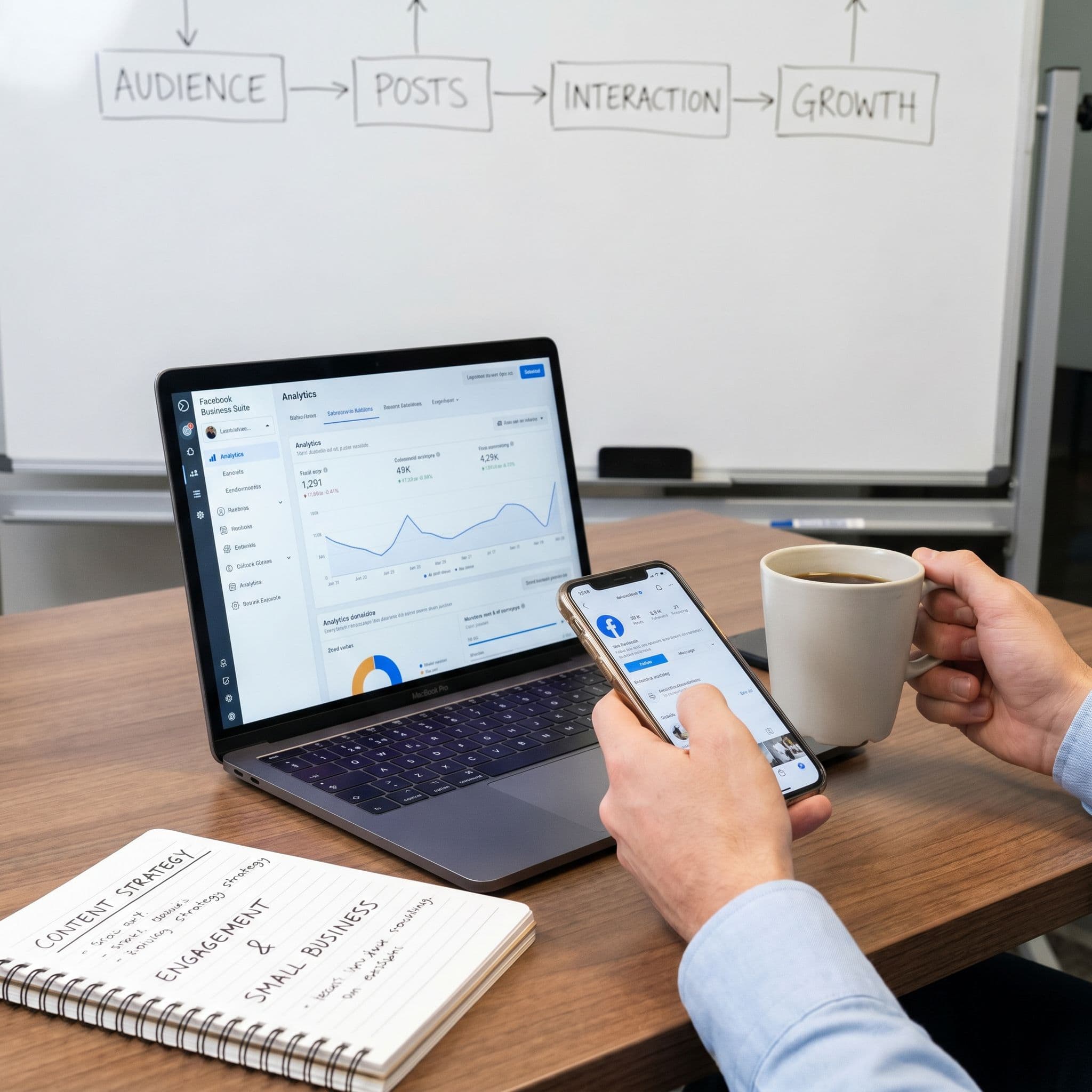
The 4:1 Content Mix
Here is the single biggest mistake small business owners make on Facebook: posting only promotional content. Every post is a sale, a discount, or a product push. That kind of page gets ignored by both the algorithm and real people. Nobody follows a page that only talks about itself.
The fix is a simple content ratio. For every four non-promotional posts, post one promotional post. Those four posts should be a mix of educational content, behind-the-scenes moments, and customer stories. Educational posts answer questions your customers actually ask. Behind-the-scenes content shows the human side of your business. Customer stories, whether a written testimonial or a photo of a happy customer, build social proof.
Then your fifth post can be promotional. A product highlight, a limited-time offer, or a new service announcement. Because you have already given value four times, people are more receptive to hearing about what you sell. The algorithm also rewards this kind of variety because it signals that your page is a real community, not just an ad board.
Content Ideas for Common Small Business Types
If you run a restaurant, your four non-promotional posts might be a recipe tip, a video of your chef prepping the daily special, a customer photo from last weekend's dinner rush, and a post about where you source your ingredients. Your fifth post is a weekend special or a reservation link.
If you are a real estate agent, your four might be a post about what to look for in a home inspection, a before-and-after of a recent staging job, a short video of a neighborhood you cover, and a client testimonial from a recent closing. Then your fifth post is a new listing.
If you are a coach, your four might be a quick tip from your area of expertise, a behind-the-scenes look at how you prep for a client session, a screenshot of a client win with their permission, and a myth-busting post in your niche. Your fifth post is a pitch for your program or a link to book a call. The pattern works across industries. Give first. Then ask.
Using Facebook Groups to Extend Your Reach
Your Business Page is your home base, but Facebook Groups are where conversations happen. Joining local community groups or niche groups relevant to your industry and contributing genuinely, without spamming links, builds awareness for your business in a way that ads cannot replicate.
You can also create your own group tied to your page. A restaurant could run a local food lovers group. A fitness coach could run a free community for people working on their health. The group becomes a place where your most engaged followers gather, and it feeds traffic back to your page over time. It takes more effort than just posting on your page, but the depth of connection is worth it if you can sustain it. Start with your page, get consistent, then layer in a group when you are ready.
Facebook Ads, AI Automation, and Your Weekly System
Once your page has a foundation and some consistent content, two things will move the needle faster than anything else: a small, smart ad spend and an AI-powered workflow that keeps you consistent without burning you out.
Facebook Ads for Beginners: Start With a Boost
Facebook Ads can feel overwhelming when you first look at the Ads Manager interface. There are campaigns, ad sets, audiences, placements, objectives, and about fifty other settings. Before you go anywhere near that, start with a simpler entry point: boosting a post.
When an organic post on your page performs well, meaning it gets likes, comments, or shares without paid help, that is a signal that the content resonates. Boosting that post for five to ten dollars a day to a targeted local audience is the lowest-risk way to try paid Facebook marketing. You are not guessing on a cold ad. You already know the content works. You are just paying to put it in front of more of the right people.
For a local business, you can target by zip code, city, or a radius around your location. A coffee shop in Denver might boost a post to people within five miles who are interested in coffee and local dining. Spend thirty dollars over three days and look at the results. How many people did it reach? How many clicked? Did you get any new followers or messages? Use that data to decide whether to keep boosting or try a different post next time. Once you have run a few boosts and understand what works, then it makes sense to explore full campaigns in Ads Manager.
How AI Automation Solves the Consistency Problem
Here is the real reason most small business Facebook pages go quiet: consistency requires showing up even when you are tired, busy, or just not feeling creative. Willpower is not a content strategy. A system is.
AI tools change this equation. Instead of staring at a blank screen every time you need to post, you describe your business and your goals to an AI content tool, and it drafts posts for you. You review, tweak if needed, and schedule them out for the week. The whole process can take 20 minutes instead of two hours.
Aidelly is built exactly for this. Its AI Chat Workspace lets you create and refine posts through a guided workflow, with brand-voice awareness so the content actually sounds like you. You plan your entire week's content in one sitting, drop it into the visual content calendar, and let the scheduler handle publishing. No more scrambling to post something at 7 AM before you open the shop. For small businesses that want to go further, Aidelly's agentic workflows let AI agents handle content creation and scheduling end-to-end. You set the parameters, the brand voice, and the content mix. The system runs it. You check the cross-platform analytics dashboard to see what is working and adjust from there.
A Simple Weekly Workflow for Solo Operators
You do not need a marketing team to run a consistent Facebook presence. You need a repeatable process you can stick to.
On Monday morning, spend 20 minutes planning your week's content. Decide on three posts: one educational, one behind-the-scenes or customer story, and one promotional. If you use Aidelly, you can prompt the AI to draft all three based on your business type and current goals, then review and schedule them for Tuesday, Thursday, and Saturday at your audience's peak engagement times.
Once a week, check your Facebook Page Insights. Look at which post got the most reach and engagement. If one post is clearly outperforming the others, consider boosting it for five to ten dollars to a local audience. That is your ad spend for the week, and it is going to content you already know works.
Once a month, look at your analytics across the full month. Which content type performed best? Are you gaining followers? Are people clicking your CTA button? Use those answers to adjust your content mix for the next month. Fifteen minutes of honest review is enough to spot patterns and make smarter decisions going forward. The businesses that win on Facebook are not the ones with the biggest budgets. They are the ones that show up consistently, give value before they ask for anything, and use their data to get a little better each week.
Facebook marketing for small businesses comes down to four things: a properly set up page, content that gives before it asks, a small and smart ad spend, and a system that keeps you consistent even when life gets busy. None of it requires a marketing degree or a big team. It requires a clear starting point and the right tools to keep the momentum going.
The consistency problem is the one that kills most pages, and it is also the one that AI automation solves most directly. When you stop relying on inspiration to show up and start running a real content system, your page stops being a chore and starts being an actual growth channel for your business.
If you are ready to stop posting randomly and start building a system that works while you focus on running your business, Aidelly can help you get there.
Consistency is what separates a Facebook page that grows from one that goes quiet after two weeks. Aidelly lets you create, schedule, and publish content across platforms without the daily scramble, so your brand shows up with the same voice whether you're posting a Reel, a customer story, or a promotional offer. Check out multi-platform publishing to see how it works, or head to aidelly.ai and start building the content system your page actually needs.
Compare social scheduling tools
Evaluating software for your content workflow? Use our buyer guides and comparisons to compare scheduling, approvals, analytics, and AI workflow fit.