Facebook Marketing for Beginners: How to Promote Your Small Business on Facebook
Most small business owners set up a Facebook page, post a few times, and then go quiet. Not because Facebook stopped working, but because they never had a system. This guide covers everything a beginner needs to build a real Facebook presence: how to set up your page the right way, which content types actually get traction in 2026, how to grow without paying for every click, and how AI tools can handle the heavy lifting so you stay consistent without burning out. Whether you run a restaurant, a coaching practice, a retail shop, or a side hustle, the same core principles apply. Facebook still has over three billion monthly active users. Your customers are on it. The question is whether your page gives them a reason to stop scrolling. By the end of this article, you will have a clear, practical path from zero to a consistent Facebook presence that works even on your busiest weeks.

Wilzer Jean-Baptiste
12 min read
You set up a Facebook Business Page, posted a few times, got a handful of likes from friends and family, and then life got busy. Sound familiar? Most small business owners do not quit Facebook because it stopped working. They quit because keeping up with it while running an actual business is exhausting without a system. The good news is that Facebook still has more than three billion monthly active users, and your customers are almost certainly on it. The better news is that in 2026, you do not have to do this manually anymore. This guide walks you through everything a beginner needs: how to set up your page so it builds trust before you post a single thing, which content types get traction right now, how to grow without a paid ads budget, and how AI tools can keep your page active even on your busiest weeks. Let's get into it.
Start With a Page That Actually Looks Like a Business
Set Up Your Facebook Business Page the Right Way
Your Facebook Business Page is the first thing a potential customer sees when they search for you. Before you post a single thing, that page needs to look complete and trustworthy. An empty or half-finished page sends the wrong signal. It says you might not be open, might not be serious, or might not be around to answer a question.
Start by choosing the right category. Facebook uses your category to decide when and where to surface your page in search results. A bakery should not be listed as a generic "food and beverage company." Pick the most specific category that fits. If you run a yoga studio, choose "yoga studio" over "gym or fitness center." The more precise you are, the better your chances of showing up when someone nearby is looking for exactly what you offer.
Then fill out every field. Every single one. Add your hours, your phone number, your website, and your physical address if you have one. Write a description that explains what you do, who you help, and what makes you worth following. Keep it plain and clear. Avoid jargon. A good description reads like something you would say out loud to a stranger at a networking event.
Upload a profile photo that is recognizable at small sizes, usually your logo or a clean headshot if you are the brand. Your cover image should match your brand colors and give people a quick visual sense of what you do. A coffee shop might use a warm photo of their space. A real estate agent might use a photo of a sold sign with a happy family. These images do not need to be expensive, but they do need to look intentional.
One more thing people skip: turn on messaging and set up an auto-reply so customers who reach out do not wait in silence. Facebook rewards pages that respond quickly with a "very responsive" badge, and that badge builds trust with new visitors.
Understand the Three Content Types That Work on Facebook in 2026
Once your page is set up, you need to know what to actually post. Not everything performs the same on Facebook, and posting randomly without a content strategy is one of the fastest ways to burn out and go quiet.
There are three content types worth focusing on right now.
Short-form video, specifically Facebook Reels, gets the most organic reach. Facebook is actively pushing Reels, which means your videos get shown to people who do not already follow you. A 30-second Reel showing how you make your signature dish, how you stage a home for sale, or how you run a coaching session can reach thousands of people who have never heard of your business. You do not need a ring light or a film crew. A steady phone, decent lighting, and a clear point are enough.
Native text posts with a strong hook build connection. These are posts where you write directly to your audience, no link, no image, just words. They feel personal. A plumber sharing a quick tip about what homeowners always overlook before winter. A coach sharing a short story about a client breakthrough. The hook is the first line, and it needs to earn the click on "see more." Start with a question, a bold statement, or a surprising fact.
Carousel images drive clicks. When you want someone to take an action, visit your website, book a service, or browse a product line, carousels give you multiple slides to make your case. Use them for before-and-after results, step-by-step guides, or client testimonials. Each slide should push the reader to the next one, and the last slide should have a clear call to action.
Use all three. Rotate them. Each one does a different job, and together they build a page that feels active, varied, and worth following.
Why Consistency Beats Frequency Every Time
Here is something most beginners get wrong. They think posting more often means growing faster. So they post every day for two weeks, run out of ideas, and disappear for a month. That pattern hurts you more than posting three times a week forever would.
Facebook's algorithm pays attention to your posting history. A page that posts consistently signals that it is active and worth showing to people. A page that posts in bursts and then goes dark gets treated like an abandoned storefront.
Three solid posts per week is a realistic, sustainable target for most small business owners. That is roughly 12 posts a month. If you plan those 12 posts in advance using a content calendar, you are never scrambling for ideas at 10pm on a Tuesday. You already know Monday is a tip post, Wednesday is a Reel, and Friday is a behind-the-scenes photo.
A content calendar does not have to be complicated. A simple spreadsheet with the date, content type, topic, and caption draft is enough to keep you on track. The goal is to remove the decision-making from your busiest days. When you sit down to post, the thinking is already done.
Tools like Aidelly take this a step further. You can plan your entire month of Facebook content inside a visual content calendar, draft captions with AI assistance, and schedule everything to go live automatically. Instead of logging in every day, you spend one focused hour and the rest of the week is handled.
How to Grow Your Facebook Page Without Paying for Every Click
Work the Algorithm in Your Favor
Facebook's organic reach for business pages is not what it used to be. On average, a post from a business page reaches about 5% of its followers organically. That sounds discouraging, but organic growth is not dead. It means you have to be smarter about how you engage.
The single biggest thing you can do is respond to every comment within the first hour of posting. Facebook's algorithm treats early engagement as a signal that your content is worth showing to more people. When someone comments and you reply, that reply often triggers another notification, which brings that person back to your post, which adds more engagement, which pushes the post to more feeds. It is a small loop, but it compounds fast.
Ask questions that invite real answers. Not "what do you think?" but something specific. A florist might post a photo of two bouquet options and ask followers which one they would choose for a birthday. A personal trainer might ask what time of day followers prefer to work out. These posts get replies because they require almost no effort to answer, and they make followers feel like their opinion matters.
Timing matters too. Most small business audiences are most active in the early morning before work, during lunch, and in the evening after dinner. Post when your specific audience is online, not just when it is convenient for you. Facebook Page Insights shows you exactly when your followers are most active, and that data is worth checking before you lock in your posting schedule.
Use Facebook Groups to Extend Your Reach
Facebook Groups are one of the most underused tools for small business owners. Most local communities have active Facebook Groups where residents share recommendations, ask for referrals, and discuss local events. Joining those groups and participating genuinely builds awareness in a way that paid ads cannot replicate.
The key word is genuinely. Answer questions in your area of expertise. If someone in a local parenting group asks for a recommendation and you run a children's clothing boutique, show up with a helpful answer. If the group allows it, share a relevant post from your business page. Over time, people associate your name with helpfulness, and that is worth more than a boosted post.
You can also share your own Facebook posts directly to relevant groups when the content fits. A recipe post from a restaurant page shared to a local foodie group. A home staging tip from a real estate agent shared to a home improvement group. Do this selectively and make sure it adds value to the group, not just traffic to your page. Groups have admins who will remove you for spamming, and that is the last thing you want when you are trying to build a local reputation.
Consider starting your own group around a topic your customers care about. A fitness coach might start a free accountability group for people trying to build a morning routine. A bookkeeper might run a group for local small business owners to share tax tips. The group becomes a community you lead, and your business page becomes the natural next step for members who want to work with you.
Build Relationships, Not Just Followers
Follower count is a vanity metric if those followers never engage with your content. A page with 400 engaged followers who comment, share, and click is more valuable than a page with 4,000 followers who scroll past every post.
Focus on building real relationships. Tag local businesses in relevant posts. Collaborate with complementary brands on a joint giveaway or a shared post. Feature your customers with their permission. Share user-generated content when someone posts about your business. These actions build a community around your page, not just an audience, and communities are far more likely to refer you to their friends.
When someone sends your page a message, treat it like a warm lead. Respond fast, be helpful, and make it easy for them to take the next step. That conversation is often the moment a follower becomes a paying customer. Facebook tracks your response time and shows it on your page, so a slow response rate can cost you before you even have a chance to make your pitch.
One practical move: every time you get a great review or a kind comment, respond to it publicly and thank the person by name. Other visitors see that exchange and it tells them you are attentive and that your customers are happy. That kind of social proof is free and it works.
How AI Makes Facebook Marketing Sustainable for Small Business Owners
Let AI Handle the Parts That Slow You Down
The number one reason small business owners quit Facebook marketing is time. Coming up with fresh ideas every week, writing captions that sound like you, figuring out the best time to post, and then actually posting it all, that is a lot of mental overhead when you are also running a business.
AI tools have changed this equation in a real way. You can now generate a week's worth of post ideas in a few minutes, write captions that match your brand voice without starting from a blank page, and schedule everything to go live at the right time without logging into Facebook every day.
Aidelly is built specifically for this. Its AI drafts platform-optimized content for Facebook based on your brand voice and the topics you care about. You review, tweak if needed, and schedule. The whole process takes a fraction of the time it would take to write everything from scratch. For a restaurant owner who is also the chef, the server, and the dishwasher, that difference is the reason they stay consistent instead of going dark after week three.
Beyond drafting, AI can help you think through your content strategy. What topics resonate with your audience? What questions do your customers ask most often? What seasonal moments are coming up that you should plan around? These are things you know intuitively but rarely have time to sit down and map out. An AI assistant can help you do that planning in a fraction of the time, so you show up with a strategy instead of a guess.
Schedule Weeks Ahead and Stop Thinking About It Daily
Scheduling is not just a convenience. It is a consistency strategy. When your posts are scheduled in advance, you are not dependent on having a good idea and free time at the same moment. Those two things rarely align when you are running a small business.
A good scheduling workflow looks like this: once a week or once a month, you sit down and plan your content. You decide on your topics, write or generate your captions, attach your images or videos, and set your publishing times. Then you close the app and go run your business. Your Facebook page stays active even when you are heads-down on a big project, traveling, or just having a hard week.
Aidelly's visual content calendar lets you see your entire month at a glance. You can drag and drop posts, adjust timing based on when your audience is most active, and make sure you have a healthy mix of Reels, text posts, and carousels going out. No more guessing. No more last-minute scrambling. You plan once and the content goes out on schedule whether you think about it or not.
This kind of system also makes it easier to stay on-brand. When you are writing captions under pressure at the last minute, you cut corners. You forget your tone, skip the call to action, or post something that does not quite fit your brand. When you plan in advance with clear guidelines in place, every post sounds like you and moves your audience toward something specific.
Track What Works and Do More of It
Most beginners post content and never look at the numbers. That is a missed opportunity. Facebook gives you data on every post: reach, engagement rate, clicks, and follower growth over time. The problem is that digging into Facebook Insights and then cross-referencing it with your posting history takes time most business owners do not have.
AI-powered analytics tools solve this by surfacing the insights that actually matter. Instead of staring at a spreadsheet, you can see which posts drove the most engagement last month, what content type your audience responds to most, and whether your follower count is trending in the right direction. That information tells you what to do more of and what to stop wasting time on.
Aidelly's cross-platform analytics dashboard pulls this data together in one place. You can see how your Facebook content is performing alongside your other channels, spot patterns, and make smarter decisions about what to create next. Over time, your content gets sharper because you are building on what works for your specific audience, not guessing based on general advice from a blog post you read six months ago.
The goal is a feedback loop: post, measure, adjust, repeat. AI makes that loop faster and easier to act on. You stop flying blind and start making decisions based on real signals from real people who follow your page. That is how a beginner becomes someone who actually knows their audience.
Facebook marketing is not hard to learn. The setup is straightforward, the content types are clear, and the engagement tactics are simple enough to start this week. What trips most small business owners up is sustaining it when life gets busy and inspiration runs dry. That is the real problem, and the answer is a system that keeps working even when you cannot give it your full attention every day. Set up your page properly, post the three content types that get traction, engage early and often, and then let AI handle the scheduling, drafting, and analytics so you can stay consistent without burning out. If you are ready to build that system and finally have a Facebook presence that runs without you babysitting it every day, Aidelly is the place to start.
Showing up consistently on Facebook is the part most small business owners struggle with after the first few weeks. Aidelly's automation workflows take a rough idea and turn it into a ready-to-publish post, then schedule it out so your page stays active without you hovering over it every day. If you're ready to stop starting over every Monday morning, head to aidelly.ai and see how fast you can get a month of content off your plate.
Compare Social Scheduling Tools
Evaluating software for your content workflow? Use our buyer guides and comparisons to compare scheduling, approvals, analytics, and AI workflow fit.
Share this article
Related Articles
LinkedIn Automation for B2B: How to Schedule and Scale Without Losing the Human Touch
Most LinkedIn automation articles warn you about bots or pitch outreach tools. This one is different. The real LinkedIn automation problem for B2B marketers is not lead gen spam. It is inconsistent content. You miss a week, the algorithm buries you. You scramble to post something, it sounds off-brand. You hand it to an intern, it goes live without a review. This article shows you how to build a content engine that posts consistently, sounds like you, and gets better over time using AI. The key insight is this: automation does not kill the human touch. Bad automation does. Good automation creates space for you to be more human, because you are not writing a post at 7am before a client call. You handle the ideas and the voice. The right tools handle everything else.
May 10, 2026
Read more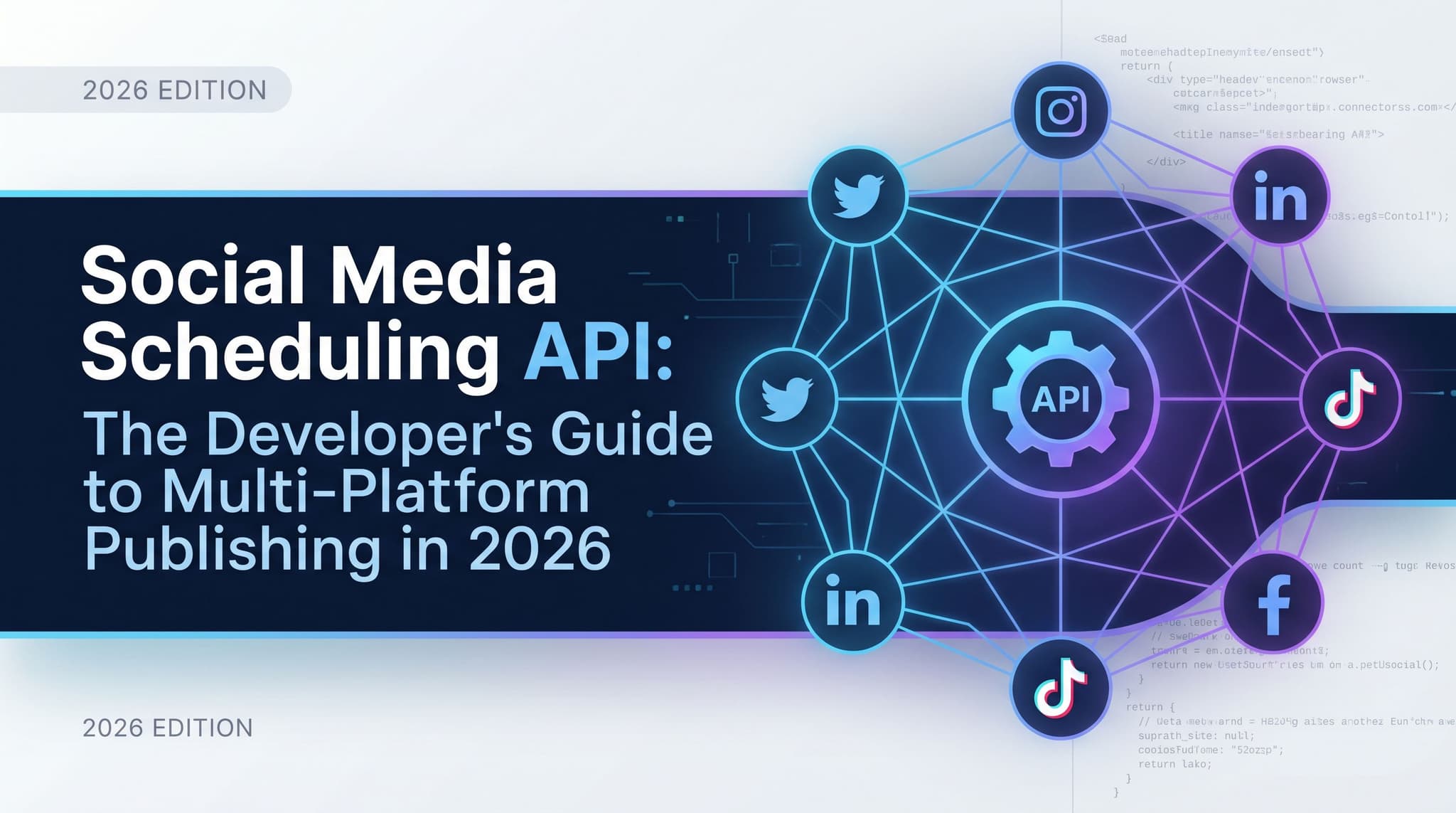
Social Media Scheduling API: The Developer's Guide to Multi-Platform Publishing in 2026
Most social media APIs in 2026 are still built like it's 2019. You authenticate against five different platforms, wrangle five different payload formats, and babysit five different rate limit systems. Then you do it again every time a platform changes something. There's a better way to think about this. The scheduling API is no longer a dumb pipe that accepts a post and returns a 200. In 2026, it's the backbone of an agentic content pipeline where AI agents do the drafting, the scheduling, the analytics pulls, and the optimization — without a human in the loop between steps. This guide walks through what that pipeline actually looks like, what API capabilities it requires, and how to tell whether a social media API was built for agent-first workflows or just had an API bolted onto a legacy product after the fact.
May 8, 2026
Read moreReady to never miss a post again?
Tell Aidelly what to post. It drafts, schedules, and publishes across 9 platforms while you focus on your business.