Ecommerce
Social Media ROI for Ecommerce: How to Tie Scheduled Posts to Revenue
Most ecommerce brands spend hours every week on social media and have no idea how much money it actually makes them. They can tell you their follower count. They can tell you which post got the most likes last month. But ask them how much revenue came from Instagram last Tuesday, and you get a shrug. That gap between posting and profit is not a content problem. It's an infrastructure problem. This article breaks down exactly how to connect your scheduled posts to real sales numbers, starting with the metrics that matter, moving through UTM tracking and attribution models, and ending with how agentic AI workflows can close the loop automatically. If you're tired of posting into the void and ready to treat social media like a revenue channel, this is where you start.

By Wilzer Jean-Baptiste
Published 11 min read
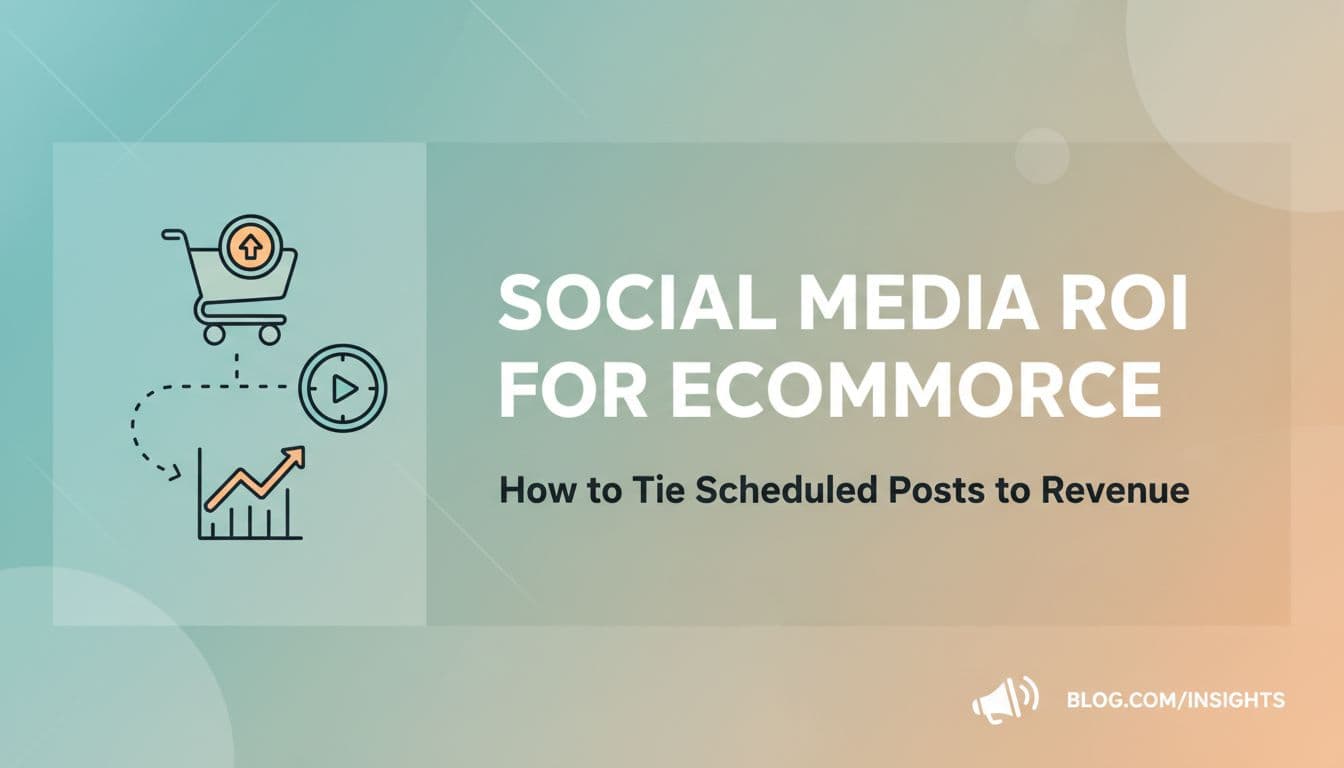
You post on Instagram three times a week. You're active on TikTok. You've got a content calendar, a brand aesthetic, and a growing follower count. But when someone asks how much revenue your social media actually generates, you don't have a clean answer. That's not a content problem. That's a tracking and infrastructure problem, and it's costing you more than you realize.
Most ecommerce brands treat social media and revenue as two separate conversations. The marketing team talks about engagement. The finance team talks about sales. Nobody is connecting the two in a way that tells you which post on which platform drove which purchase. This article is about building that connection, step by step, so that every piece of content you publish is tied to a number that actually matters.
Stop Tracking the Wrong Numbers
Vanity Metrics vs. Revenue Metrics
Here's the thing most ecommerce brands get wrong: they optimize for applause instead of sales. Likes, followers, shares, and impressions feel good. They go up, you feel like it's working. But none of those numbers pay the bills.
The metrics that actually connect to revenue are different. Click-through rate tells you how many people left social media and landed on your site. Add-to-cart events tell you how many of those people were serious enough to start a purchase. Cost per acquisition from social tells you what you paid, in time or ad spend, to get one customer from a specific platform. Those three numbers tell a story that follower count never will.
Think about it this way. A skincare brand posts a Reel that gets 80,000 views and 4,200 likes. Feels like a win. But if only 60 people clicked through to the product page and 3 bought, that post barely moved the needle on revenue. Meanwhile, a quieter LinkedIn post with 400 views might have driven 80 clicks and 12 purchases from wholesale buyers. The second post won, even though it looked worse on the surface.
To measure what actually matters, you need to set up revenue-tied tracking inside your ecommerce platform or Google Analytics. For Shopify stores, that means connecting Google Analytics 4, enabling ecommerce tracking, and watching sessions, transactions, and revenue by source. Once that's in place, you stop guessing and start knowing.
The shift in mindset is just as important as the technical setup. Every post you publish should have a job. That job is not to get likes. It's to drive a specific action, whether that's a click, a sign-up, or a purchase. When you start thinking that way, you stop chasing vanity and start building a real content strategy tied to revenue.
The Metrics Dashboard Worth Building
You don't need a dozen tools to track social media ROI. You need the right four or five numbers in one place. At minimum, track click-through rate by platform, revenue by traffic source, conversion rate from social sessions, and average order value from social visitors. If you run paid social alongside organic, add cost per acquisition by campaign.
Pull these numbers weekly, not monthly. Weekly review lets you catch a drop in click-through rate before it becomes a month of lost sales. It also lets you spot when something is working so you can do more of it fast. A simple Google Sheet that pulls from GA4 exports works fine to start. The goal is consistency, not complexity.
Which Platforms Are Worth Your Time
Not every platform converts the same way for every product. A candle brand might see strong Instagram and TikTok sales. A B2B ecommerce store selling industrial supplies might find LinkedIn drives smaller but higher-value orders. A fashion brand might get most of its social revenue from Pinterest because shoppers there are already in buying mode.
The only way to know which platforms deserve your content investment is to track revenue by source over at least 60 to 90 days. Short windows lie. A viral TikTok can spike your numbers for one week and make the platform look like a goldmine when it's actually an outlier. Steady data over time tells the real story, and that story should drive where you put your energy.
UTM Tracking: The Backbone of Social Revenue Attribution
What UTM Parameters Actually Do
UTM parameters are short tags you add to the end of a URL. They tell your analytics platform exactly where a visitor came from, down to the specific post or campaign. Without them, Google Analytics groups all your social traffic under a broad source label and you lose the detail that makes attribution useful.
A properly tagged URL looks something like this: yourstore.com/products/linen-tote?utm_source=instagram&utm_medium=organic_social&utm_campaign=summer2026_launch. When someone clicks that link and buys, you can trace that purchase back to that exact Instagram post in your campaign report. That's the difference between knowing social media is working and knowing which post on which platform drove which sale.
Every scheduled post that links to a product page, a collection, or a landing page should have its own UTM tag. Every post. Not just the ones you think will perform well. You don't know what's going to convert until you track it, and the posts that surprise you are often the most valuable data you'll collect all quarter.
Set up a simple naming convention and stick to it. Use lowercase, no spaces, and consistent terms across your team. Something like utm_source=tiktok, utm_medium=organic_social, utm_campaign=productname_month_year works well for most ecommerce brands. If you're running paid and organic on the same platform, differentiate the medium so you don't mix the data. This naming discipline pays off when you're pulling reports three months later and trying to compare campaigns side by side.
Where to Build and Store Your UTM Links
Google's Campaign URL Builder is free and takes 30 seconds per link. For teams posting at volume, a shared spreadsheet with pre-built UTM templates saves time and keeps naming consistent across everyone who touches the content calendar.
The cleanest workflow is one where UTM links are built directly inside your scheduling tool so every post that goes out already has tracking baked in. That removes the step where someone forgets to add the tag before publishing. Aidelly's AI Chat Workspace keeps all your post details, links, and campaign context in one place, so you can attach your UTM-tagged URL before anything goes live and nothing slips through without tracking.
Reading UTM Data in Google Analytics and Shopify
In Google Analytics 4, go to Reports, then Acquisition, then Traffic Acquisition. Filter by session source and medium to see which UTM tags are driving sessions, then layer in purchase events to see which ones are driving revenue. In Shopify, the Marketing reports section shows sales by UTM campaign if you've set up GA4 correctly and enabled the Google channel.
Cross-referencing both platforms gives you a fuller picture, especially for mobile shoppers where attribution can get fuzzy. If a UTM tag shows up in Shopify revenue reports but barely registers in GA4, you likely have a tracking gap on mobile. That's worth fixing before you make any major decisions about platform investment based on the numbers.
Consistency Is a Revenue Strategy
Why Posting Schedules Affect Sales
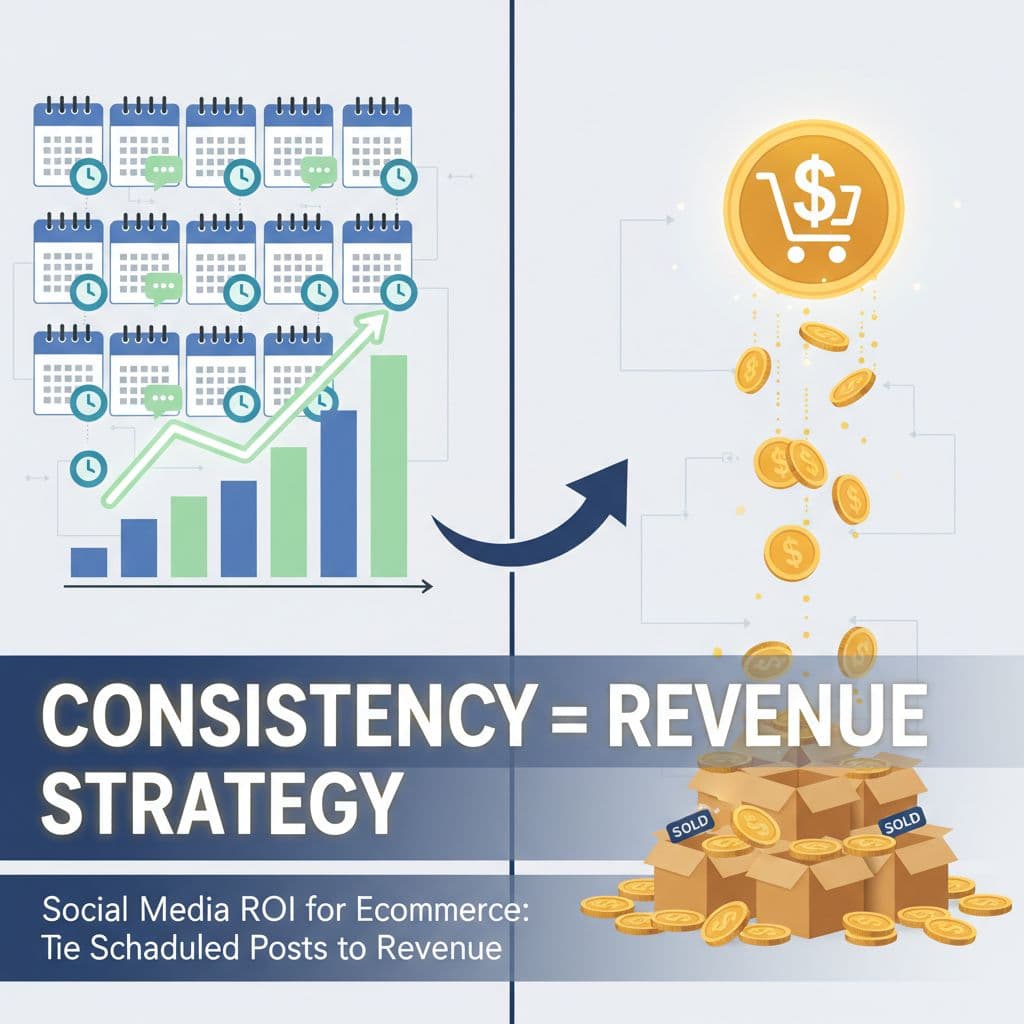
Posting consistency is not just a best practice. It's a revenue lever. Brands that post on a fixed schedule build algorithmic momentum over time. Platforms like Instagram, TikTok, and LinkedIn reward accounts that publish regularly by showing their content to more people. That means more impressions without more ad spend. More impressions mean more clicks. More clicks mean more chances to convert.
But the compounding effect goes beyond the algorithm. Audiences build habits. When a customer sees your brand in their feed three times a week, you become familiar. Familiarity builds trust. Trust lowers the barrier to purchase. A shopper who's seen your posts consistently for six weeks is far more likely to click through and buy than someone who stumbled on a one-off viral post. That's not a theory. That's how purchase psychology works.
The problem is that consistency breaks down under human pressure. A product launch gets hectic and posting stops for two weeks. A team member leaves and the content queue goes empty. A holiday weekend hits and nobody scheduled ahead. Every gap in your posting schedule is a gap in your revenue pipeline. The fix is not more discipline. It's removing the human bottleneck entirely.
An AI-powered content calendar with auto-scheduling solves this at the root. When content is generated, approved, and queued in advance, the calendar runs even when your team is slammed. Aidelly's visual content calendar lets you see your entire pipeline at a glance and auto-schedule posts at optimal times for each platform, so you're never scrambling to fill a gap at 8pm on a Sunday when you should be off the clock.
What Optimal Posting Times Actually Mean for Ecommerce
Optimal posting time is not a universal answer. It depends on your audience, your platform, and your product category. A brand selling coffee gear might find 7am posts on Instagram drive strong engagement because their audience is literally making coffee. A brand selling home office furniture might find LinkedIn posts at noon on Tuesday outperform everything else because their buyers are at work and thinking about their setup.
Platform analytics give you audience activity data. Use it. Look at when your followers are online and match your posting schedule to those windows. Then test. Post at three different times for the same type of content over four weeks and compare click-through rates. The data will tell you more than any generic best-time-to-post article ever will, because it's your audience, not someone else's.
Building a Content Calendar That Connects to Your Promotions
Your social content calendar should mirror your sales calendar. If you have a product drop on the 15th, your content in the two weeks before should be building toward it. Teaser posts, behind-the-scenes content, social proof from existing customers, and a clear launch post all work together to warm up your audience before you ask them to buy.
When your content calendar and your promotional calendar are in sync, social media stops feeling like a separate job and starts functioning like a pre-sale engine. Map out every promotion, launch, and sale event for the quarter. Then work backward and fill in the content that supports each one. That's a content calendar with a revenue purpose, not just a posting schedule.
Attribution Models and Agentic Workflows
Why Attribution Is Messier Than You Think
Here's a real scenario. A shopper sees your TikTok video on a Monday. They don't click. Three days later, they see a Pinterest pin of the same product and click through to your site. They browse but don't buy. On Saturday, they get your email newsletter, click the product link, and purchase. Which channel gets credit for that sale?
Under last-touch attribution, email gets 100% of the credit. Under first-touch attribution, TikTok gets it. Under a linear multi-touch model, all three channels split the credit equally. Each model tells a different story, and each one leads to different decisions about where to invest your content effort.
Most ecommerce brands default to last-touch because it's what Google Analytics shows out of the box. But last-touch systematically undervalues the platforms that start the purchase journey, like TikTok, Instagram Reels, and Pinterest. If you're making content investment decisions based purely on last-touch data, you might cut your TikTok budget because it never shows up as the final click, even though it's consistently the first touchpoint for your best customers.
The practical fix is to look at both first-touch and last-touch data side by side. In GA4, the model comparison tool lets you do this. Look for platforms that appear often in first-touch reports but rarely in last-touch. Those are your awareness drivers and they deserve content investment even if they don't close the sale. Platforms that appear in last-touch are your closers. You need both in a healthy social strategy, and understanding the difference is what separates brands that grow from brands that plateau.
How Agentic Workflows Close the Loop
Manual analytics review is slow and incomplete. A social media manager might pull a monthly report, notice that video posts on Instagram drove more revenue than static images, and decide to make more videos. That's a good decision. But it took a month to get there, and it still requires a human to act on the insight before anything changes.
Agentic social media workflows change that entirely. Instead of a human reviewing data and guessing what to post next, AI agents analyze which post types, formats, captions, and posting times drove the most revenue, then autonomously generate and schedule more of what's working. The loop closes automatically. Performance data feeds directly into content creation, which feeds back into performance data.
This is not a future concept. Aidelly's agentic workflows handle content ideation, drafting, scheduling, and performance analysis end-to-end. When a carousel post about a specific product drives a spike in add-to-cart events, the system recognizes that pattern and produces more content in that format without waiting for a human to connect the dots. That's the difference between a scheduler and an operating system for your social revenue channel.
Building a System, Not Just a Strategy
The brands that win at social media ROI in 2026 are not the ones with the best creative instincts. They're the ones with the best infrastructure. UTM tracking on every post. A content calendar that runs on schedule without manual intervention. Attribution models that give each platform fair credit. And agentic workflows that turn last week's performance data into next week's content automatically.
That's a system. And systems beat strategies every time because systems keep working even when you're not watching. A strategy is a plan. A system is a machine. The ecommerce brands pulling consistent, measurable revenue from social media in 2026 built the machine. They stopped relying on gut feel and started letting data and automation do the heavy lifting.
Connecting social media to revenue is not complicated, but it does require the right pieces in place: revenue-tied metrics, UTM-tagged posts, a consistent publishing schedule, and attribution models that give every platform fair credit. When those pieces work together, social media stops being a cost center and starts being a measurable sales channel.
The manual version of this system is possible, but it's slow and it breaks under pressure. The smarter path is building it on infrastructure that runs automatically, where AI handles the content creation, scheduling, and performance analysis so you can focus on the business decisions those insights unlock.
If you're ready to stop posting into the void and start seeing real revenue tied to real posts, the right tools make all the difference.
If you want a low-lift way to apply these ideas, Aidelly helps you keep your social content consistent without extra busywork.Closing the loop between a published post and a sale isn't something you can do manually at scale. Aidelly's agentic workflows handle the full cycle: creating content, scheduling it with the right tags, analyzing which posts drove clicks and conversions, and generating more of what worked. If you're ready to stop guessing and start connecting your social content to real revenue, head to aidelly.ai.
Compare social scheduling tools
Evaluating software for your content workflow? Use our buyer guides and comparisons to compare scheduling, approvals, analytics, and AI workflow fit.